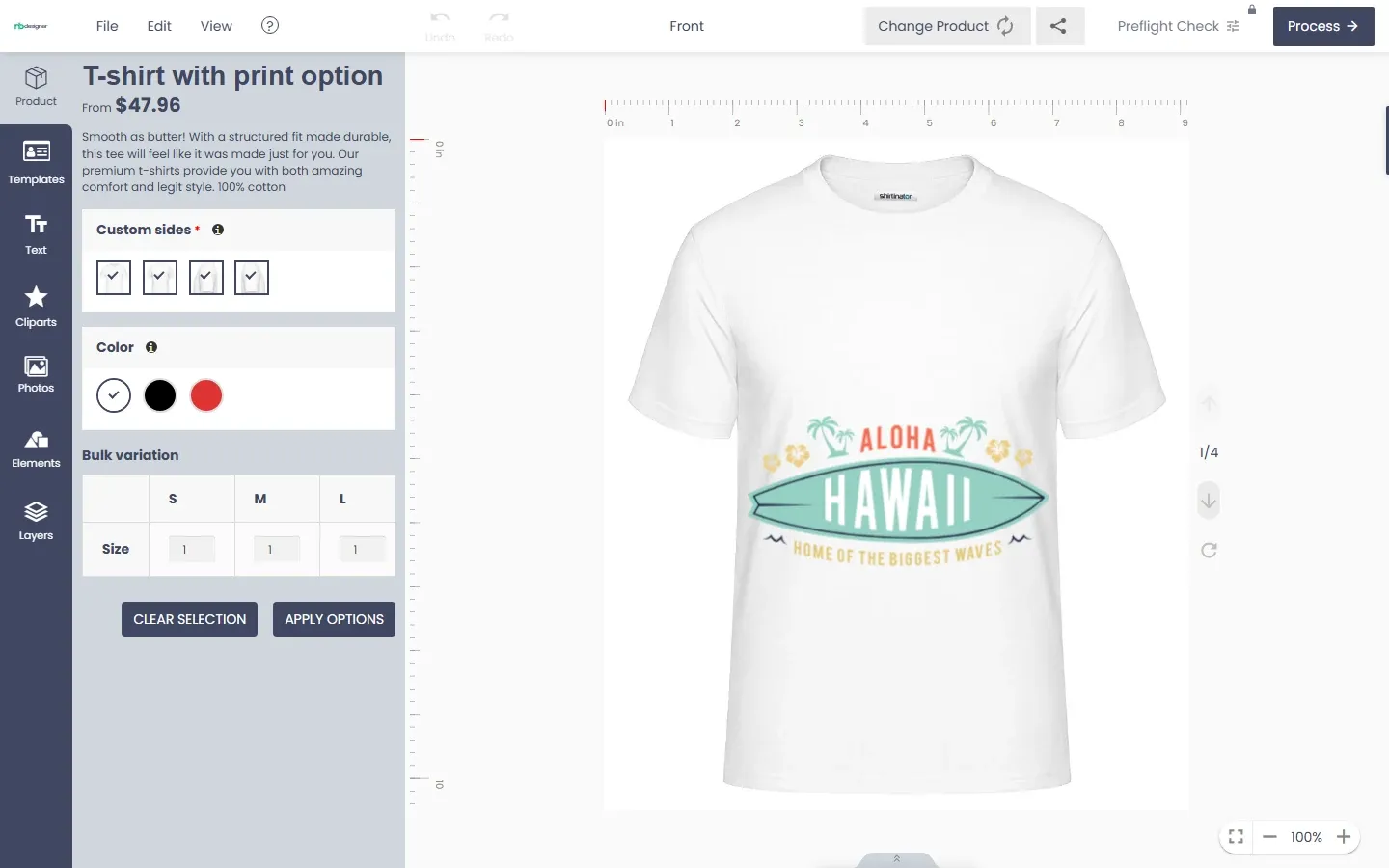
Explore product personalization and 3D preview options for custom-product workflows.
Plan around your store requirements.
Talk with Cmsmart about implementation options.
What you can explore:
- ✅ Product options for configurable products
- ✅ 3D previews for custom-product workflows
- ✅ Implementation options for your store
Want ecommerce updates and resources?
Subscribe for ecommerce updates:
You'll get:
- ✔ Ecommerce tips and product updates
- ✔ Tutorials and service information
- ✔ Personalization and 3D product resources



Historical context: this list reflects the builders and plans reviewed in 2021. Check each provider's current pricing, limits and availability before choosing a platform.
Website builders can help entrepreneurs create an online storefront, often with templates and guided setup. Depending on the store and integrations, a developer may still be useful. After you know how to write an eCommerce business plan, compare platform costs and capabilities before launching. An online shop can reach customers beyond a physical location, but revenue depends on demand and execution.
E-commerce can offer businesses another sales channel; read more about its potential benefits here. Free website plans differ in product limits, payment options, and fees. This 2021 list presents 12 builders as a historical starting point. Compare current plans and features before making a choice. For design guidance, see How To Design An E-Commerce Website Make Happy Customers?
Many ecommerce site builders offer templates, layouts, and optional extensions. Their editors can make basic setup possible without programming, while more complex stores may need technical help. Below are the builders included in this 2021 review.
1. Big Cartel
Big Cartel has long focused on artists and small sellers. This 2021 review included it as a storefront option; compare its current catalog limits, design tools, and plan terms for your shop.
Big Cartel offers a limited free Gold plan and paid plans for larger shops. Product and image limits, features, and prices vary by plan, so check its current pricing before choosing a storefront.
Big Cartel provides a guided setup and tools to add product photos, prices, and descriptions. Artists with a small catalog can compare its current plan limits and design options against their needs.
Pros:
Try the current dashboard to see whether its workflow suits your team.
Compare current plan prices and included features against your budget.
Review the current template selection for your storefront.
Check whether the selected plan allows the code changes you need.
Cons
Assess developer tools and customization limits for your requirements.
Check whether storefront search is available on your selected plan.
Compare currently supported payment methods in your market.
Pricing
Gold: a limited free plan; verify current product and feature limits.
Platinum and Diamond: paid plans; check current prices and features.
Titanium appeared in the 2021 pricing reviewed here; confirm whether any equivalent plan is offered now.
Main Features
Preview current templates on mobile devices for responsive behavior.
Check the reporting data available with the selected plan.
Check available email marketing and contact-management integrations for your selected plan
2. Buy Now Plus
Buy Now Plus was included as a payment-button option rather than a full ecommerce site builder. Where available, a button can be placed on an existing website or shared through another channel. Check its current availability, Stripe requirements, and checkout setup before using it. View more 10 Of The Best Ecommerce Business Examples To Learn From Right Now
Payment-button services may charge their own transaction fees in addition to payment-processor fees. Compare the current Buy Now Plus and Stripe terms with the cost of a full ecommerce platform.
3. Constant Contact
Constant Contact is known for email marketing. This 2021 review also covered its website-builder and ecommerce options. Check its current product lineup and plan terms to see whether a storefront is still offered for your use case.
The 2021 review described a stock-photo collection and a logo tool among Constant Contact's site-building features. Check whether these tools, custom domains, and ecommerce checkout remain available on the current plan, and review any transaction charges before signing up.Current terms may differ.
4. Ecwid
For design guidance, read more here or consider Ecwid if you already have a site. Ecwid offers a storefront that can be added to supported website platforms. Check its current integrations and social-channel support for your specific setup rather than assuming it works with every platform.
Ecwid can add an online store to an existing website or provide a standalone site. Its product allowances, plan availability, payment options, and fees have changed over time, so compare the current plan with your catalog and budget.
5. Freewebstore
Freewebstore was presented here as a hosted ecommerce option with store-management features. Check its current product and sales limits, domain choices, SSL, support hours, Facebook connection, inventory tools, and plan terms before relying on a free storefront.
Customer counts and third-party review scores in the original 2021 review are time-sensitive. For a current assessment of freewebstore, consult recent independent reviews and the provider's current terms.
6. Mozello
Mozello offers multilingual website options. Check its current language features and plan limits if you serve customers in more than one language.
Mozello's multilingual site option can be useful for small businesses serving customers in different languages. Check current product and variant limits, supported payments, coupons, custom domains, email options, and digital-product support for the plan you choose.
7. MyOnlineStore
MyOnlineStore was included as a basic online-store option in this 2021 review. Verify its current free-plan availability, product allowance, domain and email options, SSL, and support before selecting it.
MyOnlineStore is based in the Netherlands. Its store count and market position may have changed since this review, so assess its current plans, support, and recent customer feedback.
8. Square Online
Square Online offers online-store tools, with features and payment-processing rates that depend on the current plan and region. Review its catalog limits, SSL, inventory, SEO settings, coupons, order notifications, and contact options before choosing a plan.
If social selling matters to your business, check Square Online's current Instagram connection and the checkout path it provides. Square also offers point-of-sale tools, which may help merchants coordinate online and in-person sales depending on their setup.
Pros
Compare current Square plan costs and processing fees.
Try the current dashboard to assess its workflow.
Check which marketing tools are included in your selected plan.
Cons
Review current design and customization limits.
Check payment-provider and checkout restrictions before choosing a plan.
Assess current developer tools and API options for your requirements.
Pricing: Check Square's current plan and processing fees.
Main Features
Check the current product allowance for the Square plan you choose.
Check current Instagram and Square point-of-sale integration options.
9. Strikingly
Strikingly offers site-building plans, including options for simple storefronts. Check its current free-plan availability, per-site product limit, number of sites, and page-layout options before deciding whether it fits your catalog.
10. WebStarts
WebStarts offers a drag-and-drop site editor. If social integration is important, check whether it is included in the current ecommerce plan and compare the latest paid-plan pricing.
11. Weebly
Weebly's drag-and-drop editor and layouts can help with basic store setup. Check its current free-plan availability, product allowance, SSL, and ecommerce features, since these differ by plan and may have changed since 2021.
Weebly's paid-plan names and prices have changed since this review. Compare the current monthly and annual rates, ecommerce features, and any transaction fees before choosing a plan.
Weebly has a long history as a website builder and became part of Square. Its scale does not by itself establish that it is the best fit; compare its current commerce features, support, and migration options with your requirements.
Weebly offers a visual editor for basic site setup. If you need translation or subscriptions, check whether current plans or third-party apps provide those features and what they cost.
Advantages:
Test page speed with your chosen theme, content, and hosting setup.
Review current templates and design customization options.
Try the current editor to see whether it fits your workflow.
Cons:
Check current blogging features against your publishing needs.
Compare support channels and any plan-based support costs.
Verify current multilingual options and their plan or app dependencies.
Pricing: Check Weebly's current plan names, prices, and commerce features.
Main Features
Weebly is part of Square; verify which Square and Weebly integrations your plan can use.
Compare its current store-building features with your full requirements.
Check whether automated emails are included or require an app or paid plan.
Check contact-management options and any integration costs
12. WooCommerce (+ WordPress)
You can use WordPress with the WooCommerce plugin to build a store. The core plugin is free, while hosting, payment processing, and optional extensions can add costs. Read more about 10 best eCommerce hosting platform.
WooCommerce setup effort depends on your store and technical experience. Paid themes and extensions can increase the total cost, so plan for the features you need.
WooCommerce can be customized with themes and extensions. Check whether its current reporting tools and mobile administration meet your needs; their appearance and features can differ by device, configuration, and extension.
Pros
WooCommerce integrates with WordPress. The core plugin has no platform subscription fee, but hosting, extensions, and payment processing can still cost money.
Setup effort varies with hosting, payments, shipping, and extensions.
Check whether post-purchase upsells require a compatible extension.
Cons
Some store setups require technical work, especially when customizing themes or extensions.
Store speed depends in part on hosting capacity, theme design, and extensions. Compare hosting options, including managed WooCommerce providers, for your expected traffic.
Pricing: Core plugin is free; budget for hosting, payment processing, and optional extensions.
Main Features
Review available plugins and extensions for required integrations and their costs.
Check support from the WooCommerce project, your host, and individual extension vendors.
View more some Wordpress Multivendor Solution: WORDPRESS MULTI VENDOR MARKETPLACE THEME
Conclusion
We hope this post has assisted you in becoming acquainted with the many free and premium website builder plugins. You can now make a more informed decision regarding which CMS or website builder is most suited to your requirements. If you don't want to create everything yourself, you can obtain website templates.
Website builders can help beginners launch a storefront, but the support and technical work required vary by platform and store complexity. Compare current mobile experience, total costs, and available assistance before choosing. If you have questions about using a builder for your online business, please leave them in the comments. You can also explore standalone content management systems and WordPress page builders.