

Guide · Web-to-print
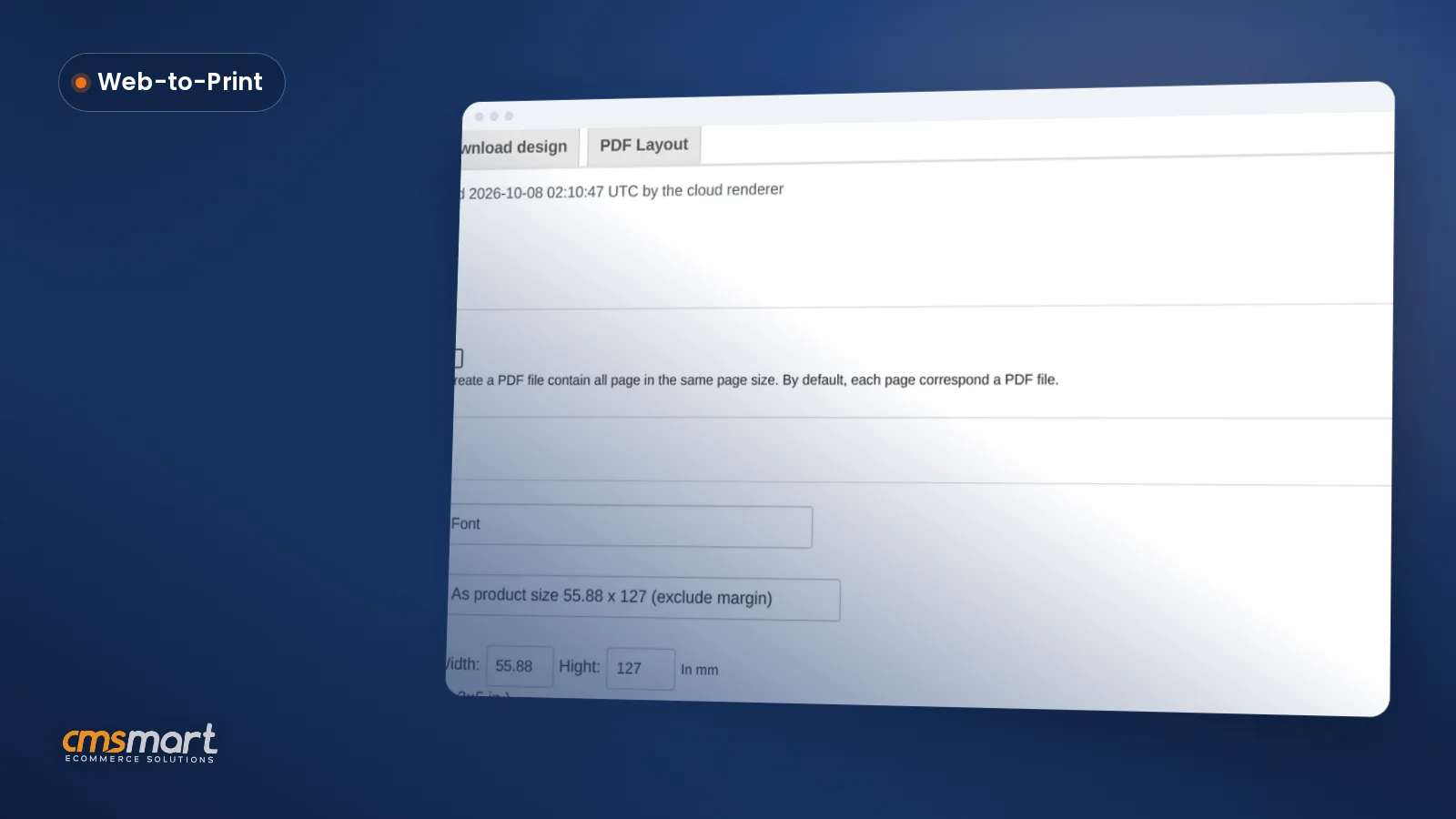
Custom Size Printing WooCommerce: Price It Live
Custom size printing WooCommerce shoppers configure themselves: Cmsmart prices it live and matches the print-ready PDF to the order. Get a quote.
Did you have a website for your company? Do you want to enhance your web and look for more potential customers? Selecting a theme that can be easily customized is not to be missed.
Table of contents
Was this tutorial helpful?
Written by
Cmsmart WooCommerce Plugins & Themes Specialist
Installs, configures and customises WooCommerce plugins and themes, ours and the market's.
The team behind it
 Account Manager
 Project Manager
 Business Analyst
 Developers & QA
Guide · Web-to-print
Custom size printing WooCommerce shoppers configure themselves: Cmsmart prices it live and matches the print-ready PDF to the order. Get a quote.
Guide · WooCommerce
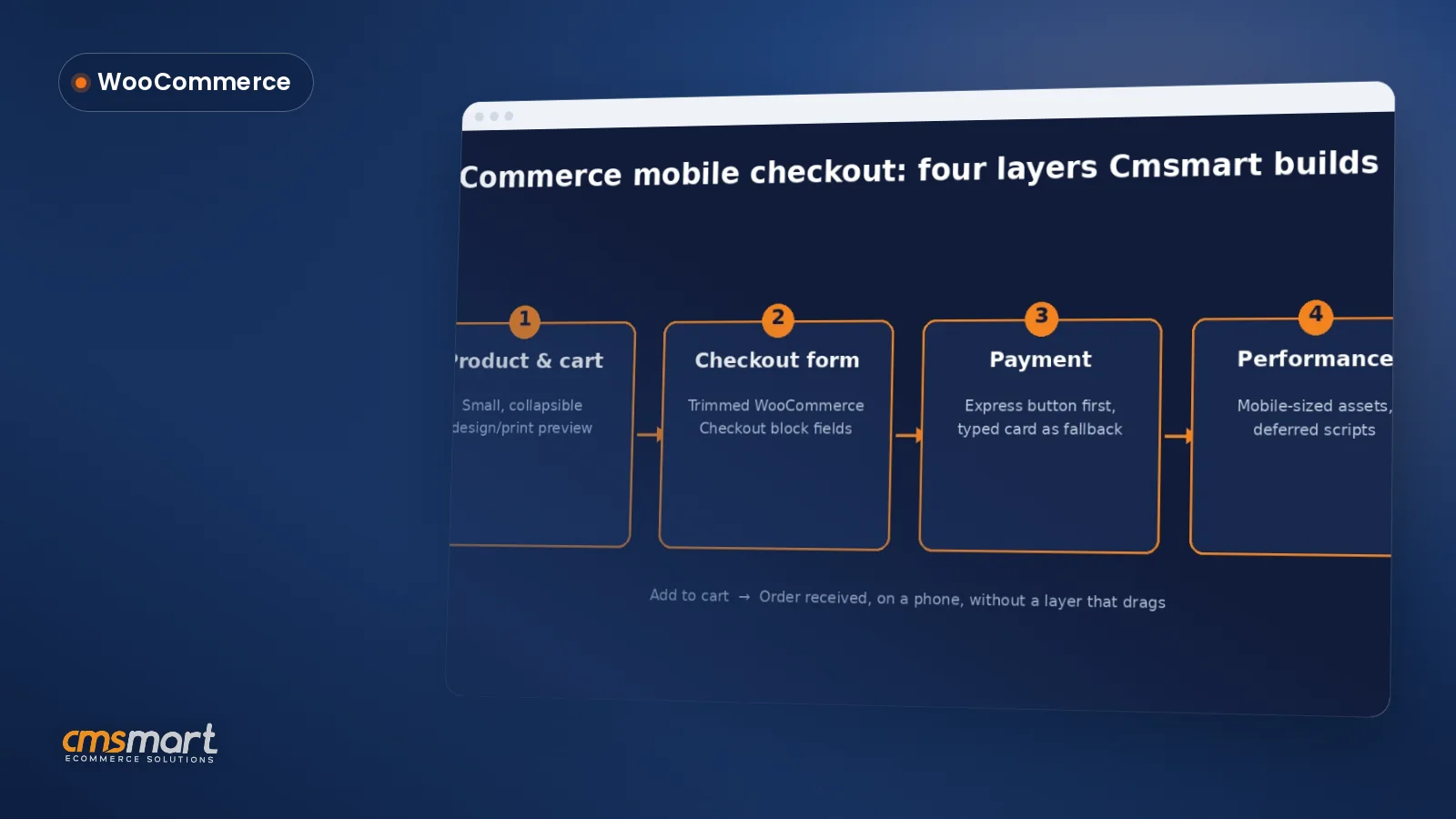
Fix your WooCommerce mobile checkout before shoppers bounce: cut fields, add express pay, speed up pages, and request a custom build quote today.
Guide · WooCommerce
Plan a WooCommerce HPOS migration that keeps checkout, plugins and reports working. Get Cmsmart's step-by-step guide and request a quote today.
Browse more guides, tutorials and case studies from the Cmsmart community.
Cmsmart Store is a comprehensive eCommerce solution designed to empower businesses with the tools they need to succeed in the digital marketplace. By integrating a curated selection of essential plugins and apps, Cmsmart Store ensures a seamless, feature-rich, and customizable platform for creating and managing online stores. Each tool is carefully selected to enhance functionality, improve user experience, and streamline operations, making it the ultimate choice for businesses aiming to thrive in the competitive world of eCommerce
Read MorePlan a multivendor marketplace: seller onboarding, product rules, commissions and payouts, then choose a platform and launch path.
Read MoreIn this article, I will tell you about some features in WordPress Marketplace version 3.7.0 that I think that they are quite amazing.
Read More
Cmsmart Ecommerce provides custom ecommerce and WooCommerce development services for web-to-print, product personalization, plugin support and API integration.
Cmsmart WooCommerce Plugins & Themes Specialist
Installs, configures and customises WooCommerce plugins and themes, ours and the market's.
Meet the team →




In today's marketing landscape, the website has become a part of business important than ever. Your website will be a 24/7 salesman. It is the most powerful tool and the centerpiece of your marketing efforts. Did you have a website for your company? Do you want to enhance your web and look for more potential customers? Selecting a theme that can be easily customized is not to be missed. WordPress Marketplace theme is such a great theme. In this article, I will tell you How to Configure Element Style With WordPress Multistore Theme? with WordPress Marketplace theme, you change easily many elements for many features to enhance your website. Let's begin!
Configure element Style with some basic step:
Go to backend - Element - edit title section, button
1. Edit title section
2. Edit button
They all have a pixel calculation unit
So, with the Configure element style feature in WordPress Multistore Theme, you can edit easily title and button in your website. Above are some images and my intro about How to Configure Element Style With WordPress Multistore Theme. I hope this article has brought you some useful information. You can try this product at WordPress Marketplace Demo. If you have any questions about the product, please contact us at Ticket support. We are willing to answer your questions. Remembering to use coupon code MAR_DL to get 18% discount for this item. Thank you for reading and keep following us to get more information in the next article! Bye, See you soon!
Best regards.
Have a nice day