

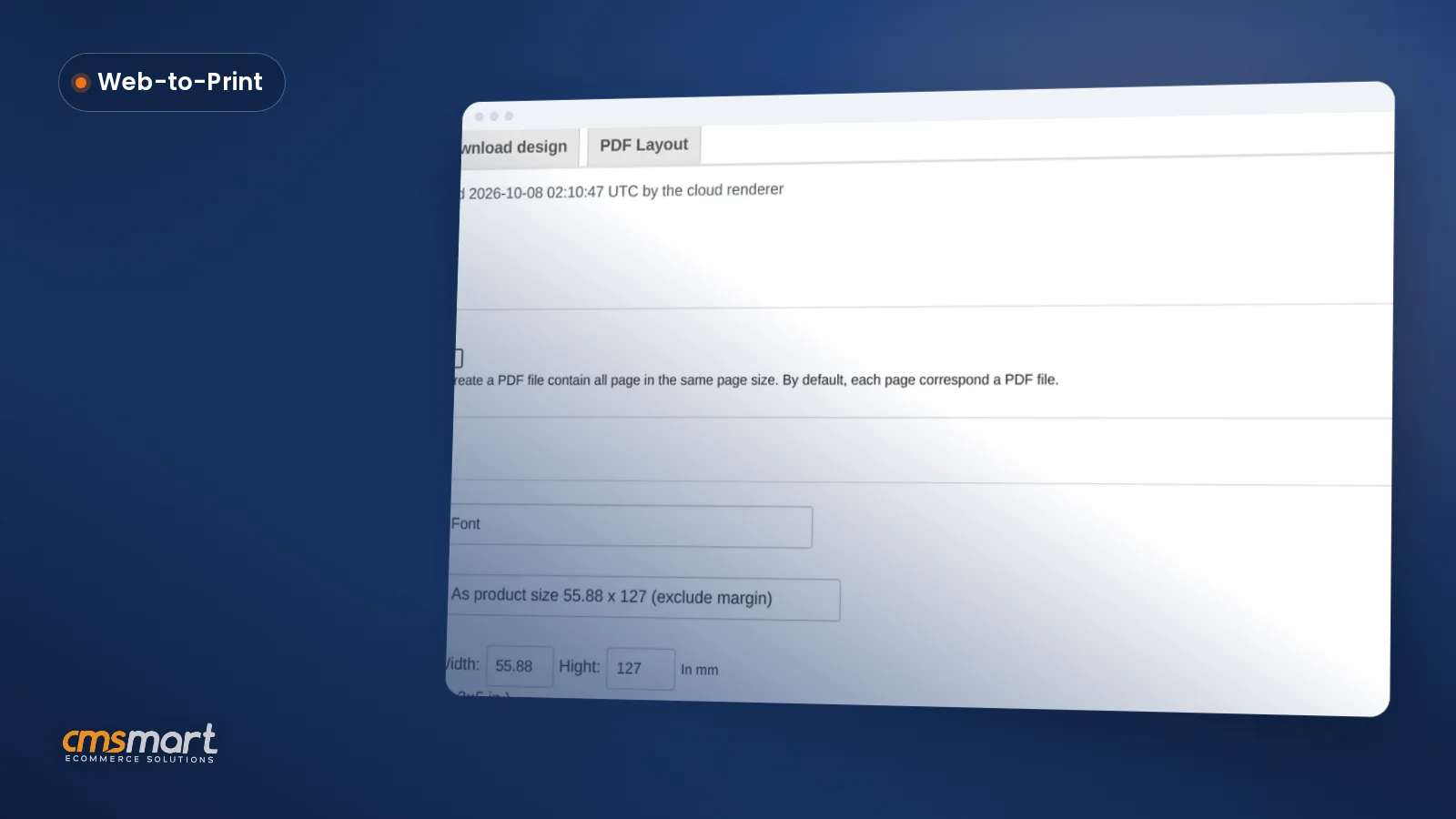
Guide · Web-to-print
Custom Size Printing WooCommerce: Price It Live
Custom size printing WooCommerce shoppers configure themselves: Cmsmart prices it live and matches the print-ready PDF to the order. Get a quote.
Table of contents
Was this tutorial helpful?
Written by
Cmsmart WooCommerce Plugins & Themes Specialist
Installs, configures and customises WooCommerce plugins and themes, ours and the market's.
The team behind it
 Account Manager
 Project Manager
 Business Analyst
 Developers & QA
Guide · Web-to-print
Custom size printing WooCommerce shoppers configure themselves: Cmsmart prices it live and matches the print-ready PDF to the order. Get a quote.
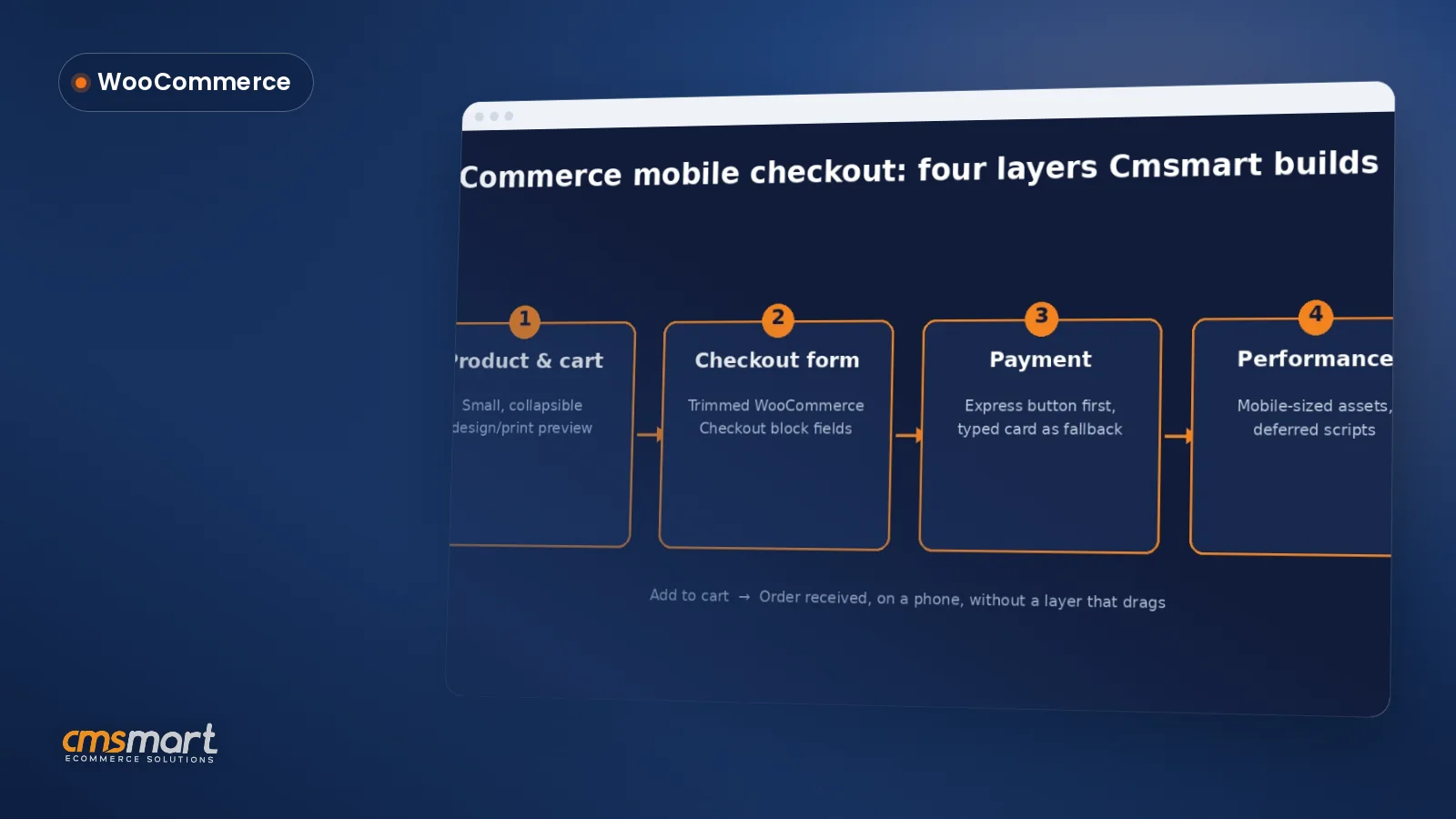
Guide · WooCommerce
Fix your WooCommerce mobile checkout before shoppers bounce: cut fields, add express pay, speed up pages, and request a custom build quote today.
Guide · WooCommerce
Plan a WooCommerce HPOS migration that keeps checkout, plugins and reports working. Get Cmsmart's step-by-step guide and request a quote today.
Browse more guides, tutorials and case studies from the Cmsmart community.
Unlock the Power of Mobile Commerce: Propel Your Business Forward
Read MoreDiscover how to harness mobile commerce to enhance your business growth. Learn strategies for optimizing the mobile shopping experience and increasing consumer engagement.
Read MoreDiscover the benefits of mobile commerce and how it can transform your business. Learn effective strategies for maximizing sales and customer engagement through mobile-optimized shopping experiences.
Read More
Cmsmart Ecommerce provides custom ecommerce and WooCommerce development services for web-to-print, product personalization, plugin support and API integration.
Cmsmart WooCommerce Plugins & Themes Specialist
Installs, configures and customises WooCommerce plugins and themes, ours and the market's.
Meet the team →




ThemeForest purchase code is very important for every Themeforest customer. When you purchase an Item from ThemeForest, you’ll get the license. It’s important when you need any technical assistance from theme author. The author might ask you the purchase code to verify your purchase.
To find your license key/purchase code you need to log into your ThemeForest account and go to your “Downloads” page.
See the themes you purchased in your “Downloads” list and click on the Download and next on the “License Certificate & purchase code” link in the drop-down menu.
After downloaded the certificate/.txt file you can open it in a text editor such as Notepad and copy the Item Purchase Code.
We verified customers by support system only.