

Guide · AI
AI Generated Designs Print on Demand: Quality & Rights
Selling AI generated designs print on demand? Check resolution, usage rights and AI preflight first, then get a Cmsmart quote.
Draft AI product descriptions WooCommerce shoppers trust, add a human review step, dodge duplicate content, and control cost -- see Cmsmart's setup guide.
Table of contents
Was this tutorial helpful?
Written by
Cmsmart AI for Ecommerce Engineer
Adds practical AI to stores: image tools, preflight checks, automation and assistants.
The team behind it
 Account Manager
 Project Manager
 Business Analyst
 Developers & QA
Guide · AI
Selling AI generated designs print on demand? Check resolution, usage rights and AI preflight first, then get a Cmsmart quote.
Guide · AI
See how an AI chatbot for WooCommerce can answer order questions from your store data, where a human must step in, and get a custom build quote.
Guide · AI
Set up AI tools on your Cmsmart licence: catch low-res photos, remove backgrounds, and preflight print files. Get a custom AI setup quote today.

Cmsmart Ecommerce provides custom ecommerce and WooCommerce development services for web-to-print, product personalization, plugin support and API integration.
Cmsmart AI for Ecommerce Engineer
Adds practical AI to stores: image tools, preflight checks, automation and assistants.
Meet the team →

In short
AI product descriptions WooCommerce teams draft in minutes still need a human review pass, a duplicate-content check, and a cost ceiling before they reach a live product page — skip any of the three and speed trades away shopper trust and search visibility.
What does it really cost to write WooCommerce product descriptions by hand?
Writing one strong description per product is slow on its own; writing one per size, color, or print option multiplies the work. Cmsmart builds WooCommerce catalogs — including configurable products through Cmsmart Product Designer — where this pain shows up fastest: hundreds of near-identical SKUs carrying thin or copy-pasted text that shoppers and search engines both discount.
The cost rarely shows up as one line item. It shows up as:
Cmsmart insight: treat each product variant as a different buyer question. A 10-inch mug and a 15-inch mug are not the same product — give them different copy, not the same paragraph with a number swapped.
What would an AI-drafted description workflow look like for your catalog?
Picture a catalog where every item has accurate, on-brand copy the day it is added: AI drafts the first pass from your product data, a reviewer checks facts and fixes tone in minutes, and the page publishes with unique text search engines can index. Cmsmart builds that review step into WooCommerce catalogs of any size.
Example scenario. A gift shop lists forty new ceramic mug designs in one afternoon. For each one, a short brief — product type, size, material, who it is for, one standout detail — feeds a drafting prompt. A reviewer reads the draft next to the real product photo, corrects anything invented, adds the shop's own voice, and publishes. Forty unique pages go live the same day instead of forty templated ones a week later.
Buyer expectations are moving the same direction: 71% of consumers now say they want generative AI built into their shopping experience (Capgemini Research Institute, 2025). A catalog with thin, inconsistent copy is the first thing that experience trips over.
How does Cmsmart fit AI into a WooCommerce product catalog?
Cmsmart treats the catalog itself as the architecture: one WooCommerce product per design or print option, a product-data source AI can draft from, a human review step, and — for stores selling through Cmsmart Product Designer — the same product record carrying the buyer's own configuration through cart and checkout. Cmsmart builds the parts that connect these pieces.
The building blocks:
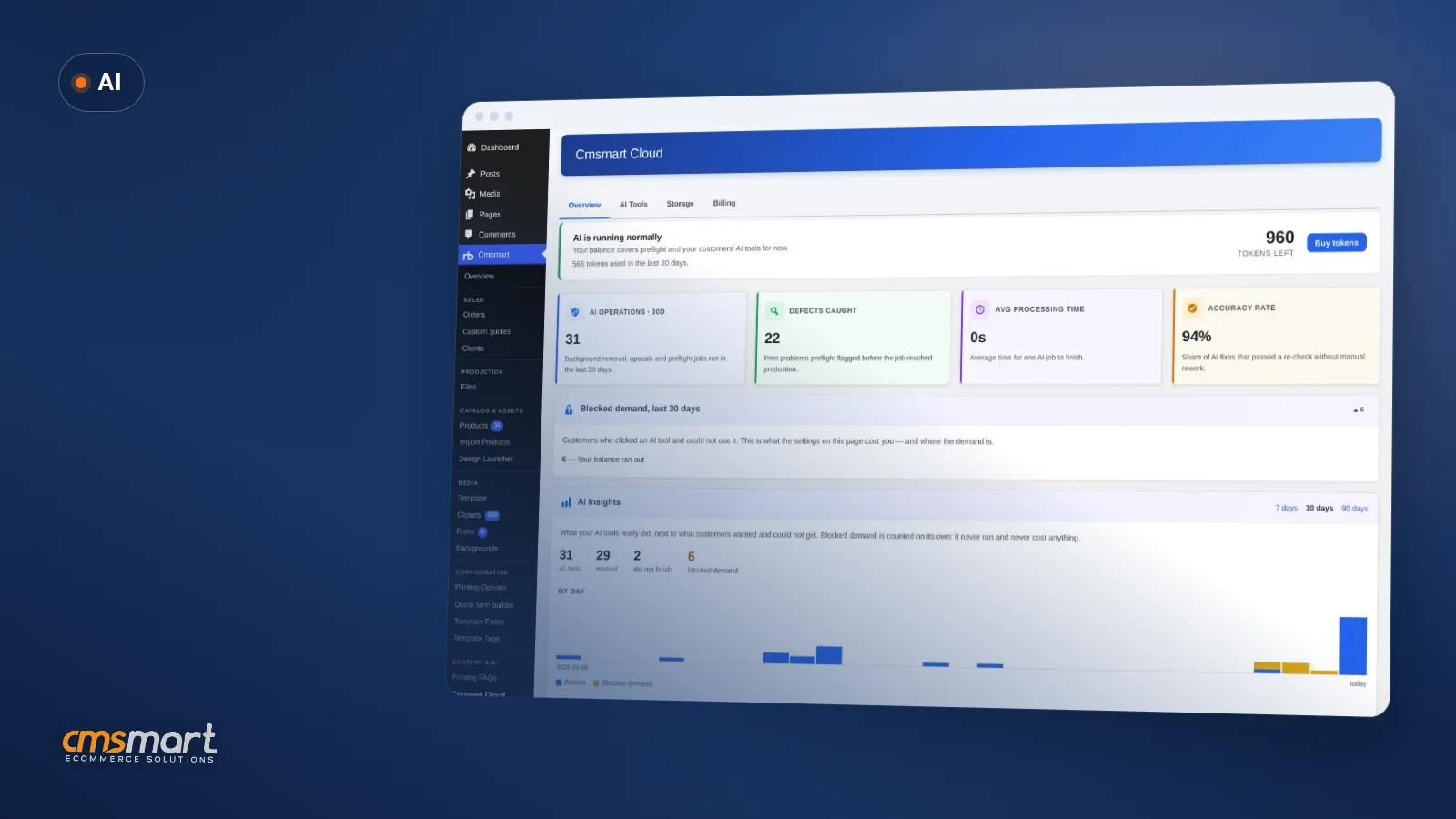
In the plugin today: Cmsmart Cloud AI tools — background removal, upscale — ship inside Cmsmart Product Designer and already take manual image cleanup out of the same workflow. AI-drafted description text is not part of the plugin; Cmsmart builds that drafting-and-review step as custom development, wired to your product data.
What's the business value — and how do you measure the ROI?
A faster, reviewed description workflow shows up as fewer thin or empty product pages, more unique pages for search engines to index, and staff hours freed from rewriting boilerplate. Cmsmart tracks the value in your own numbers — catalog coverage, review minutes per SKU, and organic sessions per product page — not a promised percentage.
Rough ROI math — plug in your own numbers:
Minutes saved per SKU (your current writing time minus your new draft-and-review time), multiplied by the number of SKUs needing a rewrite, multiplied by your blended hourly staff cost, equals the staff time you get back this quarter. Add your own estimate of lost organic sessions from thin or duplicate pages, multiplied by your average order value and your conversion rate, to see the upside from search alone.
How do you set up an AI product descriptions WooCommerce workflow without hurting SEO?
Treat this as a workflow, not a one-off prompt: gather real product data, draft with AI, have a person check facts and tone, screen for duplicate text, then publish. Cmsmart builds the parts a generic plugin does not cover — custom fields, bulk tools and approval steps — on top of standard WooCommerce.
WooCommerce's own guidance agrees on the two points that matter most here: give variants their own copy instead of swapping a size into the same paragraph, and feed AI structured inputs rather than a blank prompt, then verify the output against the real product before publishing (WooCommerce, "How to write product descriptions for SEO, GEO, and sales," 2026).
Going further: what can Cmsmart build on top of WooCommerce for AI content?
Off-the-shelf AI writing plugins draft generic copy from a title and a category. Cmsmart builds the layer most stores actually need: drafting tied to your real product data and brand voice, a review-and-approval queue, duplicate-content checks before publish, and — for personalized products — copy that stays correct when the Cmsmart Product Designer configuration changes. All of it is scoped as custom development to your catalog.
Cmsmart scopes a build like this the same way as any other custom project: discovery on your catalog and data sources, a solution design you sign off on, build sprints, QA against real products, launch, and ongoing support — the same delivery model behind Cmsmart's AI integration service and Cmsmart's other ecommerce projects.
Get a custom AI description workflow quote
Why work with Cmsmart for WooCommerce and AI?
Cmsmart has built WooCommerce and web-to-print stores since 2012, with 6,300+ client projects and 500+ custom development builds behind that experience. Cmsmart Product Designer already ships real AI tools — background removal, upscale — so a custom description workflow extends infrastructure Cmsmart maintains, not a side project.
"We have had the NB Designer plugin installed for three years and have experienced absolutely no problems during that time. It is wonderful to see their commitment to continuous development... the level of support is outstanding," says a web developer client in a verified Trustpilot review.
Cmsmart is rated 4.2 on Trustpilot from 404 public reviews (see all reviews). See related work in Cmsmart's project case studies and the AI for ecommerce hub.
Related reading: using AI to enhance customer experiences and content marketing for ecommerce.
Frequently asked questions
Can AI write WooCommerce product descriptions without a human checking them first?
Technically yes, but we do not recommend publishing unreviewed drafts: AI can invent specifications, and search engines treat thin or duplicate pages poorly. Build a review step into the workflow, even a short one.
Will AI-drafted descriptions get flagged as duplicate content?
Only if every draft reads the same. Feed AI distinct, structured data per product and variant, and run a duplicate-content check before publishing — the risk sits in the process, not in using AI itself.
Does Cmsmart Product Designer generate product description text?
Not today. Cmsmart Product Designer's AI tools — background removal, upscale — work on product images inside the designer. AI-drafted description text is not part of the plugin; Cmsmart builds that as custom development for stores that want it.
How much does a custom AI description workflow cost?
It depends on catalog size, how many data sources feed the draft, and how much review tooling you need. Cmsmart scopes this after a discovery call against your actual catalog — request a quote to get a number for your store.
Can this connect to our ERP or product information system?
Yes — syncing product attributes from a PIM or ERP so AI drafts and reviewers always work from current data is a common part of this build. Cmsmart designs that integration as part of the custom development scope.
Do we still need a copywriter if we use AI to draft descriptions?
Most stores keep one. AI removes the blank-page problem, but a person still sets the brand voice, catches invented details, and makes the final call on tone — AI drafts the first pass, not the last word.