Explore product personalization and 3D preview options for custom-product workflows.
Plan around your store requirements.
Talk with Cmsmart about implementation options.
What you can explore:
- ✅ Product options for configurable products
- ✅ 3D previews for custom-product workflows
- ✅ Implementation options for your store
Want ecommerce updates and resources?
Subscribe for ecommerce updates:
You'll get:
- ✔ Ecommerce tips and product updates
- ✔ Tutorials and service information
- ✔ Personalization and 3D product resources





Dear our beloved customers,
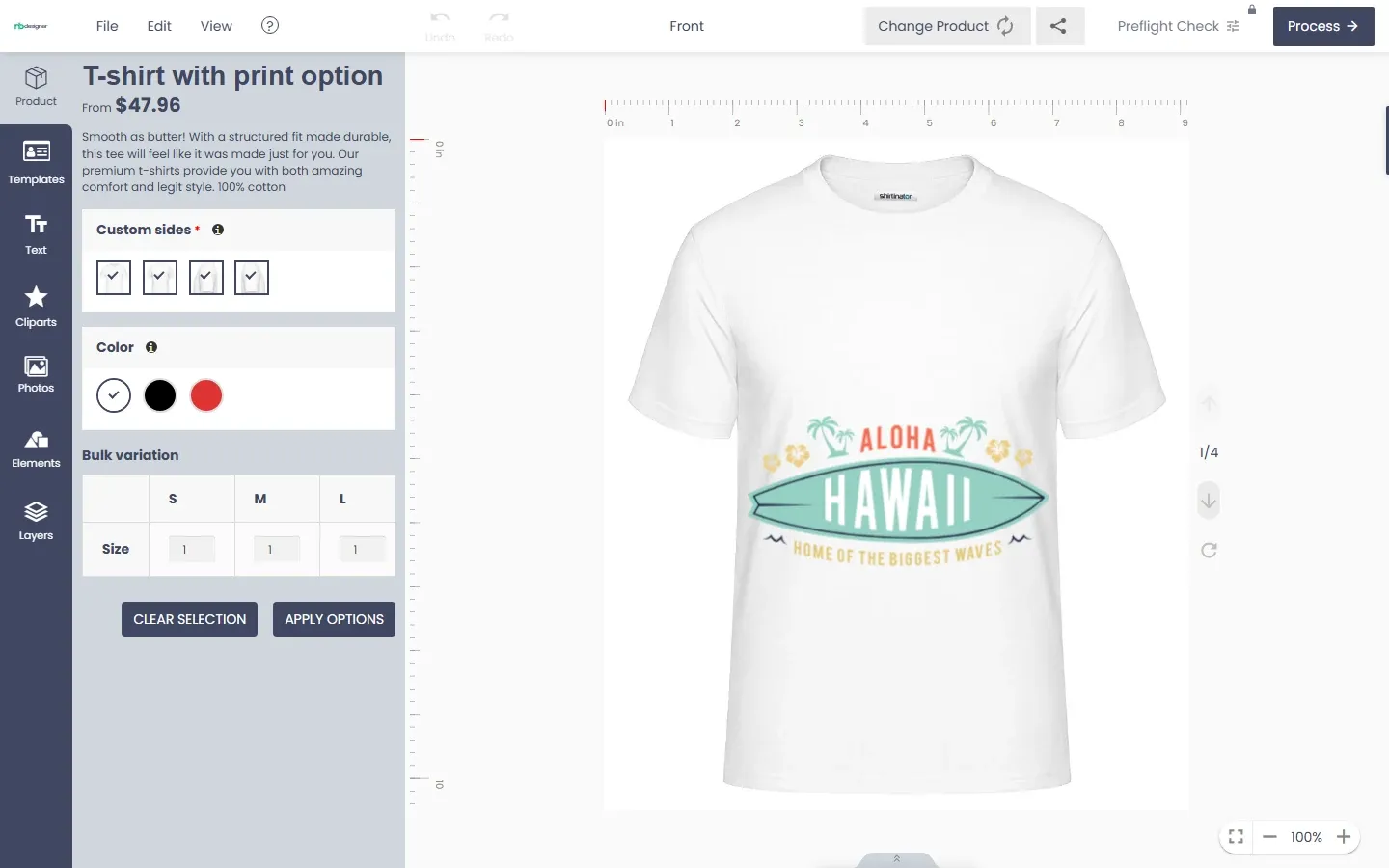
TShirtPrint - TShirt Printing Store Ecommerce Website with Online Designer is one of our products supporting an online business on the Wordpress platform. The basic ground of an online store is to create a post for each item. This writing will give you a brief tutorial of creating and updating a post in Tshirt Solution. Basically, posts in Tshirt Solutions are the same as common displays of Wordpress which are presented in reverse order on your home page. They usually have comment fields beneath them and are included in your site’s RSS feed.
Here come some features of Tshirt Solution:
Unlimited content: Tshirt Solution allows you to build posts that solely contain either text or image or both of those. You can maximize self-creativity to create an online store with eye-catching and vogue outlook along with unique and trendy ideas.
High-quality images: Sharpness of photographic image is an essential factor of online shopping. With Tshirt Solution, you can upload product images in the highest quality which makes clients find your store attractive and worth-subscribing.
Useful features: Tshirt Solution contains many features like swatching color, categorizing price, etc that are necessary to organize the page, monitor content and maximize all your advantages.
Editability: Even after publishing a post, you can still make changes to it anytime wanted.
Automatic back-up: On the process of creating a post then being interrupted by some incidents such as PC crashing down, blackout, don’t worry because Tshirt Solution is here to have your back. All your content will be automatically saved on our “cloud” so that next time signing in you can still find your unfinished articles.
Frequently updated features: Our product will be updated monthly to make it better every day.
How To Create And Update Post In Tshirt Solution?
Now we will move on to main content: How To Create And Update Post In Tshirt Solution? First and foremost, the Tshirt Solution plugin has to be installed. If you have already got it, let’s follow these steps:
How To Create And Update Post In Tshirt Solution? from Cmsmart Netbase on Vimeo.
We hope you find our guideline helpful. Now you can produce unique content to promote your clothes online. For more product information, please access the link Live Demo. Please do not hesitate to raise further questions about our products, contact our Sales Consultant Manager or Support team CMSmart for your convenience. And do not forget to use coupon code MAR_DL to get 18% Discount for this item.
Best Regards!