

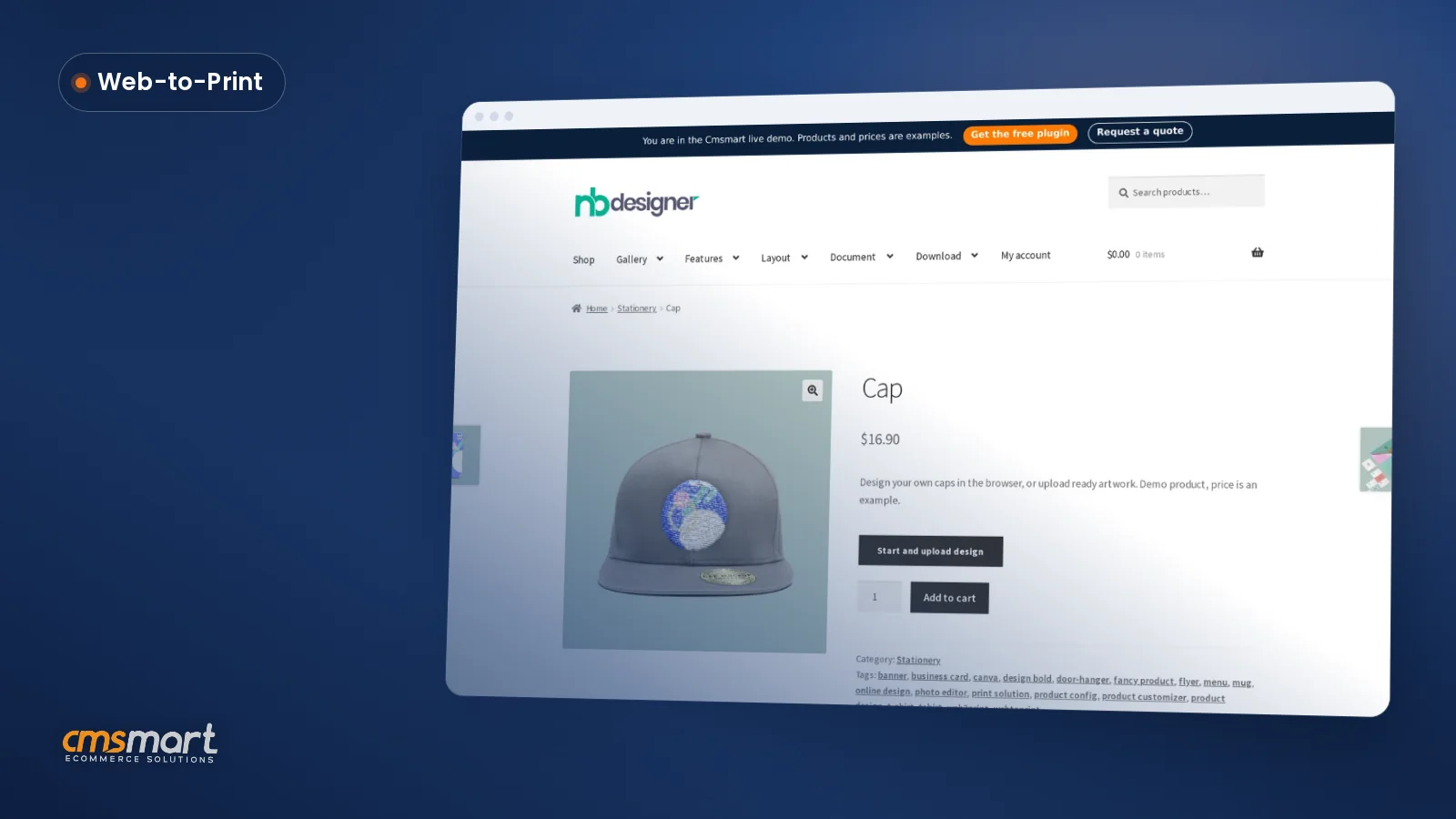
Guide · Web-to-print
Custom Embroidered Hats Online Store With WooCommerce
Run a custom embroidered hats online store on WooCommerce: a designer that checks logo size, prices by size/qty, outputs a print-ready file. Get a quo...
See how to set up a WooCommerce request a quote print workflow so buyers price complex jobs online and your team converts more of them to paid orders.
Table of contents
Was this tutorial helpful?
Written by
Cmsmart Product Designer Plugin Engineer
Builds and supports the Cmsmart Product Designer (NBDesigner) for WooCommerce.
The team behind it
 Account Manager
 Project Manager
 Business Analyst
 Developers & QA
Guide · Web-to-print
Run a custom embroidered hats online store on WooCommerce: a designer that checks logo size, prices by size/qty, outputs a print-ready file. Get a quo...
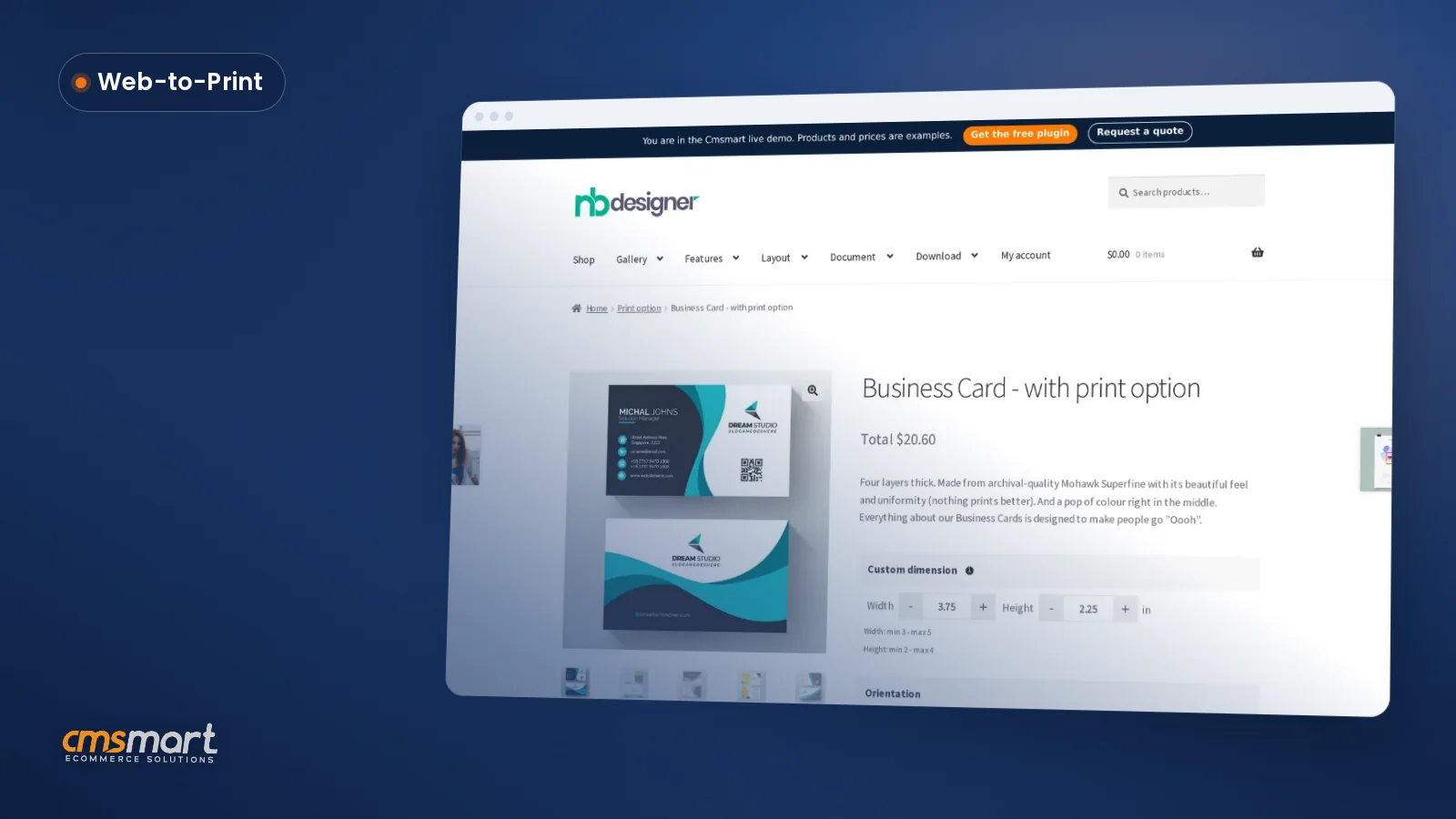
Guide · Web-to-print
Launch a store to sell custom business cards online with live pricing, templates and print-ready PDFs. See how Cmsmart sets it up — get a quote.
Guide · Web-to-print
Sell custom vinyl banner printing online with a WooCommerce designer, size-based pricing and print-ready PDFs. Get your free project quote today.

Cmsmart Ecommerce provides custom ecommerce and WooCommerce development services for web-to-print, product personalization, plugin support and API integration.
Cmsmart Product Designer Plugin Engineer
Builds and supports the Cmsmart Product Designer (NBDesigner) for WooCommerce.
Meet the team →

In short
A WooCommerce request a quote print workflow lets a buyer with a complex job — large quantities, custom sizes, mixed print options — ask your store for a price instead of guessing one on a product page with no fixed price. Cmsmart Product Designer turns that request into a trackable order your team can price and convert.
What does a slow, manual print quote process cost your store?
Cmsmart Product Designer removes the manual back-and-forth that slows down custom print quoting: a buyer configures the job online, submits it as a quote, and your team prices it from one dashboard instead of re-typing specs out of an email thread, phone call, or spreadsheet.
Teams that still price custom print jobs by hand run into the same problems:
What would a WooCommerce request a quote print workflow look like for your shop?
Picture a buyer configuring a bulk banner order with mixed sizes late at night: Cmsmart Product Designer lets them submit it as a quote instead of guessing a price, your team opens Cmsmart → Quote Requests the next morning, sets the number, and the buyer pays straight from their account — no email thread required.
Example scenario. A print shop sells banners with material and finishing options that do not fit a simple price-per-unit. A buyer configures size, material and quantity in the online designer, then submits a quote instead of adding to cart. It appears in Cmsmart → Quote Requests with the configuration attached; a merchant prices it and the buyer is notified. The buyer pays from the Quotes tab in their account, and the order moves through the same print-ready PDF pipeline as any other Cmsmart order.
How does Cmsmart's request-a-quote flow work for print products?
Cmsmart Product Designer stores a quote the same way it stores an order: the buyer's configuration, print options and artwork travel together from the product page into Cmsmart → Quote Requests, so your team prices the real job instead of a description of it.
If you are planning a full print storefront rather than a single quoting flow, start with Cmsmart's web-to-print hub. For this flow specifically, these building blocks carry a request from product page to paid order:
How does that compare with pricing custom print jobs by hand?
Cmsmart insight: most of the reprints we see trace back to a spec that changed between the quote email and the order, not to the press. Keeping the original configuration attached to the quote is what this flow really solves for.
What's the business value of taking quotes online, and how do you measure it?
Cmsmart Product Designer turns a quoting habit into a measurable process: every request lands in Cmsmart → Quote Requests with a timestamp, so you can see how fast your team actually responds and connect that speed to how many quotes become orders.
Quick ROI check. Multiply monthly custom-quote enquiries by the minutes your team spends per enquiry and your estimator's hourly cost: that is roughly what manual quoting costs today. Multiply the same enquiry count by your quote-to-order rate and average order value to see what faster, trackable quoting is worth if that rate improves. Use your own figures — the formula is the point. If you want help setting the pricing rules behind it, talk to an ecommerce expert.
How do you set up WooCommerce request a quote print options in Cmsmart Product Designer?
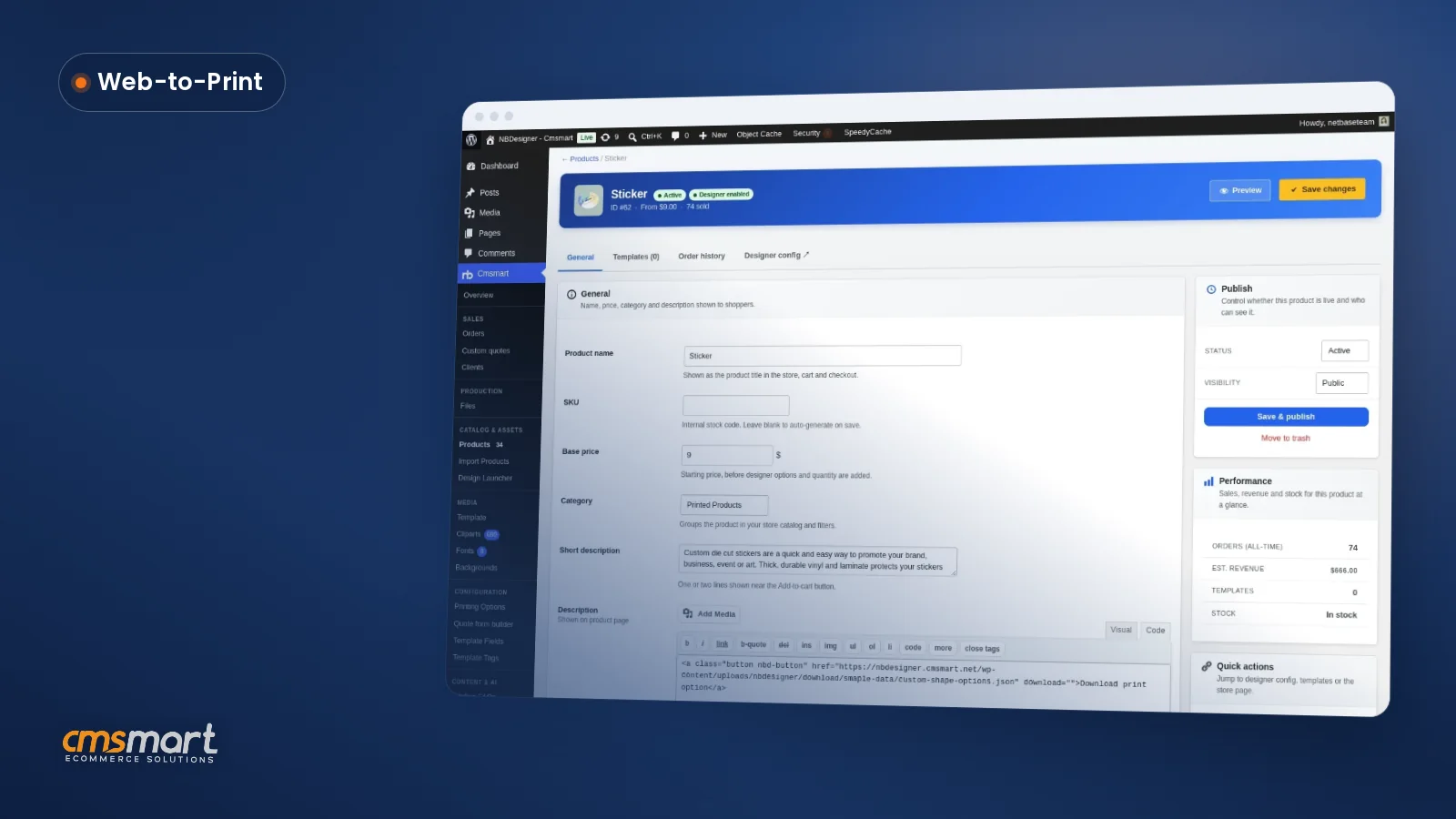
You turn on request-a-quote pricing in Cmsmart Product Designer by configuring print options or a price matrix on the product, confirming the plugin is current, and letting the Quotes flow that already ships with the plugin handle the request, the review queue and the buyer's own Quotes tab.
Cmsmart insight: test the whole path as a buyer before you launch it. A quote button that does not actually reach Cmsmart → Quote Requests is worse than no quote option at all, because the buyer thinks they are waiting on you.
How can Cmsmart extend request-a-quote for your print shop?
Cmsmart builds the parts of a quoting workflow that go beyond a merchant typing in a number: automatic price-matrix quoting, approval chains for B2B buyers, ERP/MIS sync, and AI preflight on the files behind a quote, all delivered as custom development on top of Cmsmart Product Designer.
Each follows the same delivery path: discovery, solution design, build sprints, QA, launch, and ongoing support — see how on Cmsmart's project delivery page.
Plan my request-a-quote workflow
Why work with Cmsmart on your print shop's quoting workflow?
Cmsmart has built WooCommerce print and quoting workflows since 2012 as Netbase JSC's ecommerce consultancy, backing Cmsmart Product Designer with the same team that built it — real client delivery work, not a theoretical integration.
Cmsmart has delivered 6,300+ client projects and 4,600+ completed projects since 2012, including 500+ custom development projects, and supports 1,800+ live stores across 80+ countries. Cmsmart is rated 4.2 on Trustpilot from 404 reviews (Trustpilot); reviewer Dimitris calls the plugin an ideal solution for printing companies (Trustpilot review).
For more on the pricing side of this flow, see Cmsmart's guides on web-to-print and print API integrations, or visit the pricing options product page to see what ships without a quote step at all.
Frequently asked questions about WooCommerce request a quote for print products
Is request-a-quote a built-in part of Cmsmart Product Designer?
Yes. Cmsmart Product Designer has shipped a Quotes flow since version 2.12.0: a Quotes tab in My Account for buyers and a Cmsmart → Quote Requests dashboard for merchants, both carried through WooCommerce's own order storage.
Which products should use quotes instead of a fixed price?
Products where the price genuinely depends on the configuration — large or mixed quantities, custom sizes, several finishing options — are the best fit. If a simple price matrix already covers your catalogue, check Cmsmart's pricing options page before adding a quote step at all.
Does a quote carry the buyer's design and print options automatically?
Yes. A quote is built from the same configuration — print options and the design the buyer created or uploaded — that a normal order carries, so your team prices the real job instead of a description of it.
What happens after we price a quote?
The buyer is notified and can review and pay it from the Quotes tab in My Account. Once paid, it becomes a normal WooCommerce order and moves through the same print-ready PDF pipeline as any other order.
Can the quote price itself automatically from our price matrix?
Not out of the box — a merchant enters the price for each request today. Cmsmart builds automatic price-matrix quoting as custom development for stores that want the number proposed for them.
Can we hide the price and Add to Cart button for quote-only products?
Yes. For a product set to quote only, Cmsmart Product Designer can hide the price and the Add to Cart button entirely, leaving the Request a quote button as the only way to configure and submit the job (Cmsmart B2B request a quote).
How long does it take to add a custom quoting extension?
It depends on scope: custom intake fields often ship in days, while ERP/MIS sync or approval chains take a few weeks of discovery and build. Cmsmart scopes the timeline during a short discovery call before any build work starts.