

The download link always is automatically sent to your payment email within 5 minutes after the payment is done. Please check your inbox, open your confirmation email and there is your own product download link. You can also check the Download menu in your Profile C-Panel on Cmsmart to see the download link
After you purchase our product successfully, you have 3 or 6 months to download and upgrade product (It depends on type of products)
-Auto Renewal Payment: with this package, you have 3 or 6 months to receive our support, download and upgrade FREE. But, after 3 or 6 months you only pay a small recurring fee for each 3 or 6 months, you DON'T need to buy the product again. - Standard Payment: You only pay ONCE for this payment, you will receive our support, download and upgrade free in 3 or 6 months. But after 3...


Please go to the back-end, choose the FAQs Extension/ Manage extension and then choose the Q&A which you want to delete or edit it.
You can add many questions on the sidebar. But I suggest that you should add maximum 8 questions
You can always download the purchased items for life time as it still for sales status on the Cmsmart Marketplace. Please come to the Download section to immediately download the products right after payment. However it is important to remember that when an item is removed from the Market sites, it will be removed from your Downloads page as well. We offer the download page as a convenience for buyers, but we can make...
Most read this month
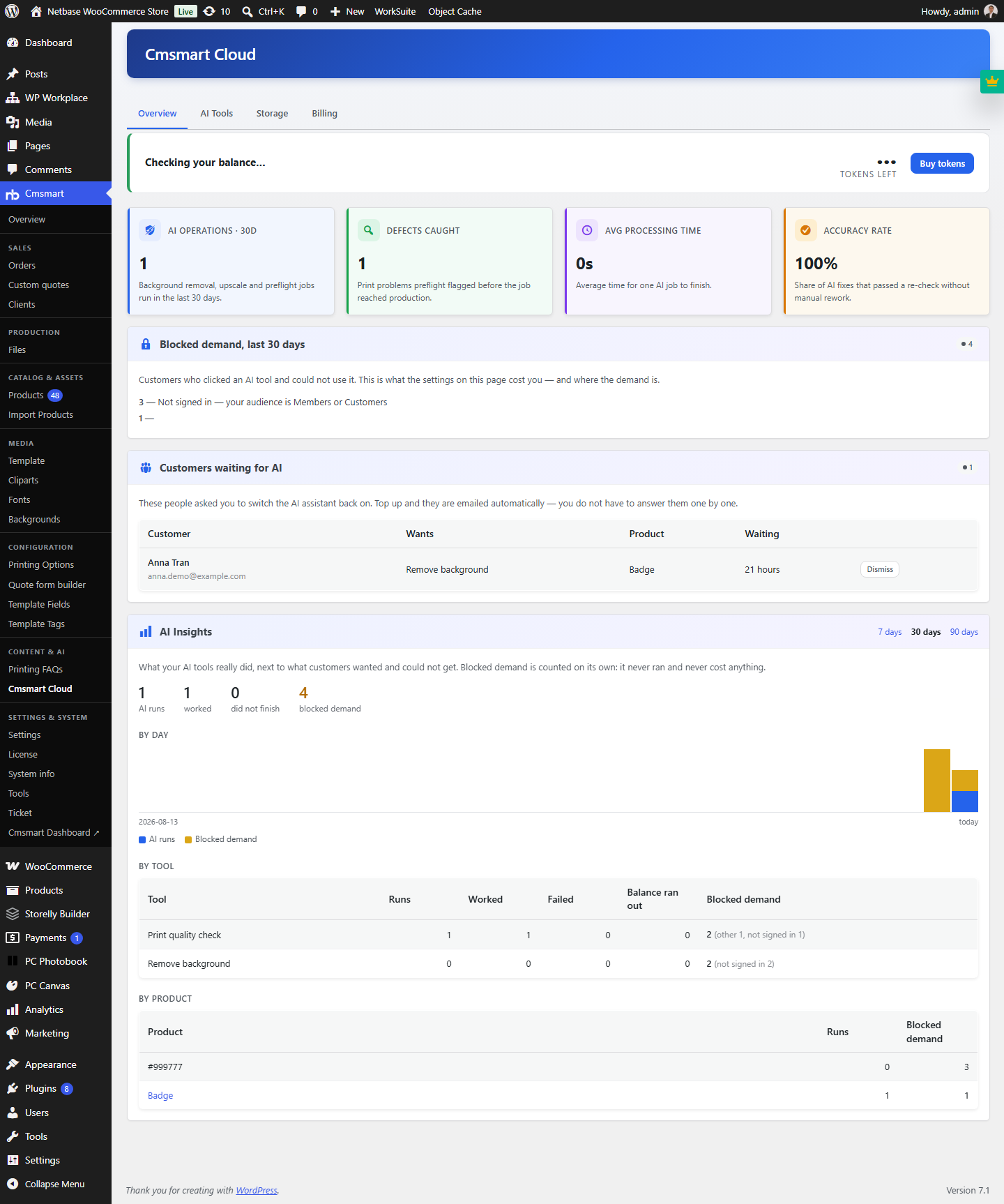 Cmsmart Product Designer 2.15: a critical security fix, a steadier dashboard, and AI you control and profit from
 Teespring Business Model: How It Works for Sellers
 NBDesigner Free Trial: Download, Install & Activate
 Cmsmart Product Designer 2.10.0 – Built-in Customer CRM, AI Print-QA and a Redesigned Dashboard
 Ecommerce Web Design Companies: 6 to Compare
 Ecommerce Product Catalog and Listings: A Guide
 Keywords for T-Shirts: SEO Tips for Your Brand
 Cmsmart product designer 2.9.0 – solving critical compatibility issues with wordpress, woocommerce and php 8.x
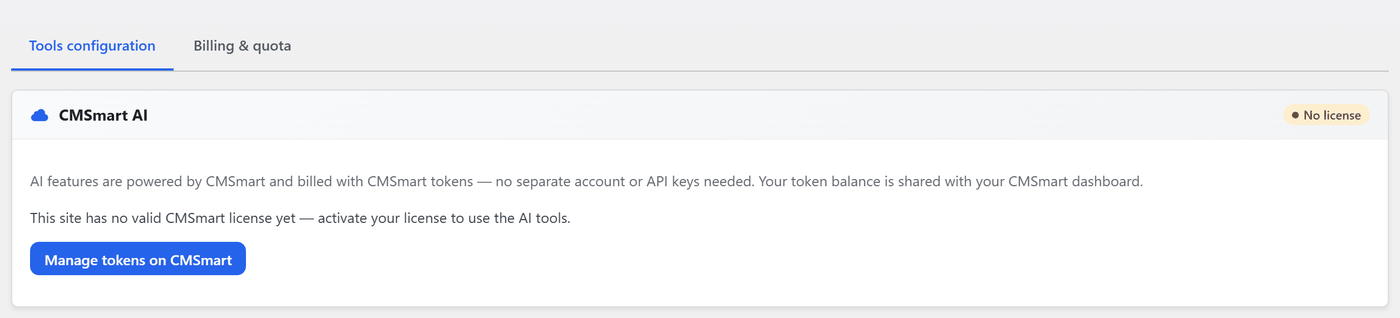 Cmsmart Product Designer 2.12 — AI on Your Own Licence, a Real Quotes Area, and Print Files You Can Trust
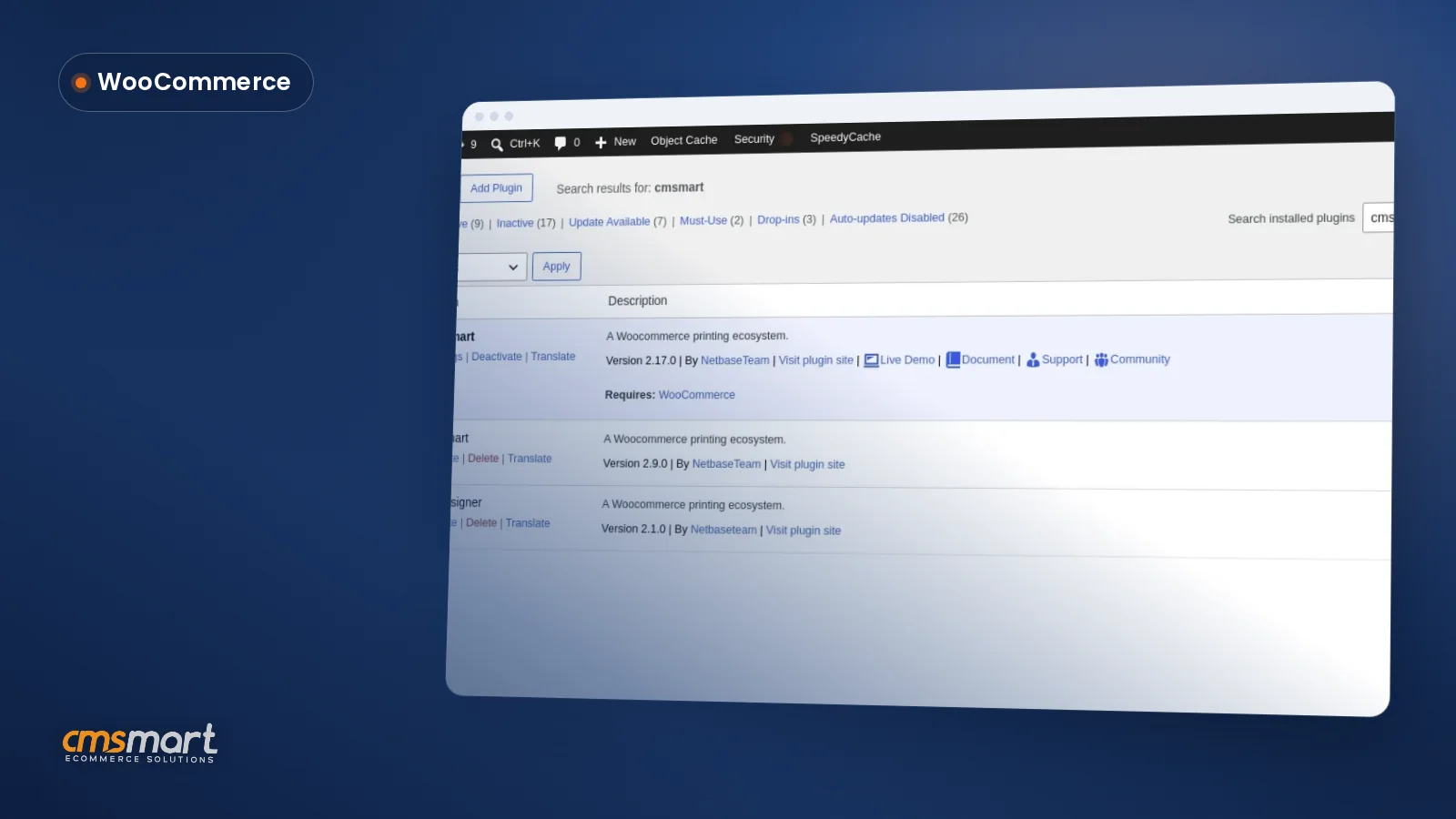 Install the NBDesigner Plugin for WooCommerce (2.17)

Cmsmart Ecommerce provides custom ecommerce and WooCommerce development services for web-to-print, product personalization, plugin support and API integration.




Web-to-print, WooCommerce, B2B and AI specialists who plan, build and support stores together.
Meet the team →
Top