
Explore product personalization and 3D preview options for custom-product workflows.
Plan around your store requirements.
Talk with Cmsmart about implementation options.
What you can explore:
- ✅ Product options for configurable products
- ✅ 3D previews for custom-product workflows
- ✅ Implementation options for your store
Want ecommerce updates and resources?
Subscribe for ecommerce updates:
You'll get:
- ✔ Ecommerce tips and product updates
- ✔ Tutorials and service information
- ✔ Personalization and 3D product resources





In short
The NBDesigner plugin (Cmsmart Product Designer) adds an online design editor to WooCommerce so shoppers can personalise products before ordering. This page is the install guide for version 2.17.0. If you only want the trial download, start with the free trial guide.
What do I need before installing?
Back up your site first, as with any plugin install. If you are on a release older than 2.15.0, update now: version 2.16.1 (and later) closes an image-import hole that let an unauthenticated visitor upload an executable file on those versions.
How do I install NBDesigner step by step?
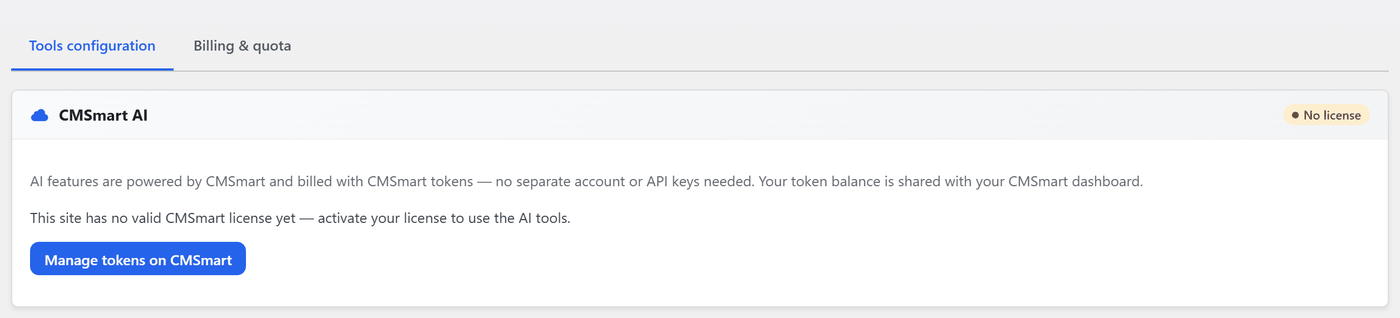
If you skip the wizard you can activate later under Cmsmart › License: paste the key from your Cmsmart account and click Activate.
How do I enable the designer on my first product?
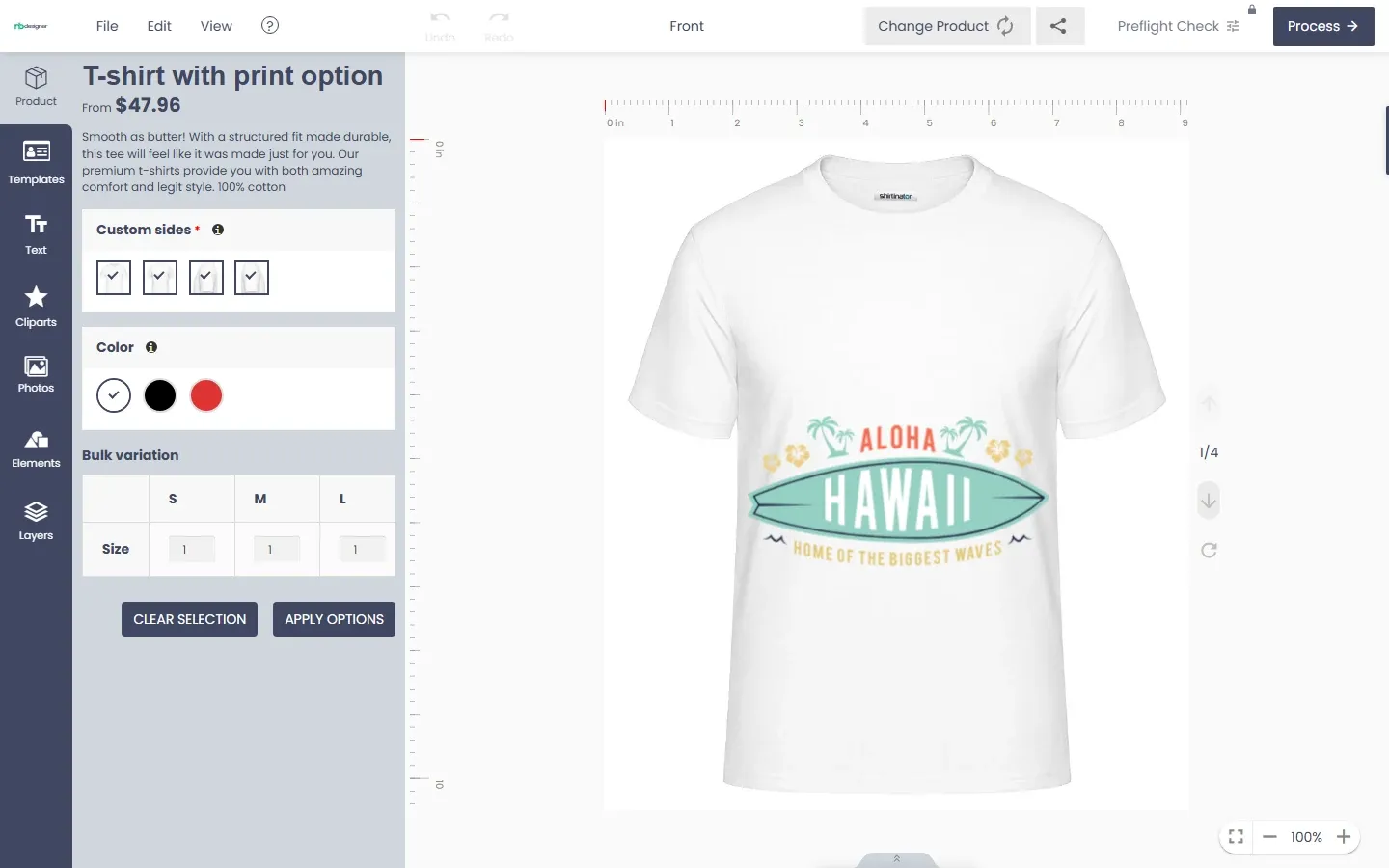
Inside the editor customers get Templates, Text, Cliparts, Photos (Upload, Image url, Facebook, Instagram, Dropbox, Webcam, Pixabay, Unsplash, Pexels, Freepik), Elements and Layers. Which sources appear depends on your plan and your API keys in Cmsmart › Settings.
What if something does not work?
max_input_varsin your PHP settings so large option groups save.max_file_uploadsso multi-side designs save.Frequently asked questions
Does NBDesigner work without WooCommerce?
No. WooCommerce is a declared required plugin, and the designer attaches to WooCommerce products.
Does it support HPOS order storage?
Yes. The order queries handle both High-Performance Order Storage and the legacy post store, and the Customer Design box loads on the WooCommerce Orders screen (fixed in 2.17.0).
Where do I find my license key?
In the email sent when you start the trial or buy, and in your Cmsmart Dashboard under Downloads & license key.
Which layout should I choose?
Modern. The plugin marks it recommended and has stopped adding features to Classic.
Try it on your store
Start the free 30-day trial from your Cmsmart Dashboard, see the WooCommerce product designer plugin page, or open the live demo. For custom print-shop projects, request a quote.