

Yes, you can. You can enter as many SKUs as you want to search for all of products with only one single click
There are some ways to change the number of products. You can either use the +/- buttons or directly type the exact number in.
Yes. this extension supports all types of languages so you can easily translate it into your wished languages.


Yes, it can work with all types of products well; simple, configurable, downloadable, and virtual products.

Not using debugging tools like Tag Assistant or Data Layer Inspector. Also, poor testing; Placing dataLayer = after the Google Tag Manager container snippet; Using too many auto-event listeners; Not using a proper naming convention; Tracking form submissions with click triggers.
Google Tag Manager Community on Facebook; Google Tag Manager Community on Google+; Google Tag Manager Forums; Stack Overflow

First, you need to have e-commerce data in the Data layer. Then you pass it with Google Analytics Tags to GA servers.
It depends on what your goals are. Although there are a lot of new opportunities opened up for digital marketers once they start using GTM, sometimes developers' help is still needed.
Most read this month
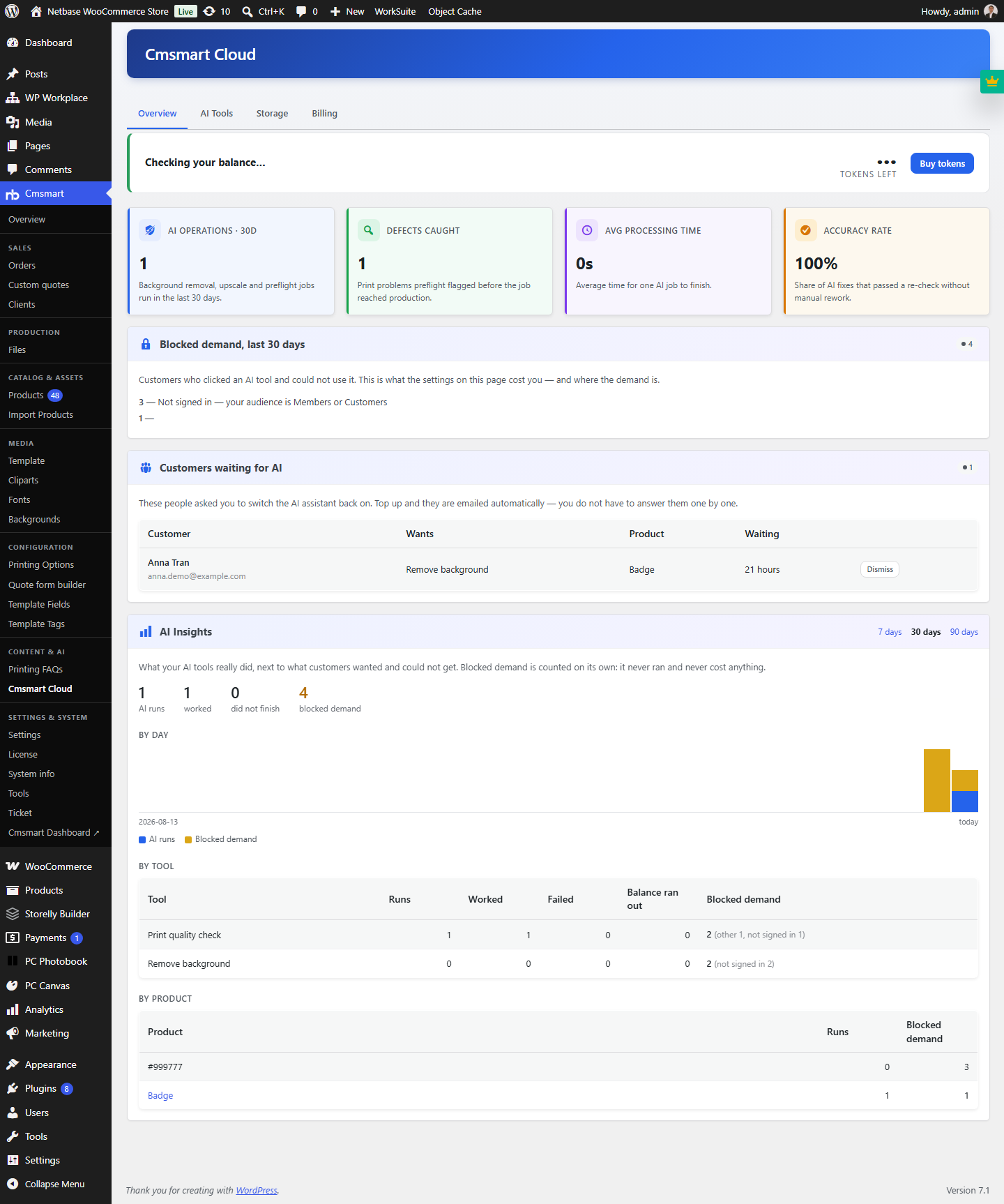 Cmsmart Product Designer 2.15: a critical security fix, a steadier dashboard, and AI you control and profit from
 Cmsmart Product Designer 2.10.0 – Built-in Customer CRM, AI Print-QA and a Redesigned Dashboard
 Teespring Business Model: How It Works for Sellers
 NBDesigner Free Trial: Download, Install & Activate
 Ecommerce Web Design Companies: 6 to Compare
 Ecommerce Product Catalog and Listings: A Guide
 Keywords for T-Shirts: SEO Tips for Your Brand
 Cmsmart product designer 2.9.0 – solving critical compatibility issues with wordpress, woocommerce and php 8.x
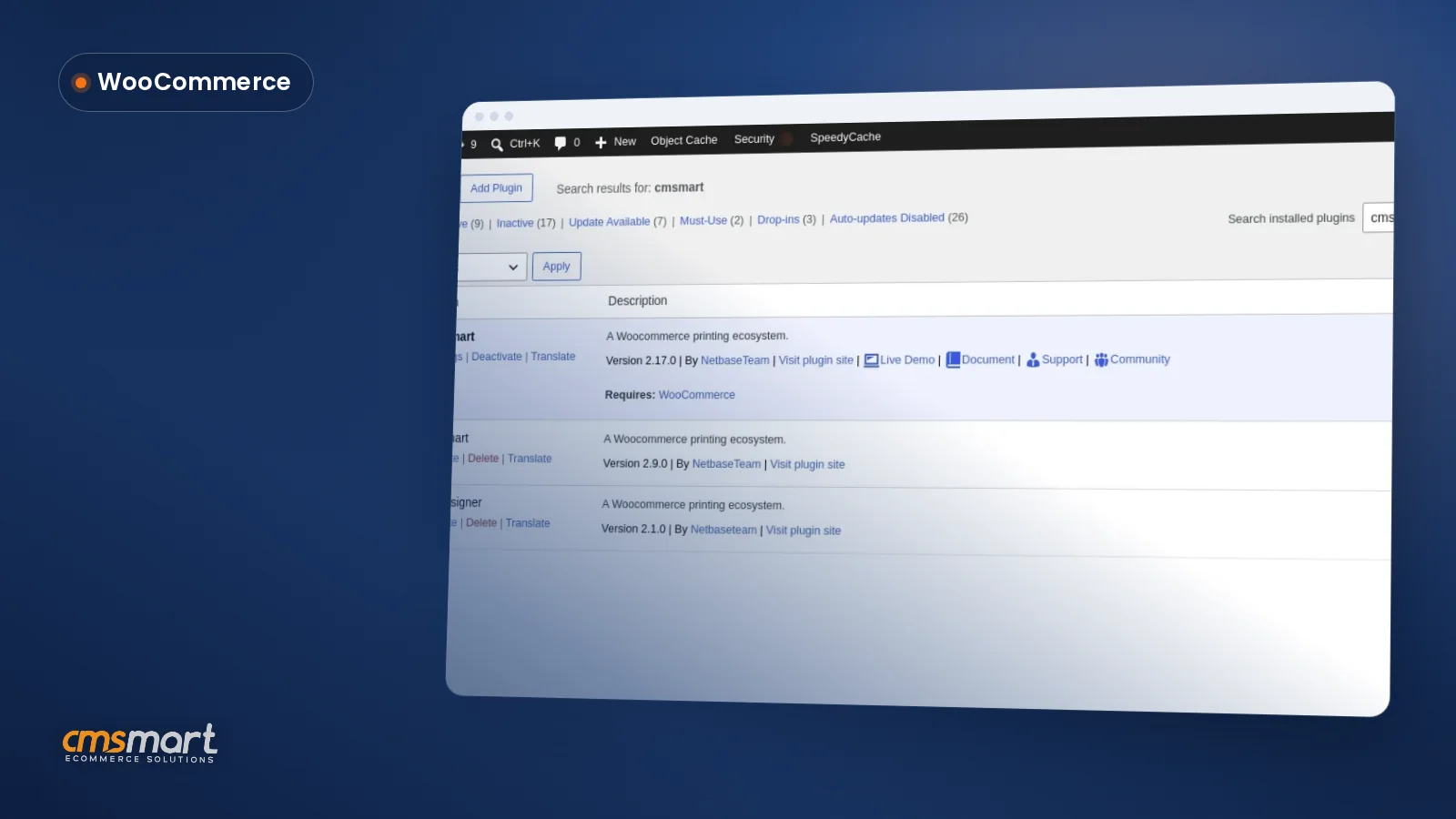 Install the NBDesigner Plugin for WooCommerce (2.17)
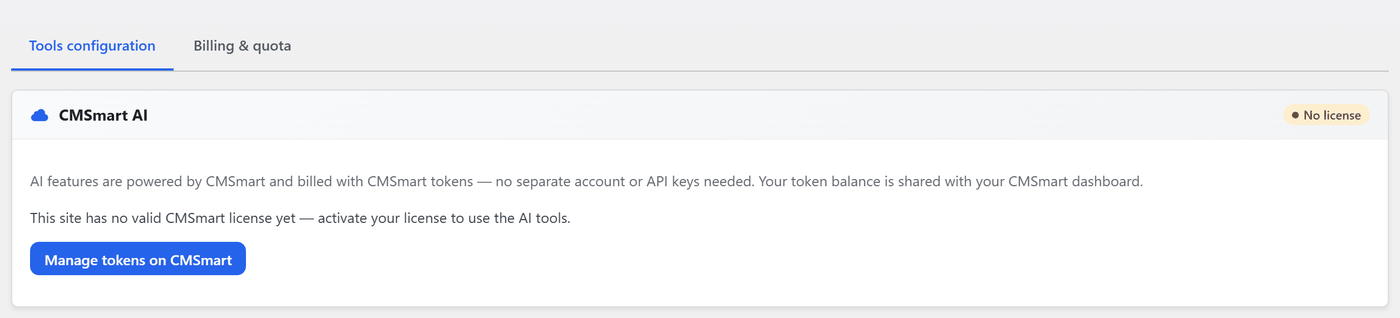 Cmsmart Product Designer 2.12 — AI on Your Own Licence, a Real Quotes Area, and Print Files You Can Trust

Cmsmart Ecommerce provides custom ecommerce and WooCommerce development services for web-to-print, product personalization, plugin support and API integration.




Web-to-print, WooCommerce, B2B and AI specialists who plan, build and support stores together.
Meet the team →
Top