Explore product personalization and 3D preview options for custom-product workflows.
Plan around your store requirements.
Talk with Cmsmart about implementation options.
What you can explore:
- ✅ Product options for configurable products
- ✅ 3D previews for custom-product workflows
- ✅ Implementation options for your store
Want ecommerce updates and resources?
Subscribe for ecommerce updates:
You'll get:
- ✔ Ecommerce tips and product updates
- ✔ Tutorials and service information
- ✔ Personalization and 3D product resources





Dear, our beloved customers,
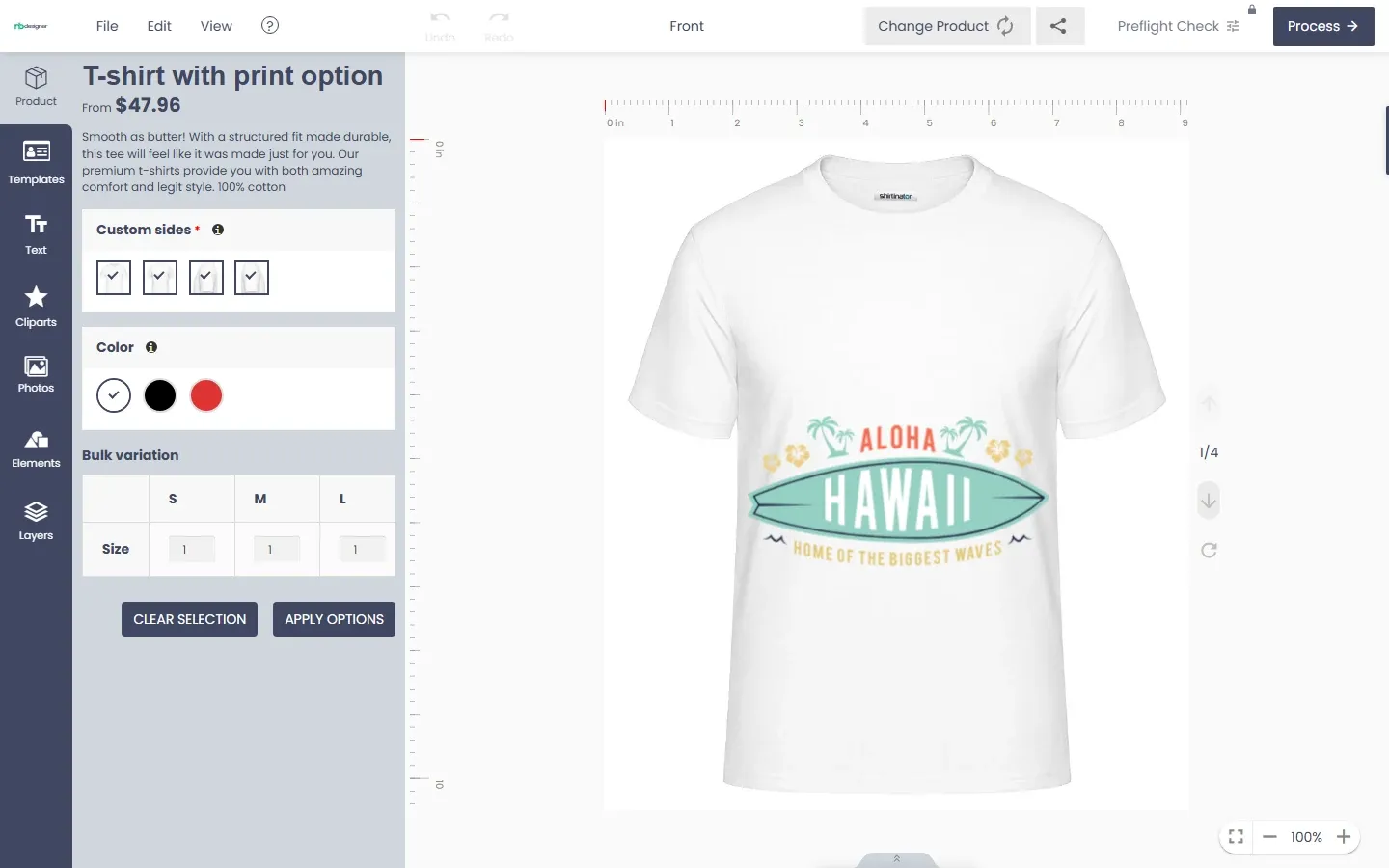
You want to draw your idea according to your needs in the fastest way. This problem will be solved immediately when you use Online Product Designer Plugin for WooCommerce WordPress. It is very easy to use without designing skills. NBdesigner provides available free template library. Customers can choose a beautiful template, then edit text, add clipt art or images. You can refer to how to design a product with Woocommerce Product Designer Plugin at the link: https://cmsmart.net/how-to-use-woocommerce-product-designer-in-the-frontend. In order for customers to design products on the store, admin needs to create online design for products. Therefore, Cmsmart will introduce to you how to create online design for products with Woocommerce product designer plugin. You have two options to create online design for products:
We have many features like:
Details invite you to watch the video below:
We hope you find a guide helpful. Now you can easily install an Online design plugin. If you have any questions, feel free to feedback CMSmart Support ticket. My colleagues and I are willing to support you. Remembering to use coupon code MAR_DL to get 18% discount for this item. Check more detail at live demo
Best regards.
Have a nice day!
Vincent
Sales Consultant Manager
Skype: live:vincent_4281
Phone/ WhatsApp: +84 868 901 261
Email: [email protected]