

Yes, you can. You’ll just have to be more careful with setting up the triggers because sometimes you may only want to fire a particular tag only on website A but not on website B.
There are two ways how to do that: By adding container codes directly into the website’s source code OR by using a plugin.
If you’re a beginner, you have to learn all the Tags and their uses. The best ways to learn are through Google Analytics Academy Courses and watching YouTube videos.
No. Google Tag Manager works well with multiple platforms/tools. It provides a bunch of pre-defined tag templates (like Google Analytics, HotJar, Twitter Universal Tag, etc), and you can add custom codes with the help of Custom HTML tags.
Google Tag Manager has both Free and Premium plans. A free plan is more than enough for small and medium businesses. Large businesses can benefit from a paid Google Tag Manager 360 option.
Anyone who wants to add/remove/edit various tracking codes on their (or their client’s) website. This usually includes digital marketers, web analysts, SEOs, PPC specialists, owners of e-commerce businesses, etc.

Yes. this extension supports all types of languages so you can easily translate it into your wished languages.

Yes, it can work with all types of products well; simple, configurable, downloadable, and virtual products.
Well, there is a little different between upselling and cross-selling. While Upselling offers the customer a similar, more expensive product instead of the one they’re purchasing, or offers to add more features to it, cross-selling offers the customer a related product in addition to what they're already purchasing.
Most read this month
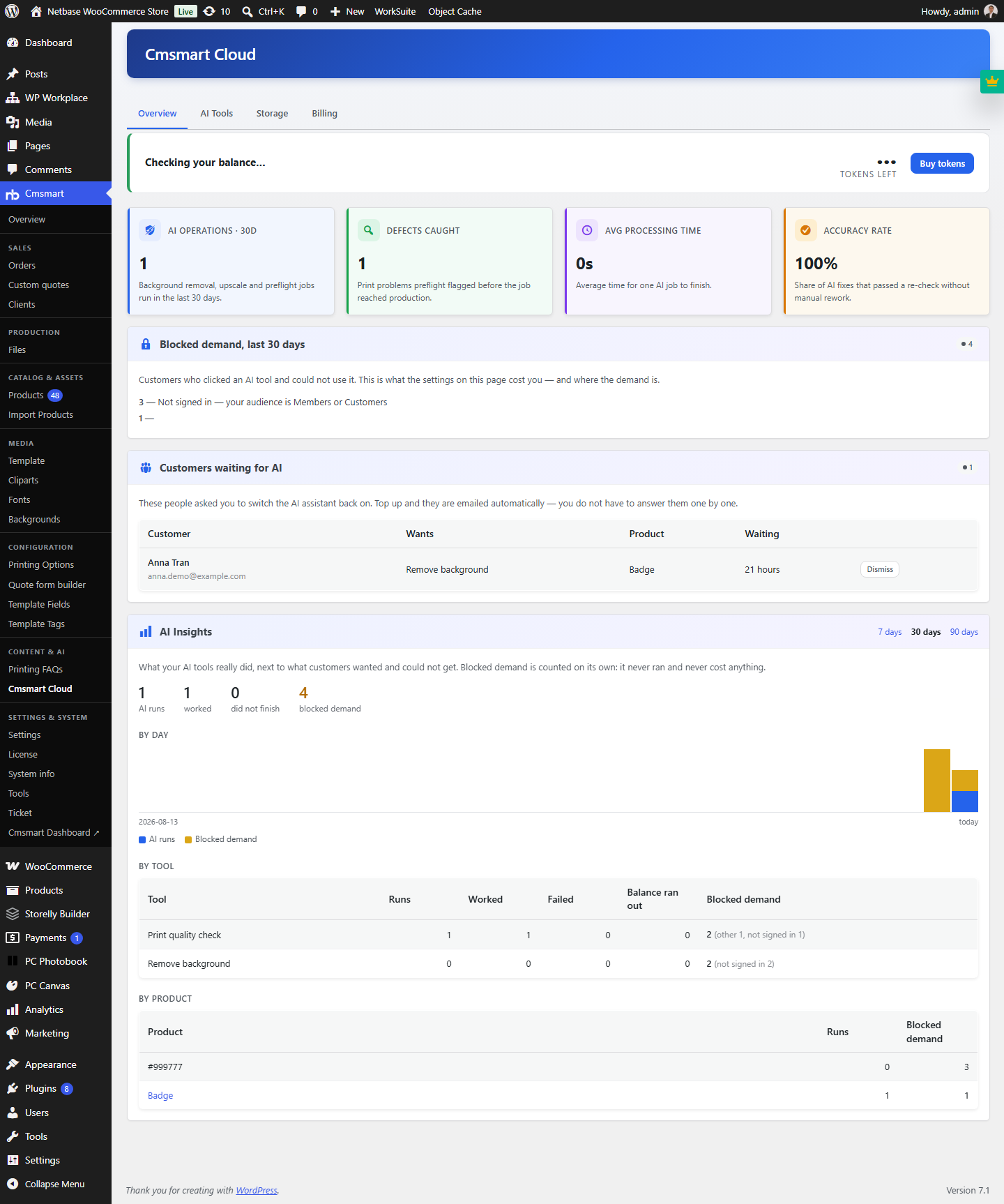 Cmsmart Product Designer 2.15: a critical security fix, a steadier dashboard, and AI you control and profit from
 Cmsmart Product Designer 2.10.0 – Built-in Customer CRM, AI Print-QA and a Redesigned Dashboard
 Teespring Business Model: How It Works for Sellers
 NBDesigner Free Trial: Download, Install & Activate
 Ecommerce Web Design Companies: 6 to Compare
 Ecommerce Product Catalog and Listings: A Guide
 Keywords for T-Shirts: SEO Tips for Your Brand
 Cmsmart product designer 2.9.0 – solving critical compatibility issues with wordpress, woocommerce and php 8.x
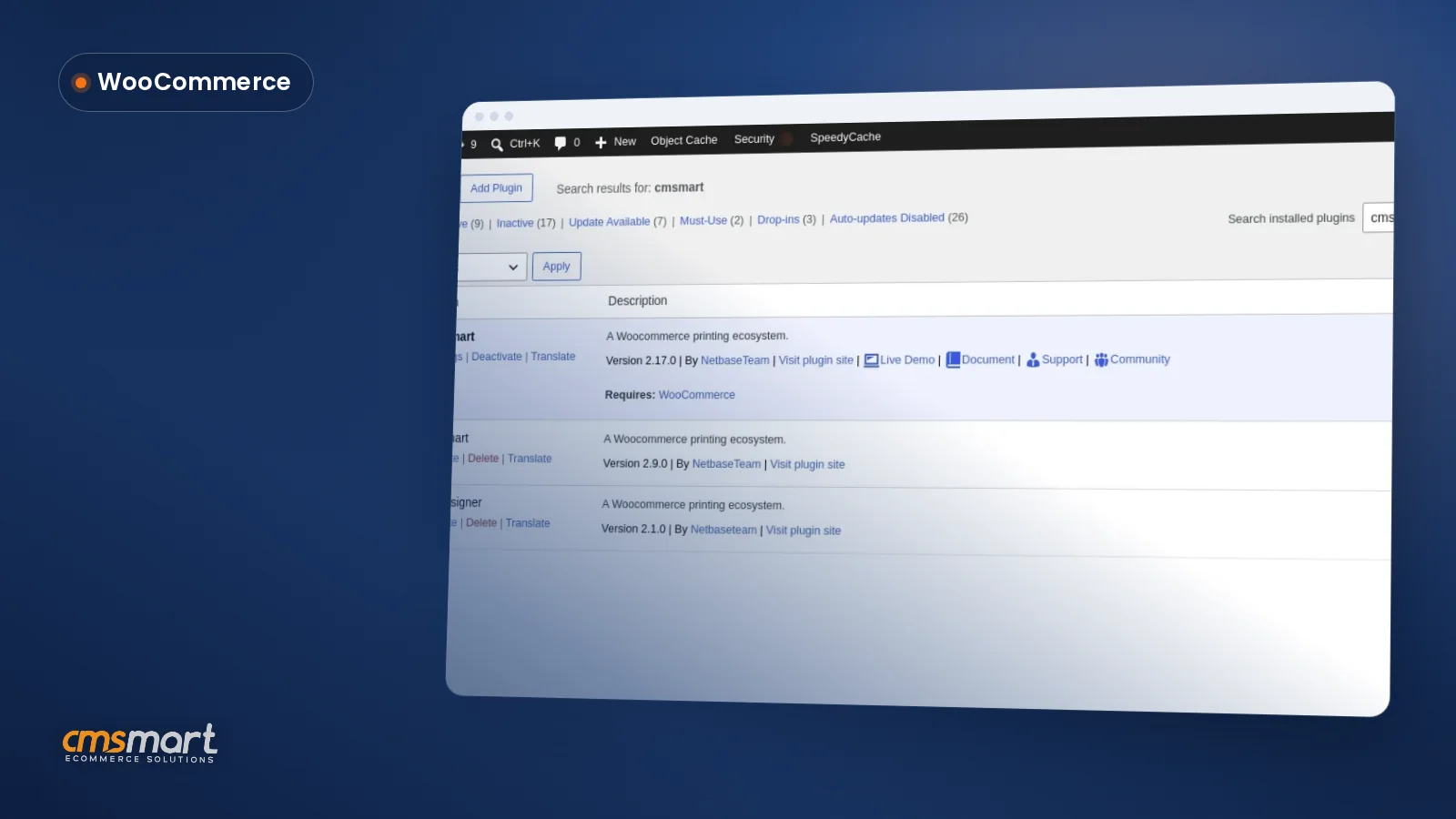 Install the NBDesigner Plugin for WooCommerce (2.17)
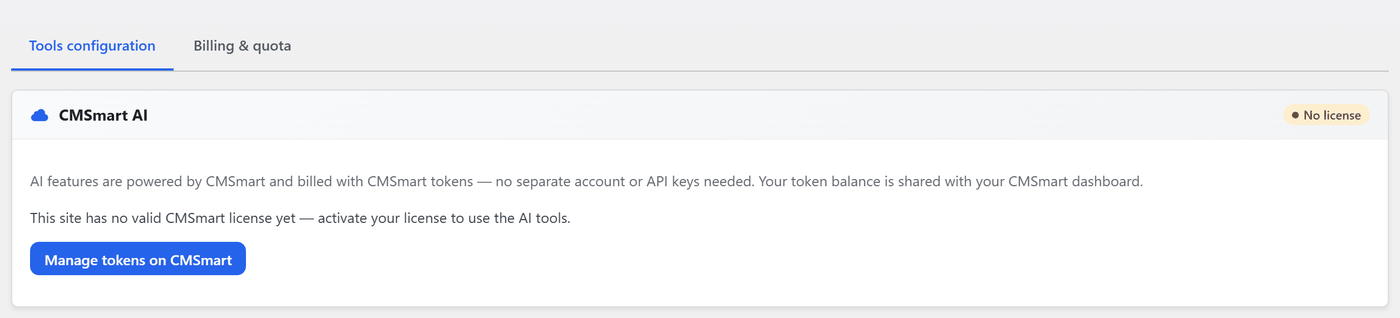 Cmsmart Product Designer 2.12 — AI on Your Own Licence, a Real Quotes Area, and Print Files You Can Trust

Cmsmart Ecommerce provides custom ecommerce and WooCommerce development services for web-to-print, product personalization, plugin support and API integration.




Web-to-print, WooCommerce, B2B and AI specialists who plan, build and support stores together.
Meet the team →
Top