Explore product personalization and 3D preview options for custom-product workflows.
Plan around your store requirements.
Talk with Cmsmart about implementation options.
What you can explore:
- ✅ Product options for configurable products
- ✅ 3D previews for custom-product workflows
- ✅ Implementation options for your store
Want ecommerce updates and resources?
Subscribe for ecommerce updates:
You'll get:
- ✔ Ecommerce tips and product updates
- ✔ Tutorials and service information
- ✔ Personalization and 3D product resources
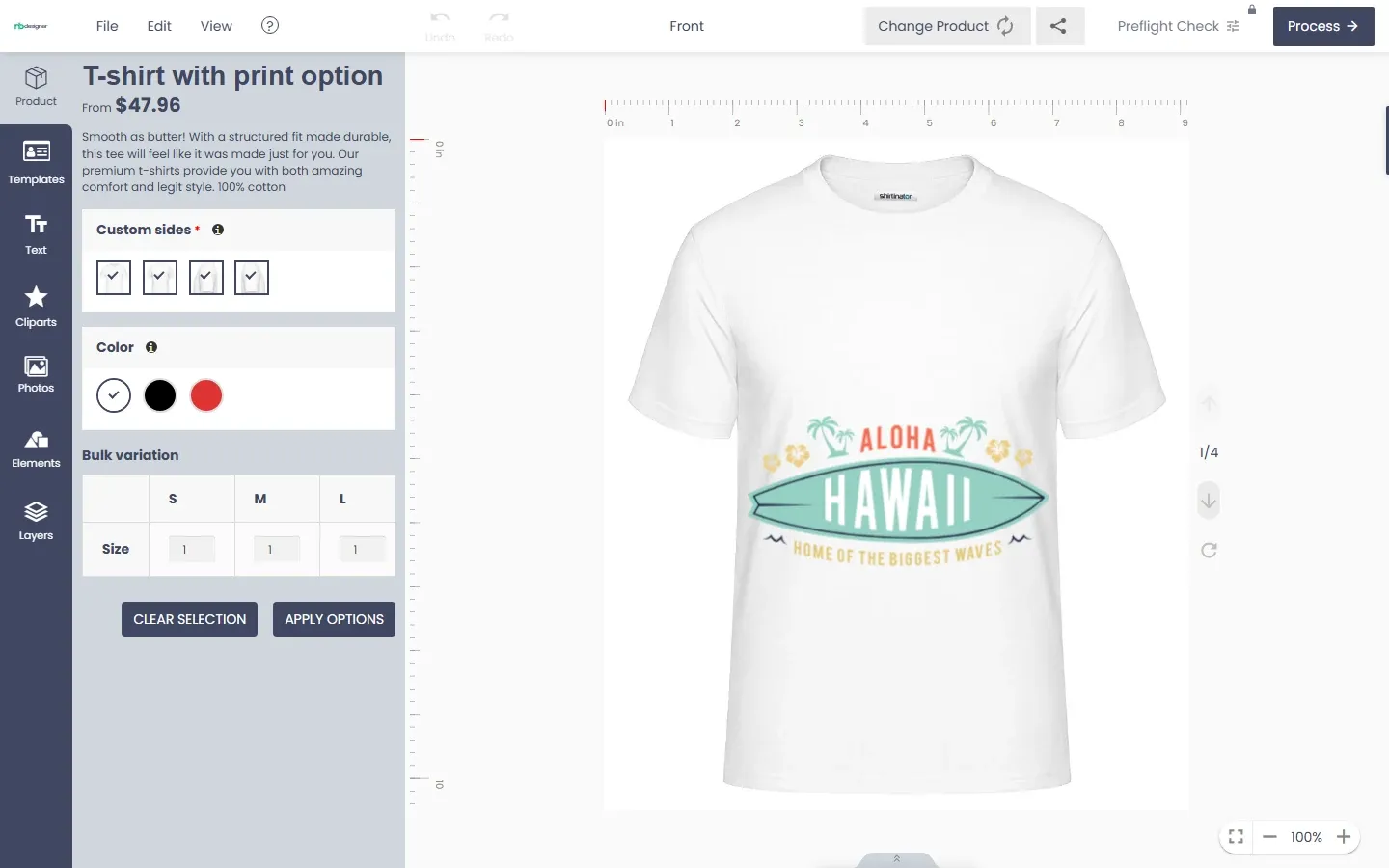






Dear, our beloved customers,
To make your website stand out and help your customers create impressive designs why don’t you try Cmsmart WordPress Online Design Plugin? This is one of the best-selling products at CMSmart.net. We provide a large collection of free shapes, ready to add to customers' designs. With our shapes, customers can add directly to their designs and customize the size the way they want. Shapes help customers highlight their designs.
This tutorial guide you can insert free shape elements.
Some outstanding features on Woocommerce Product Designer Plugin
Follow the video to Insert Shapes In Woocommerce Product Designer Plugin
How to insert shapes in Woocommerce product designer plugin?
Our free shape collection is sure to make your designs come to life. With NBdesigner and a little creativity, there is no limit!
If you want to have more experience in our products, please access the link: https://cmsmart.net/wordpress-plugins/woocommerce-online-product-designer-plugin?layout=demo#pages. The above is a tutorial on how to insert shapes in Woocommerce product designer plugin. Hopefully, the article has brought the most overview for you. If you have any questions, feel free to feedback here. I and colleagues are willing to support you. Remembering to use coupon code MAR_DL to get 18% discount for this item.
Best regards.
Have a nice day!