

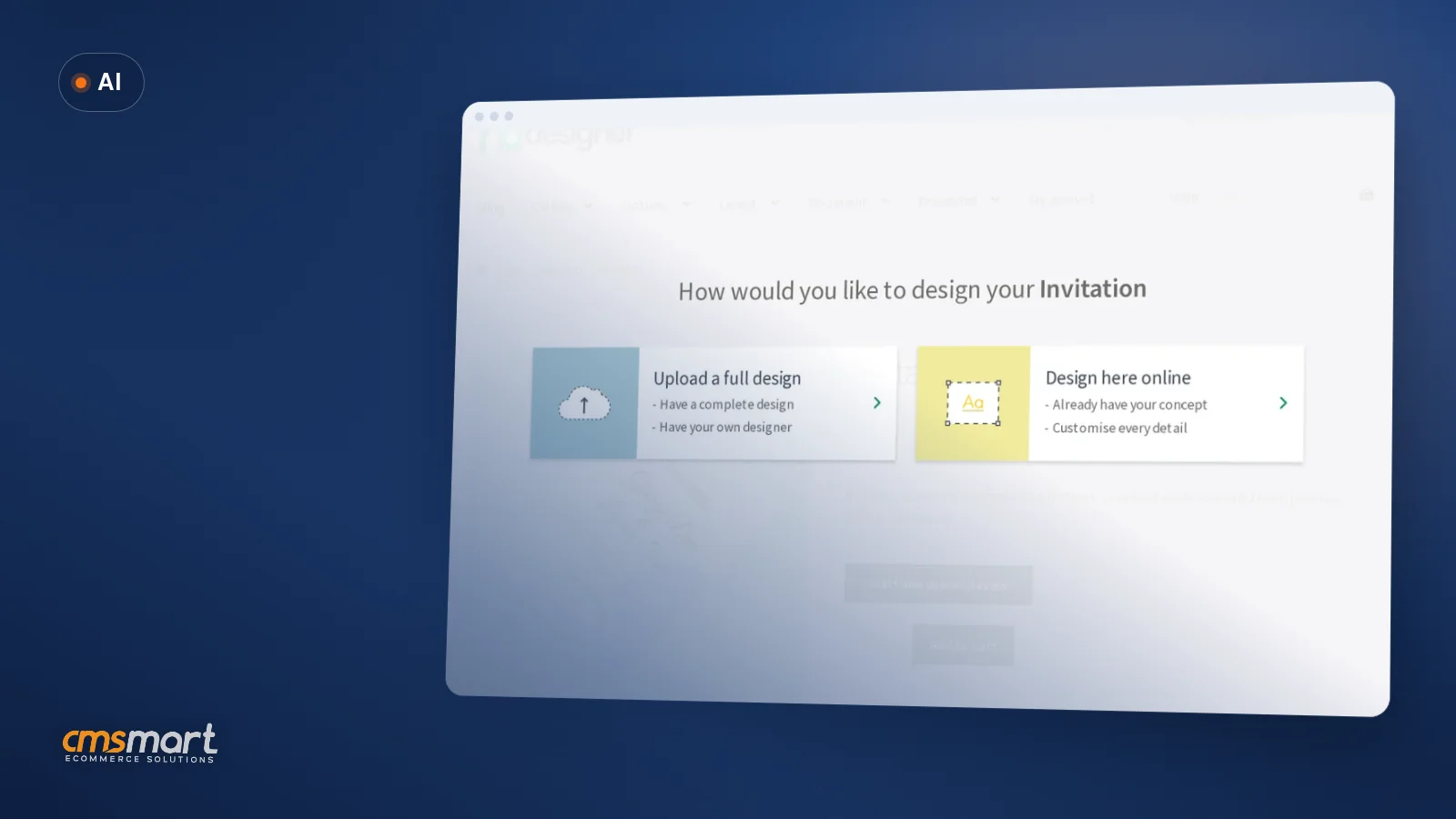
Guide · AI
AI Generated Designs Print on Demand: Quality & Rights
Selling AI generated designs print on demand? Check resolution, usage rights and AI preflight first, then get a Cmsmart quote.
A good layout keeps users on the site because it makes important information easily accessible and intuitive to find.
Table of contents
Was this tutorial helpful?
Written by
Cmsmart Product Designer Plugin Engineer
Builds and supports the Cmsmart Product Designer (NBDesigner) for WooCommerce.
The team behind it
 Account Manager
 Project Manager
 Business Analyst
 Developers & QA
Guide · AI
Selling AI generated designs print on demand? Check resolution, usage rights and AI preflight first, then get a Cmsmart quote.
Guide · Web-to-print
Build a WooCommerce price matrix with Cmsmart Printing Options to price print jobs instantly, see the ROI, and get a custom pricing engine quote.
Guide · Web-to-print
Learn how to start a mug printing business with a real online designer, automatic print-ready PDFs, and order tracking. Get your free project plan.
Browse more guides, tutorials and case studies from the Cmsmart community.
Custom bag design software for WooCommerce: Cmsmart Product Designer adds live pricing and print-ready files. See how to set it up.
Read MoreCar wrap design software for WooCommerce: panel templates, size-based pricing, 3D preview and approval before you print. Plan your wrap store now.
Read MoreDiscover how the home décor industry is transforming with the rise of personalized products and the challenges retailers face. Learn how CMSmart's Product Builder offers a solution, improving customer engagement, reducing return rates, and increasing sales through real-time 3D previews and automated processes.
Read More
Cmsmart Ecommerce provides custom ecommerce and WooCommerce development services for web-to-print, product personalization, plugin support and API integration.
Cmsmart Product Designer Plugin Engineer
Builds and supports the Cmsmart Product Designer (NBDesigner) for WooCommerce.
Meet the team →




Why should you choose one layout over another?
Why you should carefully make a selection when choosing one layout on your website:
A good layout keeps users on the site because it makes important information easily accessible and intuitive to find. A bad layout frustrates users which then quickly leave the site because they can’t find what they are looking for. For this reason, it’s best to take as long as you need to find a good layout because users won’t give you more than a few seconds of their time. There’s a strong relationship between the layout and the engagement of users with the website. It determines how long they dwell on the website pages, how many pages they browse and how often they come back to the website. So, besides overcoming the problem of split-second choice, a good layout comes with additional benefits. Engaging visitors can be a rewarding effort.
Some highlight features of NBDesigner plugin you might concern:
How to setup Visual Design editor layout in Woocommerce product designer plugin?
As you could see, we provide 3 design editor layouts for your choices. Customer can design online on the product detail page and Admin can set it for all products You also could choose the design editor layout for each product.
Today, this article will show you how to setup Visual Design editor layout in NBDeisgner plugin. Kindly follow this tutorial video for more detail:
We hope you find this article helpful for your business. If you want to find more detailed information about our NBDesigner, kindly go to WOOCOMMERCE PRODUCT DESIGNER PLUGIN. If you have any questions about this product, please contact our Sales Consultant Manager, Vincent or CMSmart Support Team. He will answer all your questions. Don't forget to use coupon code MAR_DL to get 18% Discount for this item. Many thanks!
View Demo: NBDesigner Demo
Vincent
Sales Consultant Manager
Skype: live:vincent_4281
Phone/ WhatsApp: +84 937 869 689
Email: [email protected]