Latest in WooCommerce and Ecommerce Development


Dear our beloved customers! Who is a smart seller who understands and knows what do customers need? what do customers want? Equip your loved ones with an extremely useful feature right away to bring the best experience. There are many WordPress shop owners who wonder How to upload images or any type of files on WordPress product detail page. This is the solution to the problem. Order Upload Feature in WordPress PrintStore is very...


Dear our beloved customers! At present, the requirements of customers are increasing, requiring the business to constantly change and update the trend. Adequate is just an essential element, it is important to be smart, easy to use. Thus, the ability to increase sales. If CMSmart is willing to configure the own shop page for each vendor, then customers will be equipped with additional price features. E-commerce is increasingly developing, leading to more and more...


Dear our beloved customers, You are the store/ vendor manager and you want to get everything in the easiest way to know how your business works well or not right from front-end. WooPanel is the right plugin that you must to integrate into your site. Your articles, products, orders, coupons, customers will be arraigned clean and neat to bring you a general look with optimized UX/UI compare to our other competitors. WooPanel is the...

ThemeForest purchase code is very important for every Themeforest customer. When you purchase an Item from ThemeForest, you’ll get the license. It’s important when you need any technical assistance from theme author. The author might ask you the purchase code to verify your purchase. To find your license key/purchase code you need to log into your ThemeForest account and go to your “Downloads” page. See the themes you purchased in your “Downloads” list and...

With a modern, sophisticated and unique style, MultiStores WordPress Theme Support Multiple Stores gets all things you need. We built it based on the best eCommerce solution for WordPress. It is perfectly suitable for any kind of marketplace business that requires many specific features and powerful functions. The interview below will share the experience of a business owner about this package. he is MD Shoaib, a web developer at nirvanaentertainment in Mumbai India: 7...

Step 1: Upload WordPress installation file into your host Step 2: Install WordPress on your domain You can create new database or use created database Step 3: Go to Backend > Appearance > Theme > Add new > Upload > Choose theme file Step 4: Install and active theme Step 5: Install and active plugins Step 6: Select demo and import demo data Step 7: Import icon for site Step 8: View the site...
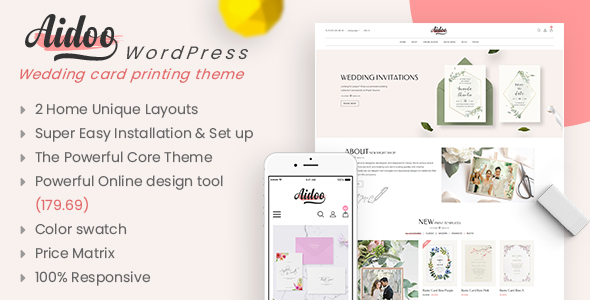
2.1 Support Policy This user guide helps you with a problem about theme installation and configuration- please read it carefully. Theme Support Our WordPress team is dedicated to providing customers with the best Quality, Value, and Services. If you encounter some bug of a product or have other problems with the theme, please refer to chapter Troubleshooting . If you don’t find there, we would love to hear from you. For feedback about our...

From the first start, WordPress has only been a favorite blogging platform, but in about two or three recent years, it has appeared and developed to possess all the CMS functionalities serving the business website. Due to the popularity of WordPress, there is one fact that a lot of WordPress themes are pirated. So to avoid the problems related to license and a number of security risks involved, you should consider those complexities and...

When time passes, technology cannot just stand still a place, you change or you will die! Web developers all over the world aware of the importance of Magento in the e-commerce industry because it is the most popular platform among many others. The newest methods introduced in Magento development will allow developers to make their business websites lively. Services like PSD to Magento conversion need mastery over multiple languages and a better understanding of...

CMSmart is one of the leaders in providing completed eCommerce solutions to SMB businesses around the world. However, in some cases, our products are no longer suitable for customers' business requirements. Customers who want to uninstall the product must do like. Do not worry, after installing WooPanel Plugin For Your Site, you can also easily uninstall this product with some of the steps below. Now, let's begin! Why use this WooPanel plugin? Better user...
Solutions and services

Frequently asked questions
Does Cmsmart only work with its own plugins?
No. Cmsmart sets up, customises and connects popular WooCommerce plugins and themes as well as its own, and builds custom features when nothing on the market fits.
How do I get a quote for WooCommerce work?
Use the quote form: describe the store, what you want to change and any deadline. Services are quoted per project after a short scoping step.
Can Cmsmart take over an existing WooCommerce store?
Yes. The team reviews the current setup first, then plans fixes, upgrades or new features as a project.
Watch the demos
More on YouTube →Download Cmsmart Product Designer and get started
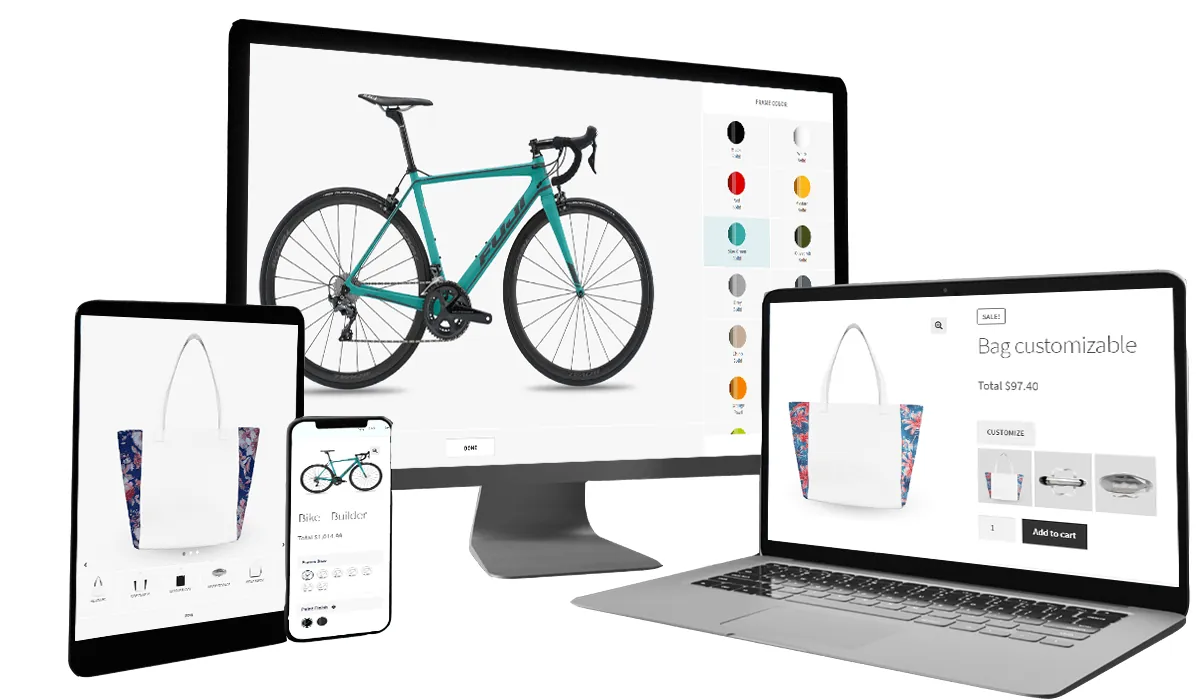
Design a product online with the WooCommerce product designer
Most read this month
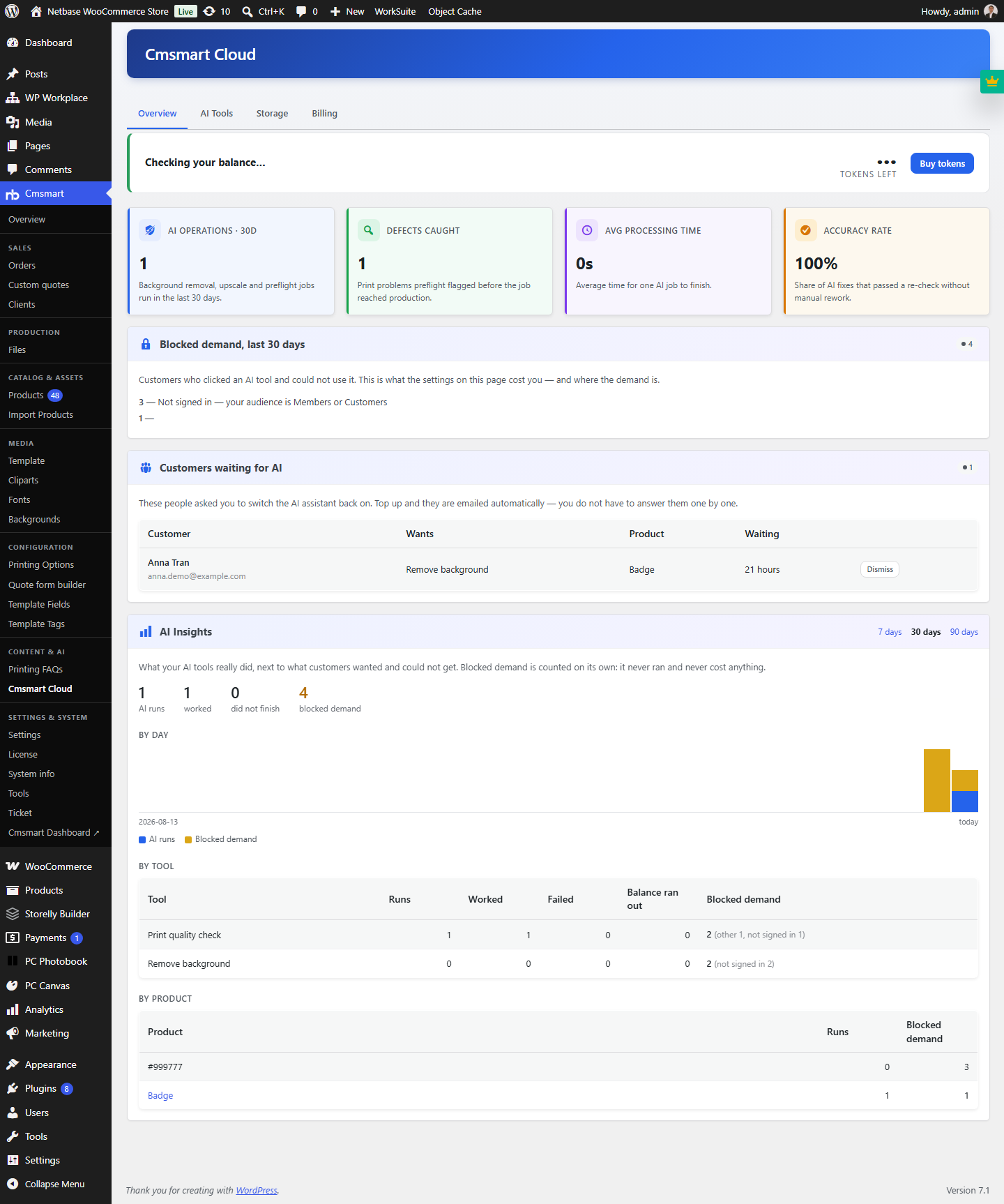 Cmsmart Product Designer 2.15: a critical security fix, a steadier dashboard, and AI you control and profit from
 Cmsmart Product Designer 2.10.0 – Built-in Customer CRM, AI Print-QA and a Redesigned Dashboard
 Teespring Business Model: How It Works for Sellers
 NBDesigner Free Trial: Download, Install & Activate
 Ecommerce Web Design Companies: 6 to Compare
 Ecommerce Product Catalog and Listings: A Guide
 Keywords for T-Shirts: SEO Tips for Your Brand
 Cmsmart product designer 2.9.0 – solving critical compatibility issues with wordpress, woocommerce and php 8.x
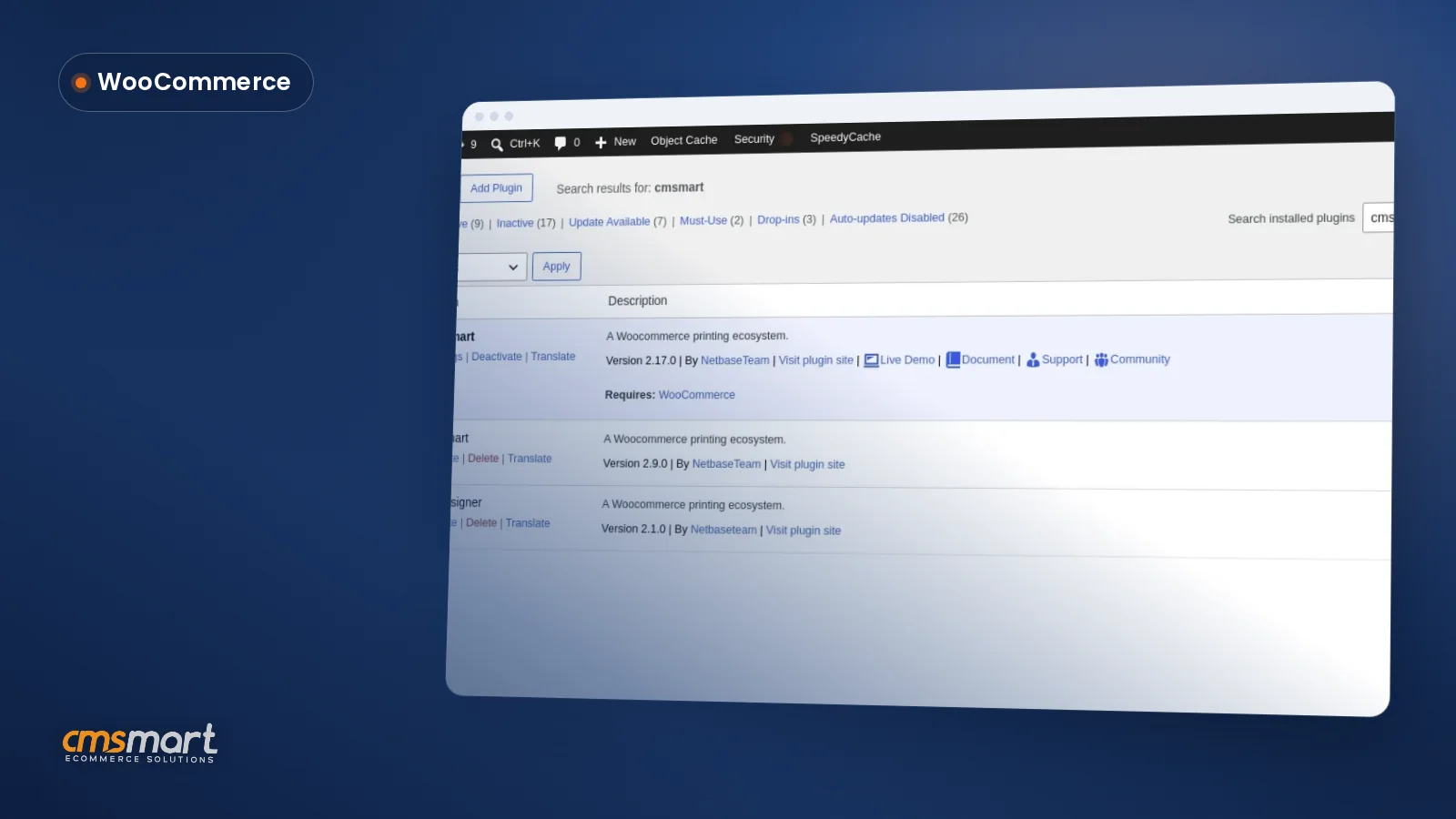 Install the NBDesigner Plugin for WooCommerce (2.17)
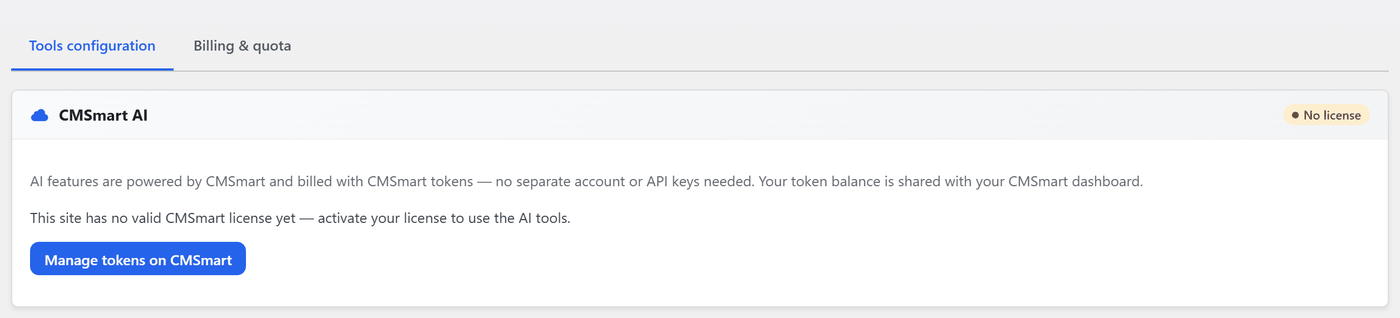 Cmsmart Product Designer 2.12 — AI on Your Own Licence, a Real Quotes Area, and Print Files You Can Trust

Cmsmart Ecommerce provides custom ecommerce and WooCommerce development services for web-to-print, product personalization, plugin support and API integration.

Cmsmart WooCommerce Development Lead
Leads custom WooCommerce builds: architecture, checkout, performance and integrations.
Meet the team →
Top