Product Customizer for WooCommerce vs Customily

See a product customizer for WooCommerce compared with Customily on pricing, features and TCO, then get a free migration assessment from Cmsmart.
- By David Nguyen
- 17 views

Table of contents
Was this tutorial helpful?

Written by
Cmsmart Product Designer Plugin Engineer
Builds and supports the Cmsmart Product Designer (NBDesigner) for WooCommerce.
- NBDesigner
- WooCommerce
- Product customizer
- Release notes
The team behind it
A dedicated team runs your project
 Account Manager
 Project Manager
 Business Analyst
 Developers & QA
- An Account Manager and a Business Analyst scope your project first, in writing.
- Milestones and sprints you can follow, tracked in your WorkSuite dashboard.
- Support tickets and a growth plan after launch, from the same team.
Table of contents
Related Posts
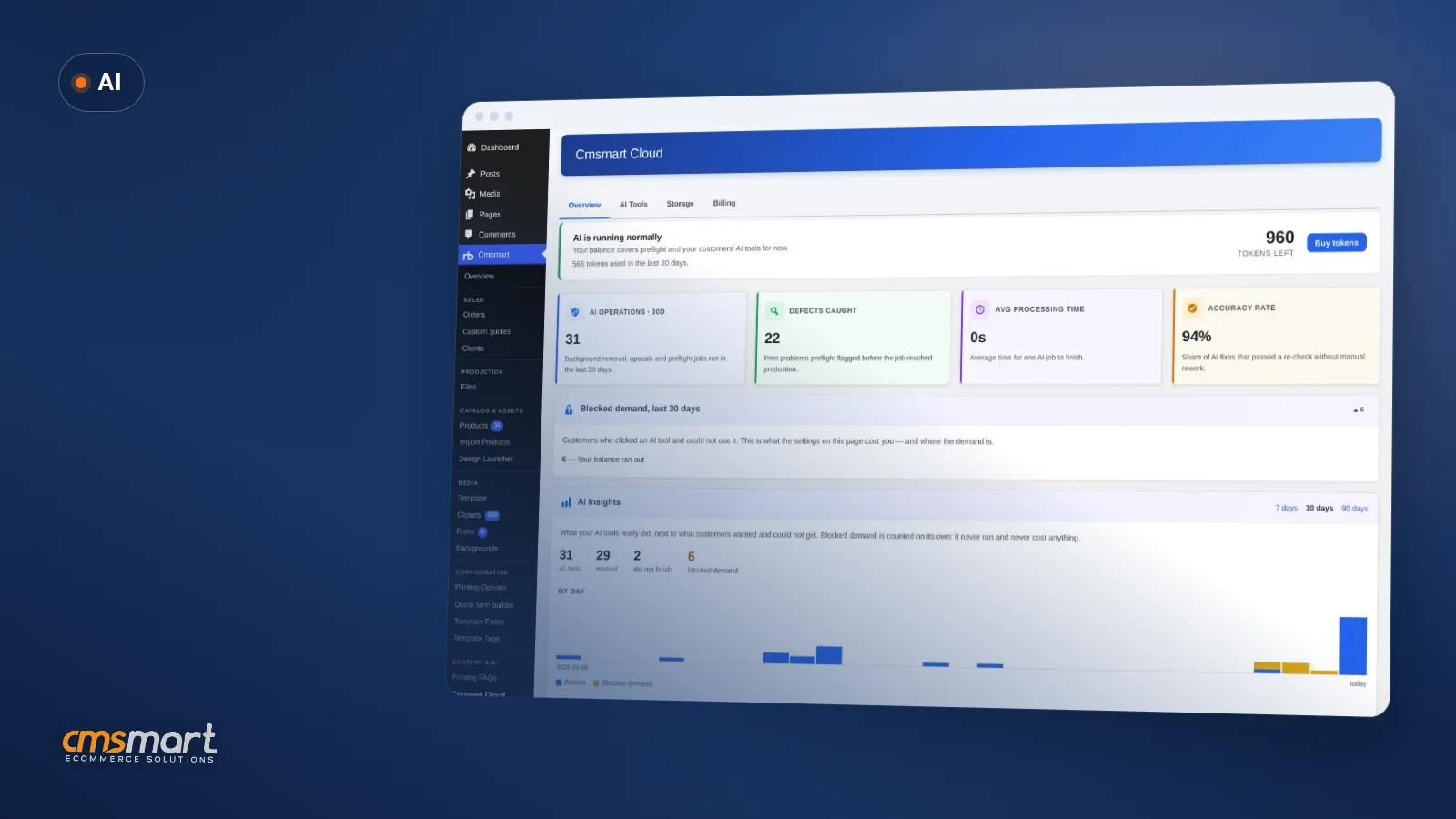

A buyer uploads a phone photo to a badge, a mug or a t-shirt in your designer. It looks sharp on their screen. At print size it's soft, or...
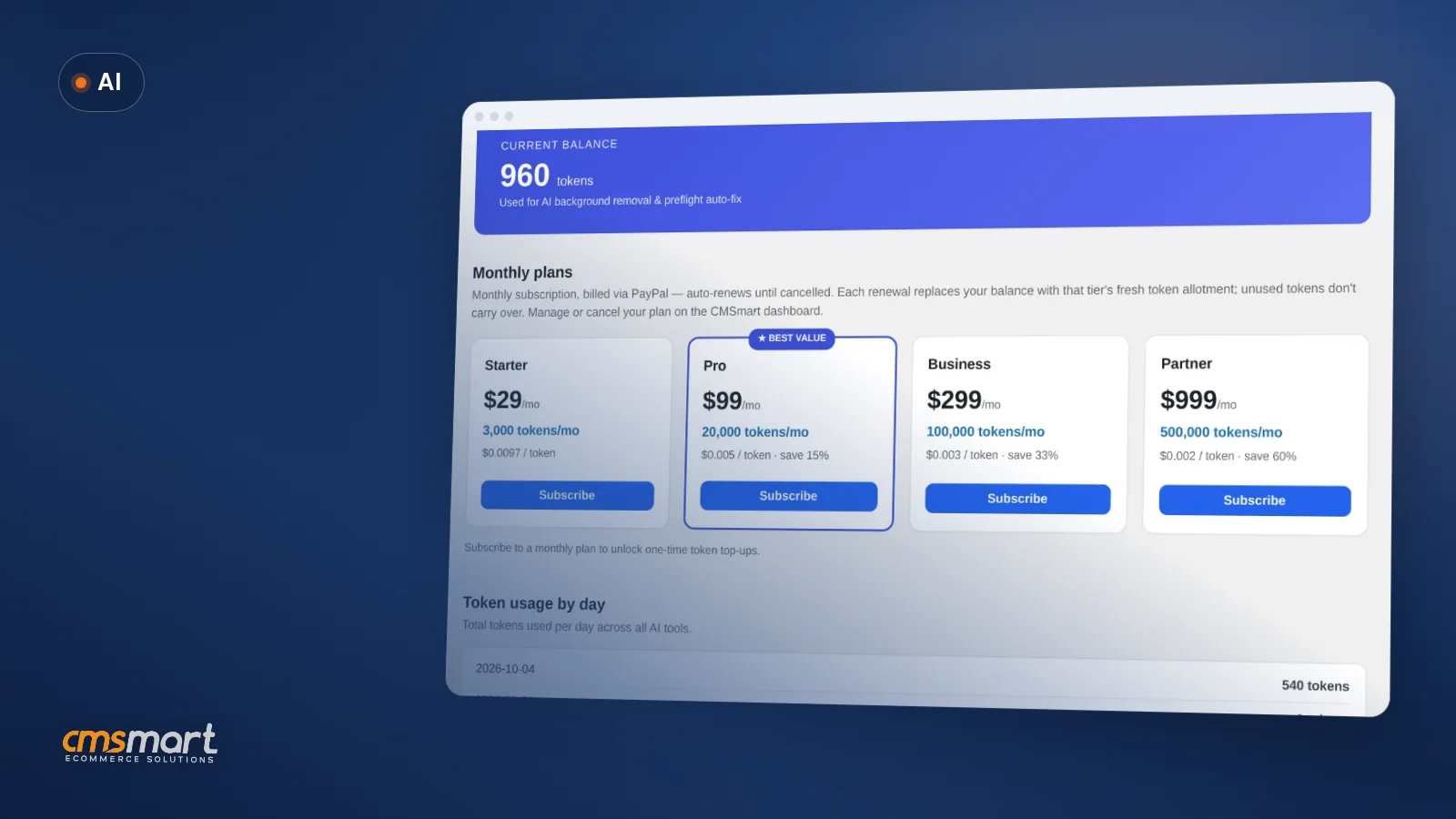
AI token wallet costs are the first question most store owners ask once they turn on AI Preflight, Background Remover or Upscale in Cmsmart Product Designer (NBDesigner) — what...
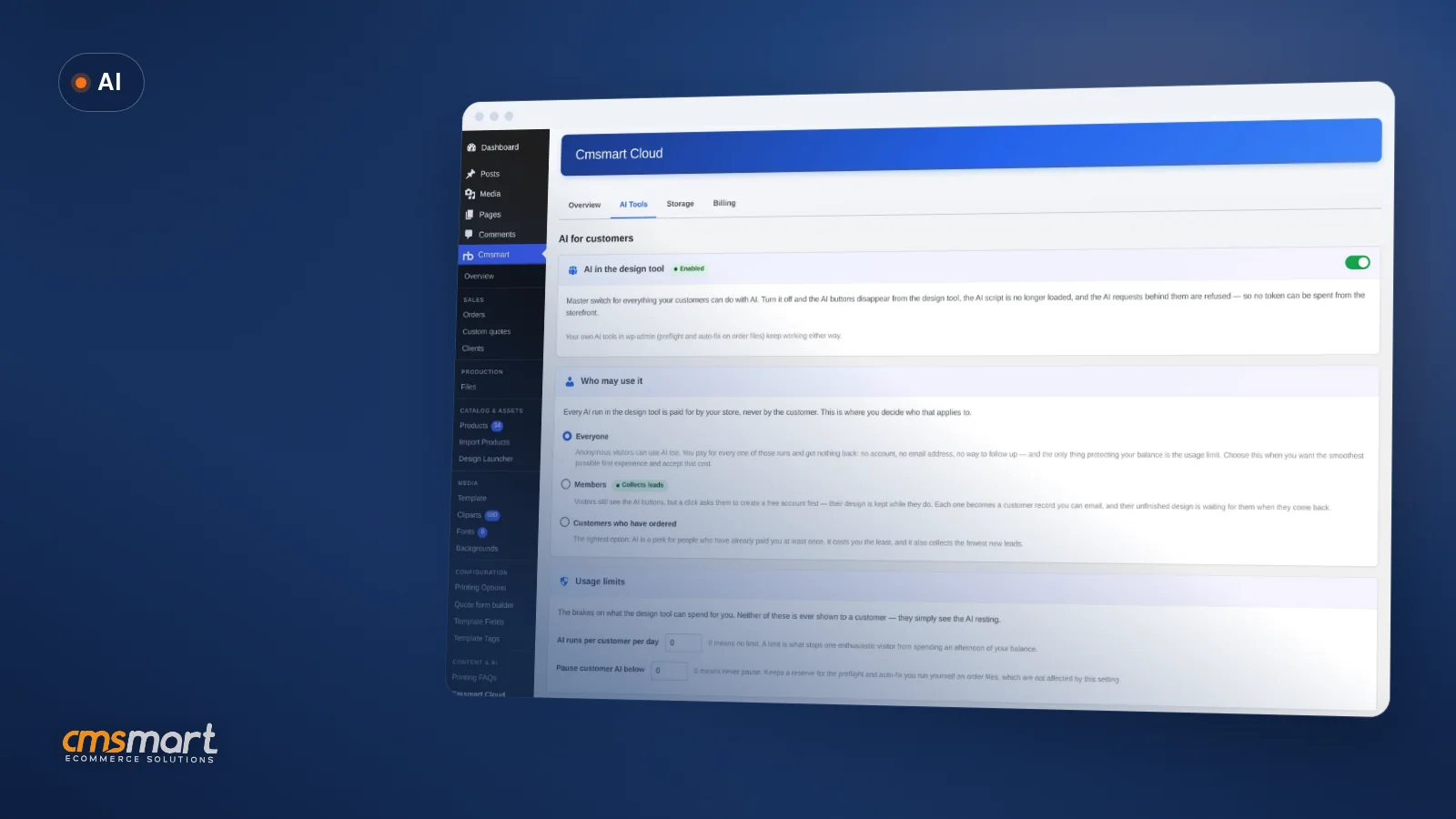
A shopper opens your product designer late one night, uploads a blurry photo from their phone, and asks for a cleaner cut-out before they buy. The fix takes seconds...

Cmsmart Ecommerce provides custom ecommerce and WooCommerce development services for web-to-print, product personalization, plugin support and API integration. For company background and team leadership, see David Nguyen.

Top
In short
This guide compares Customily, a product customizer for WooCommerce, Shopify, Etsy and more, against Cmsmart Product Designer (NBDesigner), a WooCommerce-only plugin. It is for a print shop, personalised-gift brand or B2B supplier that sells mainly on WooCommerce, and for the developer or agency who will set up whichever tool they choose.
Personalised products sell on emotion — a name on a mug, a map on a poster — but the business underneath is volume, and at volume every per-item fee compounds. Below is a sourced, methodology-led comparison, not a sales pitch: Customily gets its own "where it wins" section, and every claim about either product is linked to where we checked it today.
Product customizer for WooCommerce vs Customily: the quick verdict
Customily is a multi-platform personalisation service with automatic print-on-demand connections and a per-item fee; Cmsmart Product Designer (NBDesigner) is a WooCommerce plugin with a flat yearly licence, print options and an Accept / Decline approval step. Neither is a universal answer — the right one depends on how many marketplaces you sell on.
What problem are WooCommerce stores solving when they compare Customily and Cmsmart?
The problem is simple: Customily's fee rises with every personalised item you sell, while a WooCommerce plugin licence does not. Stores that sell mostly on one platform sometimes find they are paying a multi-marketplace tool for reach they do not use.
Customily lists apparel, jewelry, drinkware, phone cases, wall art, home decor, ornaments and stationery, with integrations across Shopify, Etsy, WooCommerce, BigCommerce, Amazon, Magento, Walmart and Shoplazza, plus automatic connections to print-on-demand providers such as Printful, Printify, Gelato, Gooten and CustomCat, and specialised generators including Star Map, Street Map and crossword tools [1].
As of 5 October 2026, Customily charges $49 a month per platform (one subscription covers unlimited stores on that platform), plus a fee per unique personalised item: $1.00 for items 1 to 100, $0.50 for 101 to 1,000, $0.25 for 1,001 to 10,000 and $0.10 above that, resetting on the first of each month [2]. The free trial is 9 days and a credit card is required, except on Shopify and Shoplazza [2].
Cmsmart insight: the per-item fee rarely feels painful at launch. It becomes a budget-line conversation once a store crosses a few thousand personalised items a month — check where your volume sits in Customily's published tiers before you assume the comparison favors either side.
What would switching away from per-item personalisation fees look like?
With Cmsmart Product Designer, a WooCommerce buyer designs on the product page, sees the price, and orders; your team opens the order, accepts the artwork in one click, and a print-ready PDF is already waiting. The designer cost is a yearly licence, not a line that grows with every sale.
Example scenario. A buyer opens your WooCommerce store at 10pm, personalises a product in the online designer, and checks out. Your team opens the order the next morning, reviews the artwork in the Customer Design box, clicks Accept, and the print-ready PDF for that order is already generated. No per-item fee changed hands between you and your designer tool.
This is a focused WooCommerce workflow. It does not replace Customily's multi-marketplace reach or its automatic print-on-demand connections — if you rely on those today, the honest answer below is to stay, or to run both during a transition.
How we compared Customily and Cmsmart Product Designer
We scored both products on nine weighted criteria using only cited public sources and a live capture of Cmsmart Product Designer 2.17.0, so you can see exactly how we reached each verdict and re-check it yourself against the same links.
Environment: Cmsmart Product Designer (NBDesigner) 2.17.0, captured on the public demo store on 5 October 2026 (plugin version shown below). Customily is not installed on our test store, so every Customily fact below comes from its own published pages or a third-party listing, each linked at the point we use it.
Criteria and weights (adjust them to your own priorities; the default weighting favors a WooCommerce print shop):
We are not publishing a single aggregate winner score. Per the verdicts above, the right choice depends on your platform mix and volume, not a blended number.
Customily vs Cmsmart Product Designer: the full feature-by-feature solution comparison
Feature by feature, Customily covers more marketplaces and automatic print-on-demand routing; Cmsmart Product Designer covers the WooCommerce-specific workflow — design, price, approve, print-ready PDF — inside your own store. A dash marked "not verified" means we found no public source, not that the feature is missing.
Building blocks: what is already in the Cmsmart plugin today, and what we build as custom development on top of it.
What is the total cost of ownership, and what's the business value of switching?
Switching only pays off if it moves a number you already track: designer cost per order, staff minutes per order, or reprints caused by unapproved artwork. Use the TCO formula below with your own volume before you decide either way.
TCO formula. Customily annual cost = ($49 × number of platforms × 12) + (sum of your monthly per-item fees across Customily's published tiers × 12) [2]. Cmsmart annual cost = (your Cmsmart plugin licence, current price on the plugin page [4]) + (one-time rebuild cost, at your team's hourly rate).
Example inputs (illustrative — use your own numbers): a store selling on 2 platforms with around 3,000 personalised items a month sits in Customily's 1,001–10,000 tier at $0.25 per item, on top of the $49-per-platform subscription [2]. The Cmsmart side of the same formula is one annual licence plus the hours needed to rebuild your templates and pricing rules — ask for a free migration assessment for a number specific to your catalogue, rather than a generic estimate.
Where Customily wins
Customily genuinely wins on reach: one subscription covers multiple marketplaces, it connects automatically to print-on-demand suppliers, and it ships specialised generators Cmsmart does not have. If that reach is central to your business, Customily is the better fit, not Cmsmart.
If you sell the same personalised products on Shopify, Etsy, Amazon and WooCommerce at once, Customily's "design once, sell across storefronts" model [1] removes work a WooCommerce-only plugin cannot replace. Its automatic connections to Printful, Printify, Gelato, Gooten, CustomCat and roughly 15 more providers [1] mean a store can route fulfillment without custom integration work. Its rating on the Shopify App Store is 4.9 out of 5 from 274 reviews [3], and its own site states it is used by 15,000+ stores worldwide [1]. None of that is a reason to pick Cmsmart over Customily if multi-marketplace reach and automatic POD routing are what your business needs.
Why work with Cmsmart for a WooCommerce print shop?
Cmsmart Product Designer keeps the whole job inside your own WooCommerce store: the buyer designs on the product page, your team approves the artwork with one click, and a print-ready PDF that matches the order is already generated by the Cmsmart Cloud — all on a flat yearly licence.
Two named innovations carry the weight here. The approved-artwork lock (2.17.0) refuses to let a design be overwritten once its order item is approved, whatever link or tab the save comes from. And the print-ready PDF that matches the order (2.17.0) means the automatic render, the server render, the preview and the order screen's Create PDF now all read the same page geometry, including custom sizes — so the file your printer gets is the file you approved.
Cmsmart Ecommerce is a division of Netbase JSC and has built WooCommerce stores since 2012: 6,300+ client projects and 4,600+ projects delivered, with 1,800+ live stores and clients in 80+ countries. Trustpilot rates cmsmart.net 4.2 from 404 reviews [9]. See real work on our projects page and the delivery model we use for custom work.
How do I set up Cmsmart Product Designer next to Customily?
Install the Cmsmart plugin on a staging copy of your WooCommerce store, enable the designer on one best-selling product, rebuild its print options and one template, and run a test order through Accept / Decline before you touch anything live.
What is the migration path, and what has to be rebuilt?
There is no importer between Customily and Cmsmart: your products, templates, fonts and pricing rules are rebuilt in the Cmsmart designer from your source files, while your WooCommerce orders, customers and products stay exactly where they are.
What moves automatically: nothing design-related. WooCommerce orders, customers and products are untouched because both tools sit on top of the same WooCommerce database — switching designers does not move or delete that data.
What has to be rebuilt by hand: personalisation templates and fonts, pricing and quantity-break rules, and any Customily-specific generator (a Star Map or crossword product, for example) as a custom build if you want to keep offering it.
Risk checklist before you switch a live product:
Cmsmart insight: the slow part of a migration is never the plugin install — it is rebuilding templates, fonts and pricing rules one product at a time. Move your best sellers first and keep the old tool running on the long tail; that is what keeps a migration from becoming a launch-day risk.
For a structured move, see the Switch from Customily to Cmsmart service, or start with the free migration assessment, which reviews your current Customily setup and tells you honestly whether switching is worth it.
Which fit scenario matches your store?
Most WooCommerce stores fit one of three patterns: WooCommerce-only and fee-sensitive, multi-marketplace and reach-dependent on Customily's connections, or somewhere in between and worth testing both free trials before committing either way. Match your store to the closest one below before you decide.
Example scenario 1 — WooCommerce-only print shop. A store sells personalised stationery only through its own WooCommerce site, with growing volume. The per-item fee on Customily would scale with every sale; a flat Cmsmart licence would not. This profile points to Cmsmart.
Example scenario 2 — Multi-marketplace personalised-gift brand. A store sells the same mugs and apparel on Shopify, Etsy and Amazon, routed automatically to a print-on-demand partner. Replacing that reach would mean rebuilding three storefronts and sourcing new fulfillment. This profile points to staying with Customily.
Example scenario 3 — Growing on WooCommerce, testing other channels. A store sells mainly on WooCommerce but is trialling Etsy. Running Cmsmart on WooCommerce and Customily's free trial on Etsy for a quarter, then comparing actual costs, is a reasonable way to decide without committing either way.
Where does custom development fit for WooCommerce personalisation?
The Cmsmart plugin covers the designer, pricing and approval; Cmsmart builds the rest as custom development on your WooCommerce store — the personalisation rebuild, pricing rules, and any integration work a Customily migration needs — delivered through discovery, solution design, sprints, QA, launch and support.
Our ecommerce delivery model describes the delivery approach end to end. Not sure what you need? Get a free migration assessment
Frequently asked questions
Can I import my Customily set-up into Cmsmart?
Not automatically. There is no importer; we rebuild the personalisation set-up in Cmsmart from your product information and source files.
How does Customily charge, exactly?
Its pricing page lists $49 a month per platform plus a fee per unique personalised item that falls from $1.00 to $0.10 with monthly volume, as of 5 October 2026 [2].
Does Cmsmart connect to Printful or Printify automatically?
Not as a built-in connection. If you need print-on-demand routing we scope it as custom integration work, or you keep the tool that already provides it.
Will switching delete my WooCommerce orders or customers?
No. Orders, customers and products belong to WooCommerce and stay in your own database whichever designer plugin you use.
Is Cmsmart the same company as NBDesigner?
Yes. The Cmsmart Ecommerce Plugin for WooCommerce was formerly called NBDesigner; both names refer to the same plugin and the same team.
Does switching away from Customily cost anything besides the plugin licence?
Usually yes: the time to rebuild templates, fonts and pricing rules. The free migration assessment gives you an honest estimate for your specific catalogue before you commit to anything.
Sources
Every Customily figure in this comparison is numbered here with the exact page we checked and the date, and every Cmsmart claim is backed by the same changelog entries and captures used throughout this guide, so you can verify either side yourself instead of taking our word for it.
Customily is a trademark of its owner. Cmsmart Product Designer (NBDesigner) is Cmsmart's own product. See also: Cmsmart Product Designer plugin · web-to-print solution · Release 2.10.0: AI Print-QA.
See what per-item fees cost you, next to a flat licence
Send us your products and monthly volume. We review your current Customily set-up for free and send a written migration assessment before any work starts.
Get a free migration assessment Or see the Customily migration service
David Nguyen
Direct contact & support
Need help fast? Message me anytime: