

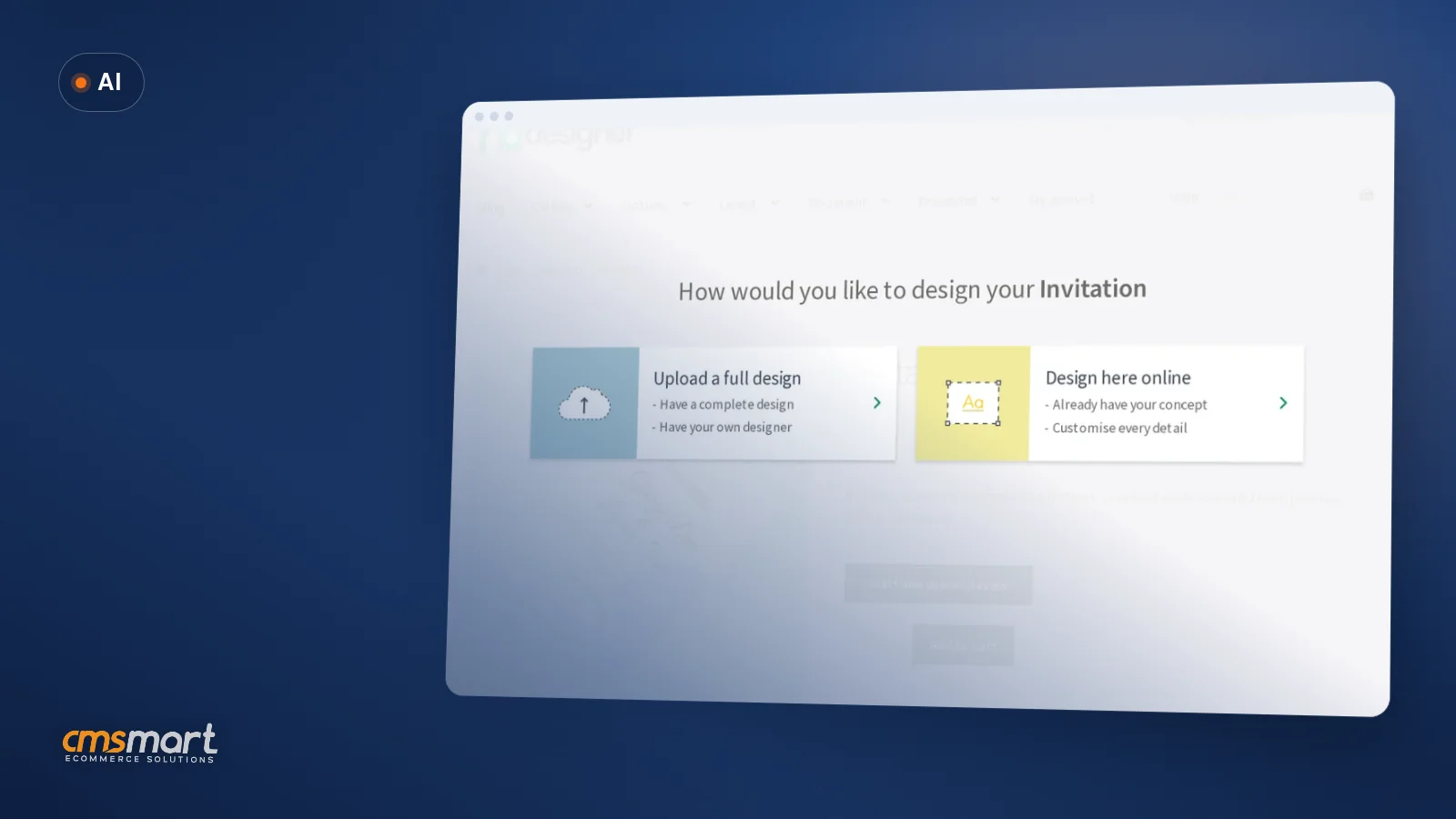
Guide · AI
AI Generated Designs Print on Demand: Quality & Rights
Selling AI generated designs print on demand? Check resolution, usage rights and AI preflight first, then get a Cmsmart quote.
How to use a global template store in woocommerce product we are going to introduce to you the best Woocommerce Product designer plugin which helps you easier to customize the image of products and provides more other amazing features.
Table of contents
Was this tutorial helpful?
Written by
Cmsmart Product Designer Plugin Engineer
Builds and supports the Cmsmart Product Designer (NBDesigner) for WooCommerce.
The team behind it
 Account Manager
 Project Manager
 Business Analyst
 Developers & QA
Guide · AI
Selling AI generated designs print on demand? Check resolution, usage rights and AI preflight first, then get a Cmsmart quote.
Guide · Web-to-print
Build a WooCommerce price matrix with Cmsmart Printing Options to price print jobs instantly, see the ROI, and get a custom pricing engine quote.
Guide · Web-to-print
Learn how to start a mug printing business with a real online designer, automatic print-ready PDFs, and order tracking. Get your free project plan.
Browse more guides, tutorials and case studies from the Cmsmart community.
Custom bag design software for WooCommerce: Cmsmart Product Designer adds live pricing and print-ready files. See how to set it up.
Read MoreCar wrap design software for WooCommerce: panel templates, size-based pricing, 3D preview and approval before you print. Plan your wrap store now.
Read MoreDiscover how the home décor industry is transforming with the rise of personalized products and the challenges retailers face. Learn how CMSmart's Product Builder offers a solution, improving customer engagement, reducing return rates, and increasing sales through real-time 3D previews and automated processes.
Read More
Cmsmart Ecommerce provides custom ecommerce and WooCommerce development services for web-to-print, product personalization, plugin support and API integration.
Cmsmart Product Designer Plugin Engineer
Builds and supports the Cmsmart Product Designer (NBDesigner) for WooCommerce. Meet the team behind Cmsmart.





Dear our beloved customers,
This is the powerful and smart tool of Web to Print stores, it is not only the best selling Online Product Designer Plugin for Woocommerce Wordpress but also provides an outstanding experience to choose attributes for products Woocommerce. With this plugin, you will need to install and configure Woocommerce first. To make a strong impression in the eyes of customers, it is essential to enable them to design their own products to make it more eye-catching and suitable for their needs, then increase the conversion rate. After you know how to use a global template store in woocommerce product we are going to introduce to you the best Woocommerce Product designer plugin which helps you easier to customize the image of products and provides more other amazing features. Let’s take a look!
Main features of Woocommerce Product Online Design?
The way to edit attribute of the main feature on Online Design Product
Cmsmart performs more details in this below video. Hence, you should watch the video to fully understand the way to edit attributes on the WooCommerce product designer plugin. Let's start!
Watching video to edit attribute on Woocommerce product designer plugin
How to edit attributes on Woocommerce product designer plugin?
Above is my opinion about "How to edit attribute on Woocommerce product designer plugin". I hope this article has brought you some useful information. If you have any questions about the product, please contact Vincent at the contact information below or comment in below. Besides, you can try this product at WordPress Online Design Demo. Remembering using coupon code MAR_DL to get 18% OFF for this item.
Many thanks and best regard.
Vincent
Sales Consultant Manage
Skype: live:vincent_4281
Phone/ WhatsApp: +84 868 901 261
Email: [email protected]