

Guide · Web-to-print
WooCommerce Product Designer Plugin vs Zakeke (2026)
Comparing Zakeke with a WooCommerce product designer plugin? See sourced pricing, features, and get a free migration assessment from Cmsmart.
Dear our beloved customers, In the previous article, we shared. How to design a product with Woocommerce product designer plugin? and today will discuss How to create online design for products with Woocommerce product designer plugin? In order for customers to design products on your website, you need to create products in the back-end. Using Online Product Designer Plugin for WooCommerce WordPress which is developed by Cmsmart , you can create online design for...
Dear our beloved customers, Language customization allows you to accommodate different languages to suit your needs. You use language customization to choose the language you have available. After selecting the language you want, your page is translated into the language you specified. This type of configuration gives you complete control over languages. Using Woocommerce product designer which is developed by Cmsmart , you can change language in the fastest way. In this article, we...
Dear our beloved customers, Woocommerce products designer is a premium plugin developed by Cmsmart . Using this plugin, customers can upload your own design with different types of files. Admin can manage their customers' upload. In the Upload setting tab, admin can: Allow upload files type Disallowed upload file types Let customers upload their own files Limit of file size that customers can upload their design Let customers download their own files Limit of...
A buyer opens your WooCommerce store, drops your logo onto a template, and expects the pink in their cart to be the same pink that ships. To match brand colors in your product designer, you need the on-canvas text and color tools talking to the same print-ready pipeline your press uses, not two separate systems that happen to look similar on a laptop screen. Most stores get the first half right and the second...
Dear, our beloved customers, Woocommerce product designer that is developed by Cmsmart, is very useful for both printing shop owners and their customers. It allows customers can design their product as per their needs by using add Text, Number or logo, color, Font Size, Alignment, etc. This plugin help customers draw their idea in the fastest way. Besides, admin can manage customers' design in Design tool tab. In Design tool tab, admin can configure...
Dear, our beloved customers, Wordpress Online Designer is the powerful tool of Web to Print stores which is developed by Cmsmart. It is built for all types of printing companies. With this plugin, customers can draw their idea quickly without designing skills. To use our plugin, you have to use one of there two versions: free version or pro version. This free version includes full featured, but only allows the shop owner to created...
Dear, our beloved customers, Wordpress Online Designer is a premium plugin which is developed by Cmsmart . This plugin is an extension of WooCommerce plugin that allows your customers to design products in the fastest way without designing skills. We provide an available free Media library for templates, elements, images which you can express your feeling in the best way. You can install this plugin one of there two ways. In the previous article,...
Dear our beloved customers, Any printing business wants their customers to design products more easily. To make your product more appealing to your customers, you need to allow them to design your own product to make it more eye-catching and relevant to their needs, then increase conversion rates. Woocommerce product designer plugin is the solution you are looking for. So in today's post, we will show you how to install Woocommerce product designer plugin....
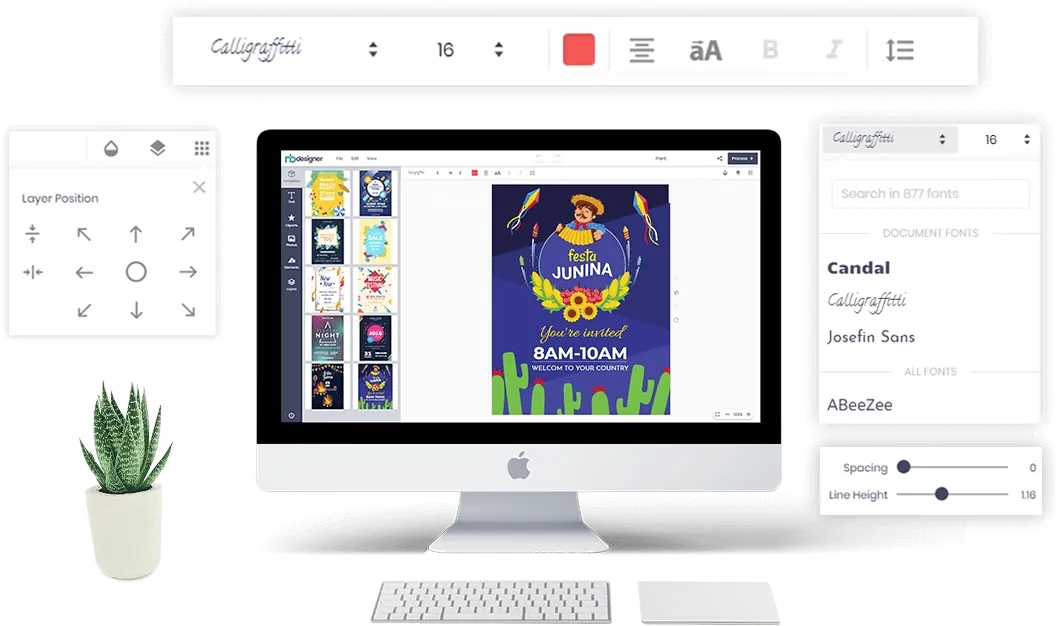
Dear our beloved customers, To create a professional design, we need to combine images, colors, display text (typography). Different from the rest, text and font are the most direct and varied ways of expressing a design's content. As an online design tool, WooCommerce Product Designer Plugin of Cmsmart fully supports basic features to design such as Insert clipart , Configure Color , Use Design guideline , insert text and change font. These features are...
Clip art is a collection of pictures, typically organized into categories, such as people, objects, nature, etc., which is especially helpful when browsing through thousands of images. This is the powerful tool of Web to Print stores . It is very useful for both printing shop owner and their customers. You can add art, change colors, move, resize, rotate, delete art, flip, center function and so on. Customers can search by category which admin...
Guide · Web-to-print
Comparing Zakeke with a WooCommerce product designer plugin? See sourced pricing, features, and get a free migration assessment from Cmsmart.
Guide · Web-to-print
Looking for a fancy product designer alternative for WooCommerce? Compare sourced facts and pricing, then get a free migration assessment.
Guide · Web-to-print
Comparing WooCommerce product designer plugin options? See Lumise vs Cmsmart: sourced features, pricing and a verdict, then get a free assessment.
Guide · Web-to-print
See a product customizer for WooCommerce compared with Customily on pricing, features and TCO, then get a free migration assessment from Cmsmart.
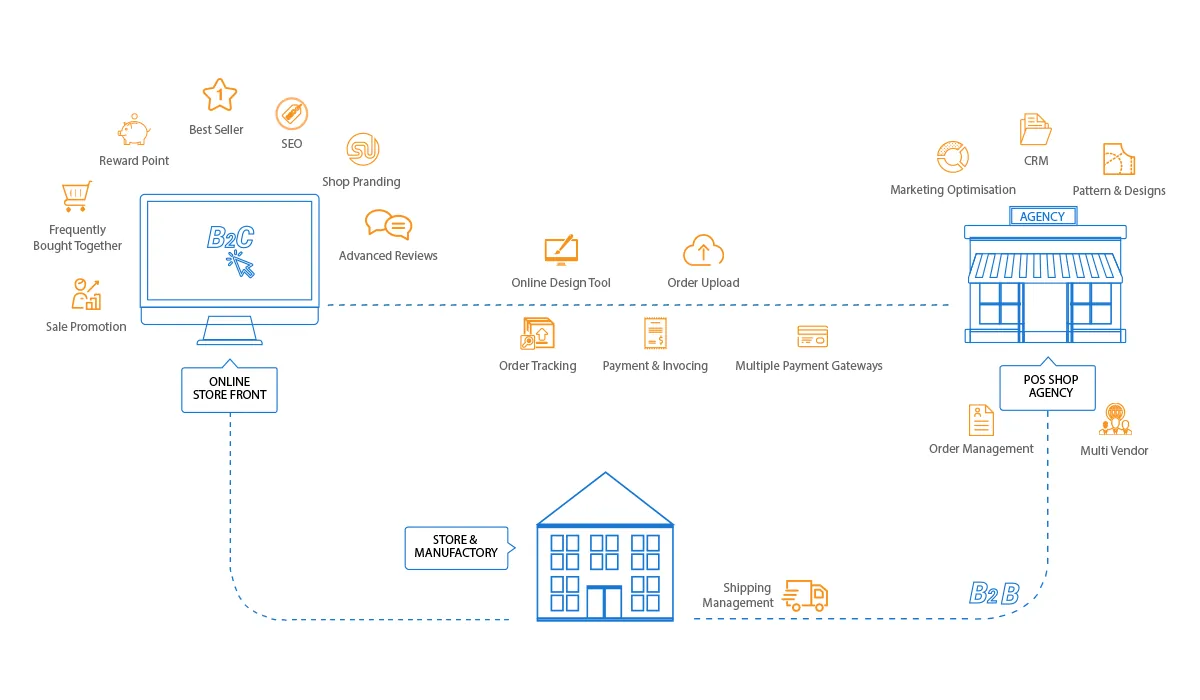
Web-to-print software lets customers personalise a printed product in the browser, see the price and order it, while the shop receives a print-ready file with the order. Cmsmart builds this on WooCommerce with the Cmsmart Product Designer plugin.
Yes. Create a free Cmsmart account and start the free licence from your dashboard (Products), then install the plugin on your WooCommerce store and test real orders.
Cmsmart builds them as custom development: pricing rules, proof approval flows, MIS or print API integrations, new product types. Describe what you need in the quote form and the web-to-print desk will scope it.
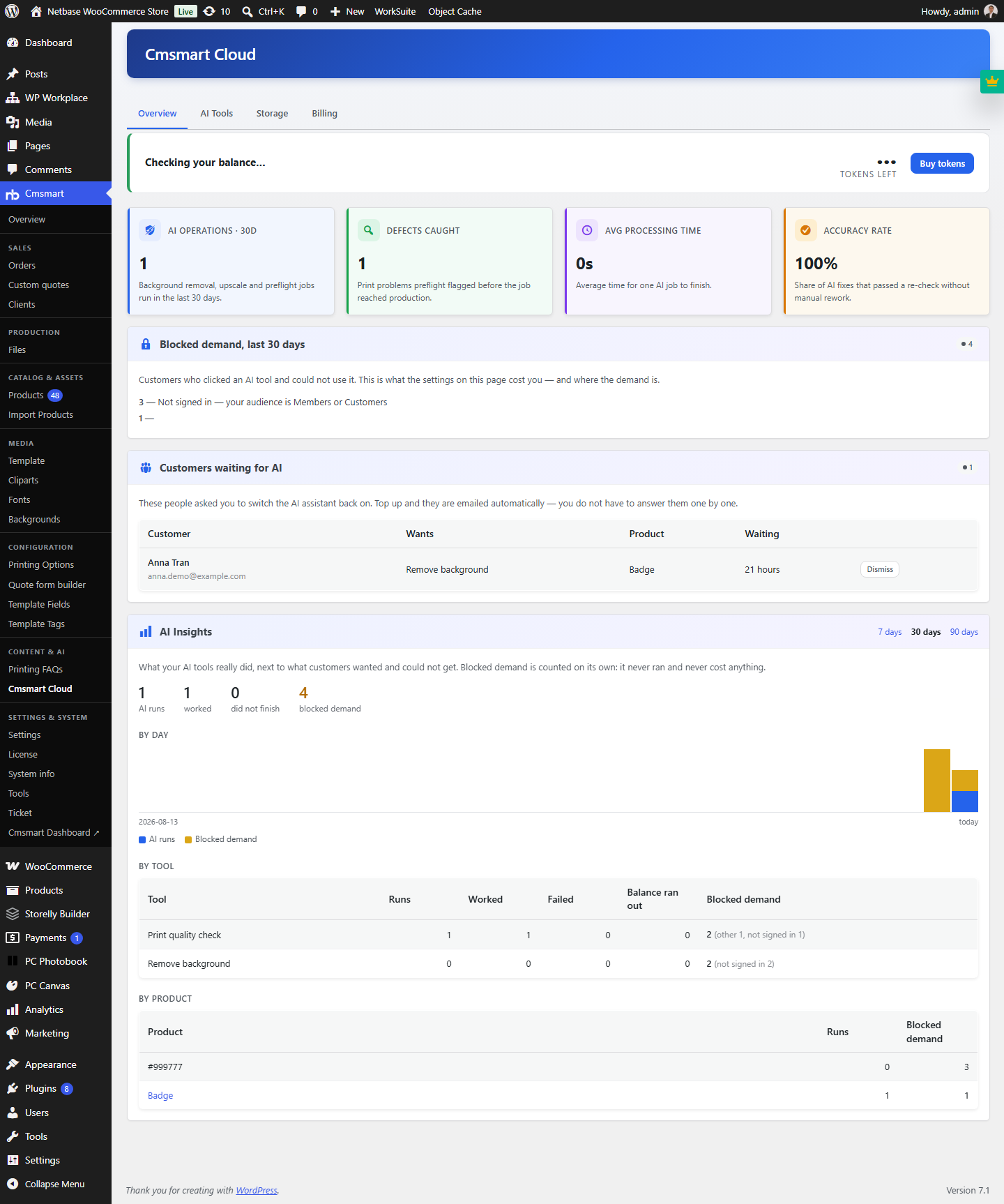 Cmsmart Product Designer 2.15: a critical security fix, a steadier dashboard, and AI you control and profit from
 NBDesigner Free Trial: Download, Install & Activate
 Teespring Business Model: How It Works for Sellers
 Cmsmart Product Designer 2.10.0 – Built-in Customer CRM, AI Print-QA and a Redesigned Dashboard
 Ecommerce Web Design Companies: 6 to Compare
 Ecommerce Product Catalog and Listings: A Guide
 Keywords for T-Shirts: SEO Tips for Your Brand
 Cmsmart product designer 2.9.0 – solving critical compatibility issues with wordpress, woocommerce and php 8.x
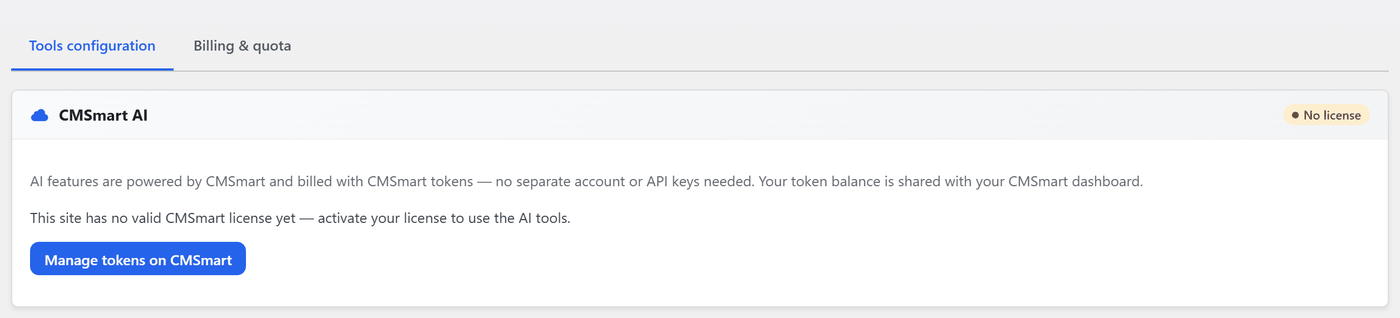 Cmsmart Product Designer 2.12 — AI on Your Own Licence, a Real Quotes Area, and Print Files You Can Trust
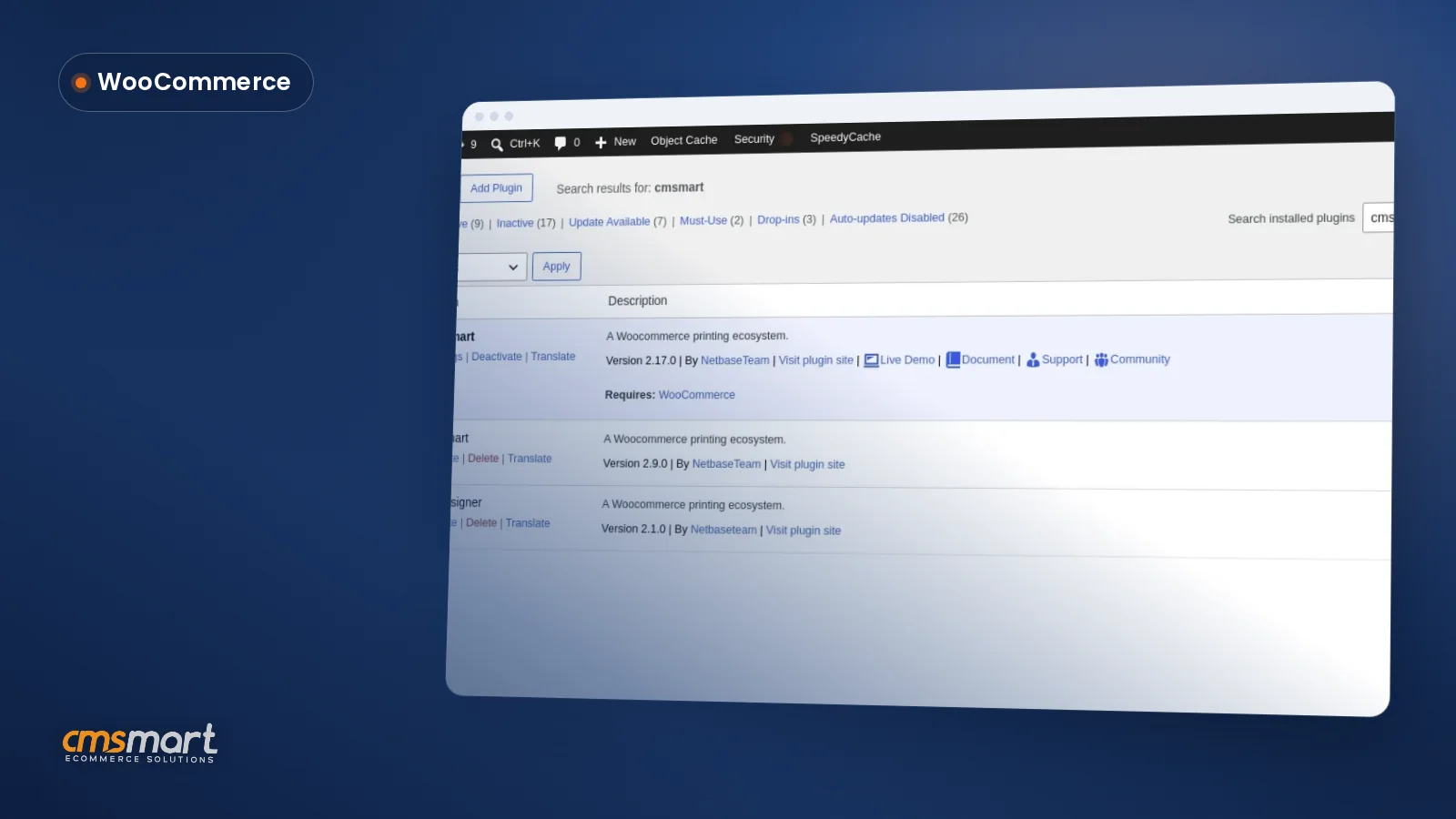 Install the NBDesigner Plugin for WooCommerce (2.17)

Cmsmart Ecommerce provides custom ecommerce and WooCommerce development services for web-to-print, product personalization, plugin support and API integration.
Cmsmart Web-to-Print Solutions Consultant
Plans online print storefronts: product setup, pricing rules, proofing and print-ready files.
Meet the team →