

1. Common Installation Problems 1.1. I see a directory listing rather than a web page The web server needs to be told to view index.php by default. In Apache, use the DirectoryIndex index.php directive. The simplest option is to create a file named .htaccess in the installed directory and place the directive there. Another option is to add the directive to the web server’s configuration files. 1.2. I see lots of Headers already sent...
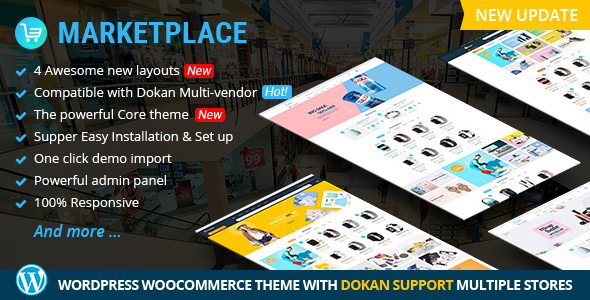
Beside the main plugin such as Quick View, Wishlist, Compare, WooCommerce, Revolution Slider you should install other plugins: SEO, Security, send an email. You should install this plugin to protect and bring profession for your website. 1. Security Plugin An effective security plugin that is popular in WordPress themes security. It helps protect your WordPress site by hiding vital areas of your site, protecting access to important files, preventing brute-force login attempts, detecting To...

1. Visual Composer Visual Composer is a unique plugin, it will help you manage your content at the WordPress sites and create stunning layouts in few minutes without coding. Nowadays many websites have complex grid layouts with columns, tabs, sliders and etc. In the past, to create that type of layouts you should be HTML guru or Shortcodes operator ninja. Go to WPBakery Page Builder Settings -> Role Maneger -> edit information -> Save...
2.1 Support Policy This user guide helps you with a problem about theme installation and configuration- please read it carefully. Theme Support Our WordPress team is dedicated to providing customers with the best Quality, Value, and Services. If you encounter some bug of a product or have other problems with the theme, please refer to chapter Troubleshooting . If you don’t find there, we would love to hear from you. For feedback about our...
Introduction about WordPress: https://wordpress.org/about/ Theme WordPress: https://wordpress.org/themes/ Plugin WordPress: https://wordpress.org/plugins/ Support WordPress: https://wordpress.org/support/
1.2. License With ThemeForest regular license you are licensed to use this theme to create one single End Product (the final website customized with your content) for yourself or for one client. In short: What is allowed with single regular license? 1. You can create one website for yourself or for your client and you can transfer that single website to your client for any fee. This license is then transferred to your client....

Question 1: How to install this theme? There are two options to install this WordPress theme such as: Option 1: Quickstart installation Option 2: FPT Upload To know more information, please read carefully in 3. Installation Question 2: Do I receive the Product like your demo? Answer: Yes, but after that you should change your logo, upload your own products. Our demo templates are for demo. Question 3: Can I download the update of...

Rate this theme There are various unique homepage layouts on this theme that addapt all your customers demand. We will update more new home layout monthly. This theme was built on a strong and flexible NEW CORE THEME with many features that customers can change and configure quickly without hassle. Even you are a new developer or a shop owner; you can install this theme on your site in a few minutes. Let’s remember...
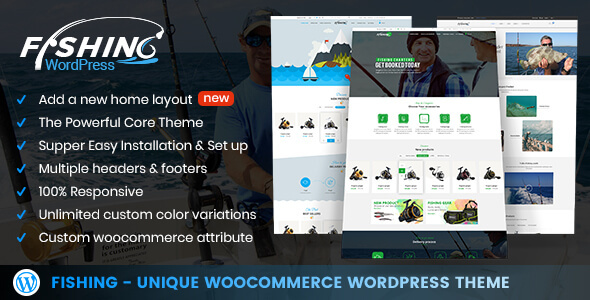
Beside the main plugin such as Quick View, Wishlist, Compare, WooCommerce, Revolution Slider you should install other plugins: SEO, Security, send an email. You should install this plugin to protect and bring profession for your website. 1. Security Plugin An effective security plugin that is popular in WordPress themes security. It helps protect your WordPress site by hiding vital areas of your site, protecting access to important files, preventing brute-force login attempts, detecting To...

1. Visual Composer Visual Composer is a unique plugin, it will help you manage your content at the WordPress sites and create stunning layouts in few minutes without coding. Nowadays many websites have complex grid layouts with columns, tabs, sliders and etc. In the past, to create that type of layouts you should be HTML guru or Shortcodes operator ninja. Go to WPBakery Page Builder Settings -> Role Maneger -> edit information -> Save...
Most read this month
 Cmsmart Product Designer 2.15: a critical security fix, a steadier dashboard, and AI you control and profit from
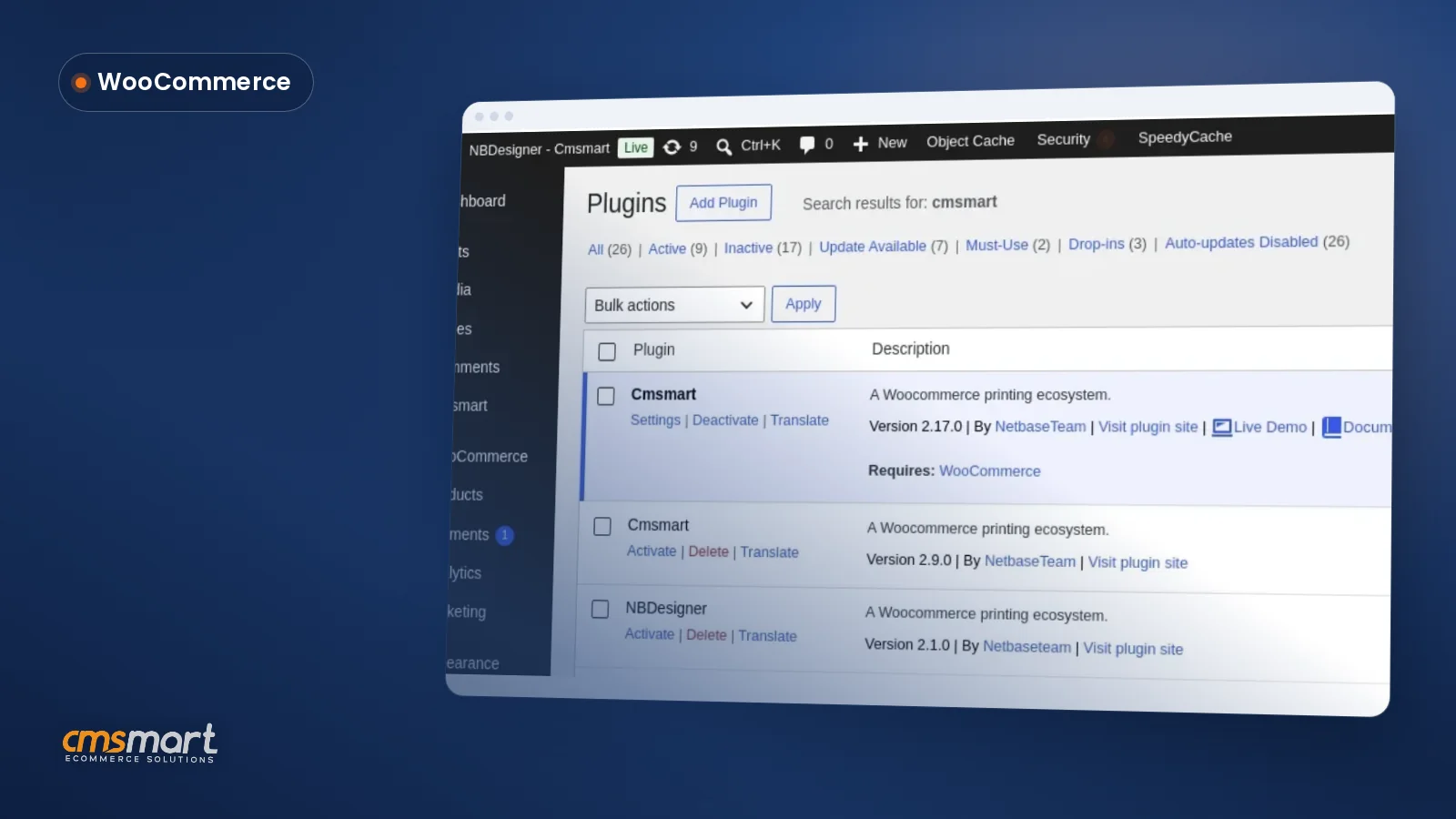 Install the NBDesigner Plugin for WooCommerce (2.17)
 Cmsmart Product Designer 2.10.0 – Built-in Customer CRM, AI Print-QA and a Redesigned Dashboard
 Teespring Business Model: How It Works for Sellers
 Ecommerce Web Design Companies: 6 to Compare
 NBDesigner Free Trial: Download, Install & Activate
 Ecommerce Product Catalog and Listings: A Guide
 Keywords for T-Shirts: SEO Tips for Your Brand
 Cmsmart product designer 2.9.0 – solving critical compatibility issues with wordpress, woocommerce and php 8.x
 Cmsmart Product Designer 2.12 — AI on Your Own Licence, a Real Quotes Area, and Print Files You Can Trust

Cmsmart Ecommerce provides custom ecommerce and WooCommerce development services for web-to-print, product personalization, plugin support and API integration. For company background and team leadership, see David Nguyen.

Top