

Guide · Web-to-print
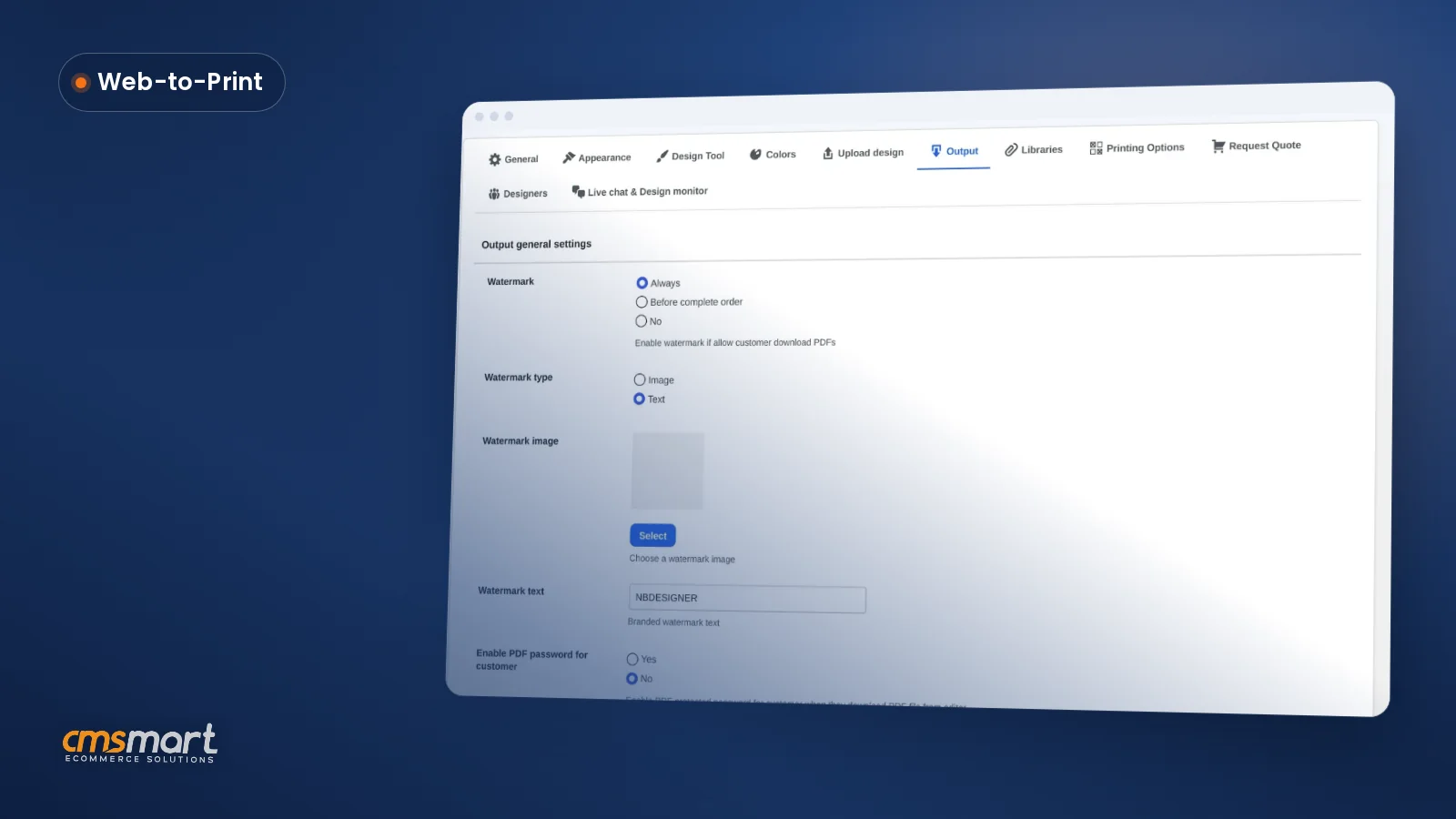
Print Ready PDF Output Settings WooCommerce Setup
See what the print ready PDF output settings WooCommerce screen controls — watermark, password, bleed, FTP sync — and configure yours today.
The Quickstart Package offers full data of Magento + Template + numerous Magento Extensions + Sample Content. It’s the fastest and easiest way of installing and exploring a backend setting for both beginner and professor.
Table of contents
Was this tutorial helpful?
Written by
Cmsmart WooCommerce Plugins & Themes Specialist
Installs, configures and customises WooCommerce plugins and themes, ours and the market's.
The team behind it
 Account Manager
 Project Manager
 Business Analyst
 Developers & QA
Guide · Web-to-print
See what the print ready PDF output settings WooCommerce screen controls — watermark, password, bleed, FTP sync — and configure yours today.
Case study · AI
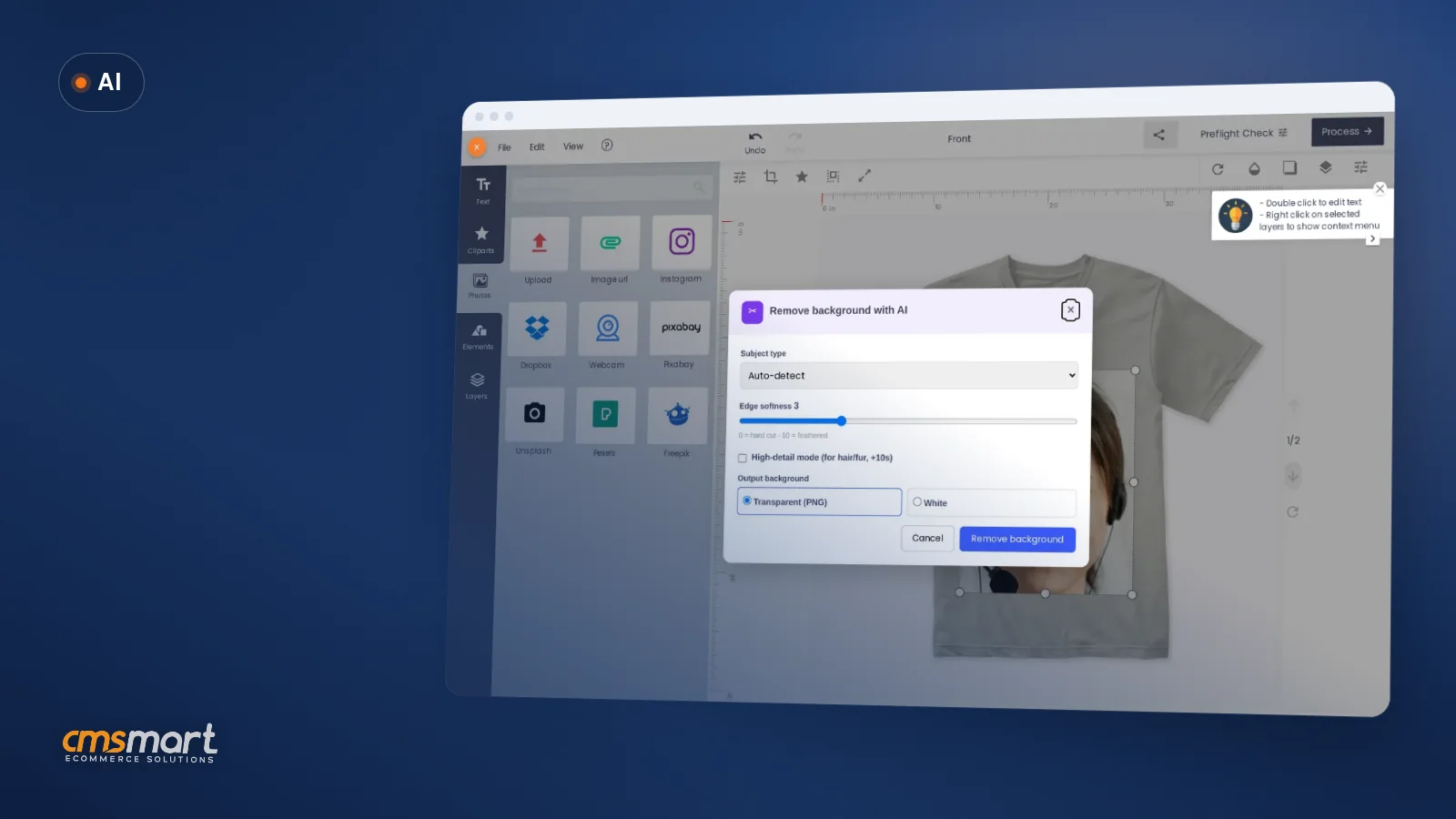
Add an AI background remover for WooCommerce to your product designer so buyers get a clean cutout instantly, and see how Cmsmart builds the rest for...
Case study · Web-to-print
Save design and reorder WooCommerce orders in one click, with a fresh print-ready PDF every time. See how Cmsmart builds it.
Browse more guides, tutorials and case studies from the Cmsmart community.
Over the two decades, the printing industry has seen dramatic change. According to statistics, the web to print- Print on demand- market was valued at USD 867 billion with an estimated growth rate of 7.6% until 2025.
Read MoreWith the increasing competition within the industry, you might be left wondering where your window of opportunity for your product could be. Here are 10 great ideas for a startup printing business for you to take inspiration from.
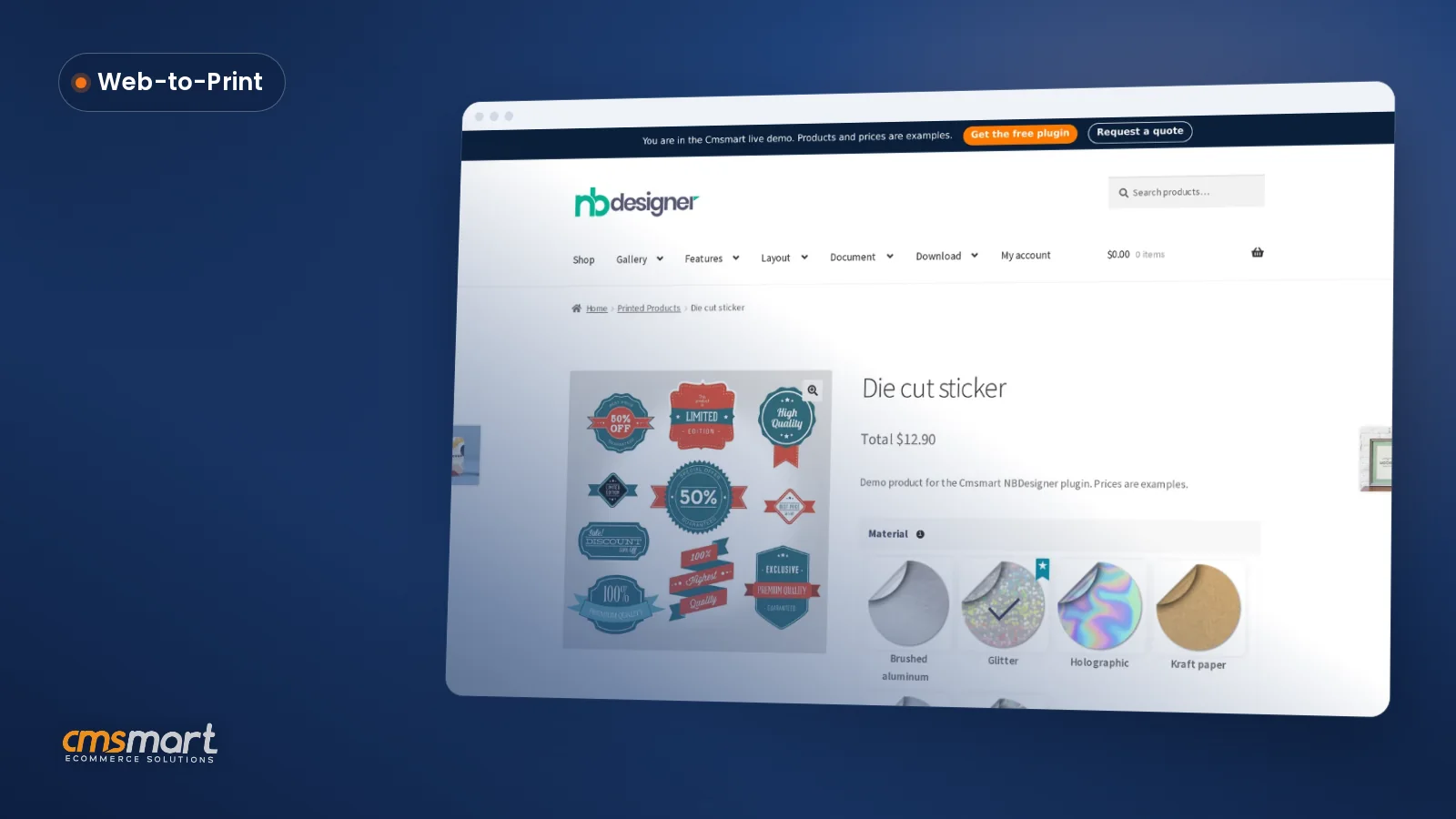
Read MoreSet up sticker cutline WooCommerce workflows in Cmsmart Product Designer 2.17, export print-ready SVG/PDF files, and get a custom quote.
Read More
Cmsmart Ecommerce provides custom ecommerce and WooCommerce development services for web-to-print, product personalization, plugin support and API integration.
Cmsmart WooCommerce Plugins & Themes Specialist
Installs, configures and customises WooCommerce plugins and themes, ours and the market's.
Meet the team →




Dear, our beloved customers,
Magento Printmart solution created by CMsmart to serve the printing needs of businesses that want to print products. This is an effective printing tool, with it, you can print simple products quickly and, of course, the efficiency will not disappoint you.
After customers install and use our Magento Printmart solution to serve their printing needs effectively, I receive many questions about installing the quickstart package of Printmart. So, with this article, I want to recommend to you How to install the quickstart package of Printmart theme for a totally new store?
The Quickstart Package offers full data of Magento + Template + numerous Magento Extensions + Sample Content. It’s the fastest and easiest way of installing and exploring a backend setting for both beginner and professor.
Magento 2 printing solution is the best choice:
To make sure the installation process successful, details guide please follow this simple video below:
How to install Magento Printmart website theme for a totally new website quickstart from Cmsmart Netbase on Vimeo.
2 steps to install Magento Printmart website theme:
Step 1: Upload and unzip file
Step 2: Installation
CMSmart hopes you find a guide helpful. Now you can easily install Magento 2 Printmart theme for a totally new store. If you want to have more experience in our products, please access DEMO. Do you like this product? We offer you coupon code MAR_DL to get 18% OFF (UP TO $225) when you buy Magento PrintMart. Contact us if you have any questions about this article. Thanks for reading!
Best regards.
Have a nice day!
Vincent
Sales Consultant Manager
Skype: live:vincent_4281
Phone/ WhatsApp: +84 868 901 261
Email: [email protected]