
Ecommerce integration services
Custom API integration for any system
If a system has an API, or can exchange files, we can connect it to your store. Built as custom development, with a queue, retries and monitoring.

The short answer
We build custom API integrations between your Cmsmart Ecommerce or WooCommerce store and any system that has an API, using WooCommerce webhooks and the REST API, with a queue, retries and monitoring. Systems without an API can use CSV or SFTP. A free assessment sets the scope, then the build is quoted.
| Scope | Any system with an API or a file exchange: webhooks out, REST in, queue, mapping, monitoring |
|---|---|
| What syncs | Whatever the data map defines: orders, products, stock, customers, files, status |
| Typical inputs | The other system's API documentation and a sandbox, example payloads, your volumes |
| Deliverables | Data map, integration on staging, tested scenarios, monitoring, run book |
| How pricing works | Free assessment, then a quote per project paid by milestone. |
Data flow
How the data moves
The problem
What does it cost when a system with an API still gets data by hand?
- A system with an API that nobody has connected
- Spreadsheets exported from one tool and imported into another
- Changes in one place that never reach the other
- A script that nobody owns and nobody monitors
- A storefront that cannot call your business logic
What syncs
What moves, which way, and when
| Data | Direction | System of record | Trigger | Notes |
|---|---|---|---|---|
| Outbound events | Store to system | WooCommerce | Webhook | Orders, customers, status; signed with HMAC-SHA256 |
| Inbound updates | System to store | Other system | REST call or schedule | Stock, prices, status via the WooCommerce REST API |
| Files | Both ways | Agreed per file | With the order | Print-ready files, documents, labels |
| Failed calls | Internal | Integration layer | Automatic | Queue, retry, then alert |
| Systems without an API | Both ways | Agreed | Schedule | CSV or SFTP exchange |
Typical defaults. The final directions, triggers and frequency are set in the assessment.
How it is built
WooCommerce APIs and webhooks, used properly
WooCommerce provides a REST API and signed webhooks. We build on those, and on the other system's own API.
-
Webhooks out
WooCommerce sends an event when an order or customer changes. Each delivery carries a signature header the receiver verifies.
-
REST in
The other system updates stock, prices or status through the WooCommerce REST API.
-
Queue and retries
Events are queued, retried and logged, so a short outage does not lose an order.
-
Headless storefronts
A Next.js storefront on the same APIs is covered by the headless commerce service.
Source: WooCommerce REST API documentation, WooCommerce REST API reference: webhooks (read 10 October 2026).
Several stores
Several stores feeding one order queue
When you run more than one store, the same API pattern joins them: each store sends its orders, one layer stores each order once and returns status to the store it came from. The details are on the multi-store order sync page.
-
One record per store order
Each order is keyed on its store and its order number, so a repeated delivery does not make a second record.
-
Status goes back to the right store
Tracking and status are written to the store that took the order, through its own API.
-
Other platforms
A platform with an order API or webhooks can feed the same queue. The details of that API are confirmed against the provider's current documentation in the assessment.
Approach
Connector, integration platform or custom code
The free assessment compares the three on fit, cost driver and limits, and tells you which one we would pick and why.
-
A. Marketplace connector
A licence from the WooCommerce Marketplace or the system's own app store, configured for you.
Fits: Standard flows and a well-supported system.
Limits: Limited to what the connector exposes; fees are paid to its vendor.
-
B. Integration platform
A hosted integration platform that moves data between apps, for example Celigo, or Make for light flows.
Fits: Several systems, or upkeep by a non-developer team.
Limits: A monthly platform fee, and platform-specific logic.
-
C. Custom integration
WooCommerce REST API and webhooks connected to the other system's API, with a queue, retries and logs, built as custom development.
Fits: B2B prices, personalised files, multi-supplier routing or an unusual system.
Limits: We build and maintain it, so it is quoted per project.
Often a mix: a connector or platform for the standard flows, plus custom logic for B2B prices, personalised files or multi-supplier routing. Built as custom development.
The Cmsmart angle
What is core, and what is built for you
Cmsmart Ecommerce is built on WooCommerce. The designer side is part of the product. The bridge to your other systems is custom development.
Core Core in Cmsmart Ecommerce
- Each personalised order line carries its own design
- The designer exports a print-ready PDF for a design
- WooCommerce REST API and webhooks (WooCommerce core)
Custom Custom development
- The bridge that sends a file or an order to another system
- Field mapping, price-list logic and routing rules
- Queue, retries, logs and alerts
Scope
Included, not included, and extra
Included
- A data map of the flows and the owner of each field
- Webhook receivers and REST calls built to the other system's API
- Signature checks, idempotency keys and a retry queue
- Logs, failed-call alerts and a run book
- CSV or SFTP exchange where there is no API
- Testing on staging
Not included
- Building or changing the other system itself
- The other system's API fees
- Implementing or licensing the other system itself (ERP, CRM, MIS or supplier account)
- Fees charged by the other system, a connector or an integration platform
- Changes inside the other system's configuration beyond the agreed scope
Extra, quoted separately
- A monitoring dashboard
- Middleware you host, or a hosted integration platform
- Security review before go-live
What we need from you
- The other system's API documentation and a sandbox
- Example payloads for the awkward cases
- Who owns each field
- Admin or sandbox access to the other system, and an API user with only the rights needed
- A named owner on your side for each synced object (products, stock, prices, customers, orders)
- A staging copy of your store, or approval to create one
- Examples of real orders, including the awkward ones (partial shipments, refunds, custom items)
- Your volumes: orders per day, number of products and the busiest days
Process
How an integration project runs
Each phase is a milestone, approved and invoiced one at a time in your dashboard. The timeline is set in the assessment, because it depends on your systems and volumes.
- Free integration assessment. We review your systems, the owner of each field, your volumes and API access, and tell you what is feasible.
- Architecture and data map (milestone 1). A signed-off design that states what syncs, which way, how often and which system owns each field.
- Build in sprints on staging, using sandbox accounts of your systems.
- User acceptance testing with your own order, price and file scenarios.
- Go-live with a cut-over plan, a back-fill of open orders and monitoring switched on.
- Support. Tickets in your dashboard, health checks, and updates when either system changes its API.
Enterprise support tier
For integrations your operations depend on
Response targets, monitoring and review cadence are set in your agreement, not on this page.
- Monitoring of sync health and failed jobs, with a monthly sync report
- A named team that stays after launch
- A security review before go-live
- WooCommerce and connected-system upgrades tested on staging first

Free assessment
See what connecting Custom API would take
Tell us about your store and the system. We reply with what is feasible, which route we would pick and a quote, with no obligation.
FAQ
Frequently asked questions
Can you integrate a system I do not see listed?
Usually yes. If it has an API, or can exchange CSV or SFTP files, it can be connected. The free assessment checks the documentation and tells you what is feasible.
Do I need custom code?
Not always. A marketplace connector or an integration platform can cover standard flows. Custom code is chosen where you need B2B logic, personalised files or an unusual system. The assessment compares the three.
How do you stop duplicate orders and lost events?
Each call carries an idempotency key, events are queued and retried, and a repeated failure raises an alert. WooCommerce webhook signatures are verified before an event is trusted.
Can you build for a headless storefront?
Yes. A headless storefront uses the same WooCommerce APIs. The headless commerce service covers the storefront architecture, and this service covers the systems behind it.
Where do credentials live?
In server-side configuration or a secrets store, never in the browser, and with least-privilege API users in the other system.
Who maintains the integration?
A support plan or the enterprise support tier, agreed with you. Updates when either system changes its API are tested on staging first.
How is the project priced?
There is no public price. After the free assessment you receive a quote, with the data map as milestone 1.
Related services
Other integration services and next steps
Learn more
Related tutorials from the community
- GuideWhat Are The Startup Costs For Printing Business?Plan a printing business budget across premises, electrical work, equipment, computers, software, insurance, marketing, materials...
- GuidePrinting Industry Trends and Historical StatisticsPrinting industry trends and historical statistics: digital, green and 3D printing, personalization and cloud printing. Verify cur...
- GuideBusiness Card Template Fields WooCommerce GuideBusiness card template fields WooCommerce buyers can edit - name, title, phone - on one locked design. See the setup steps and get...
Who you work with
The team behind Cmsmart and its published work
- 2012Netbase since 2012Cmsmart Ecommerce is a Netbase JSC company
- 6,300+client projectssince 2012
- 80+countriesclients worldwide
- 17,133proposals writtenin our project system, live count
Client projects and countries: Netbase portfolio library and WorkSuite project records, as of Sep 2026. Proposals: records in our Cloodo WorkSuite project system, all-time, refreshed every 6 hours.

Talk to an ecommerce expert
Huy Nguyen (David)
Founder & CEO, Cmsmart · Netbase JSC
Every request is read by the team before you get a written scope and estimate.
Published Cmsmart projects
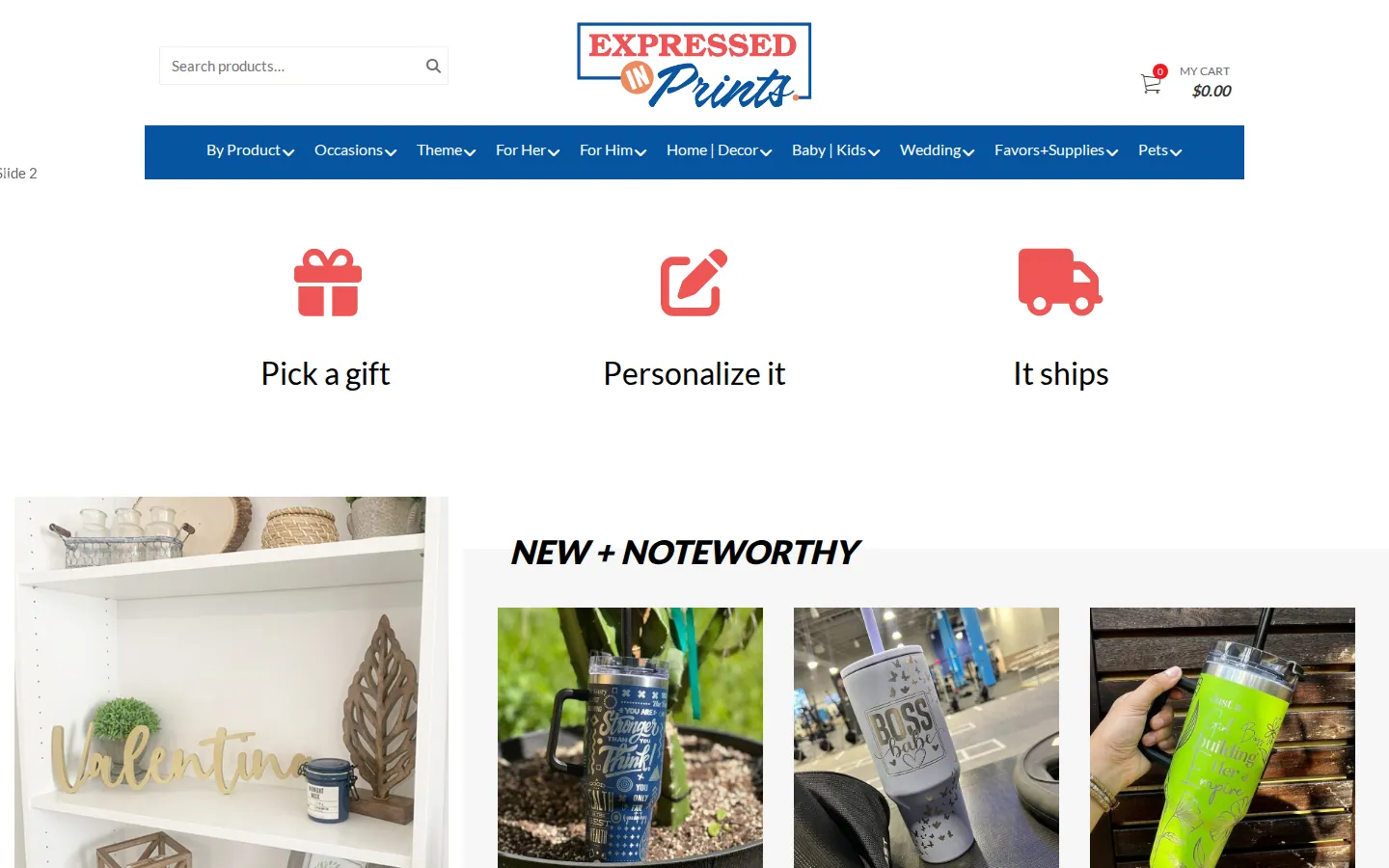
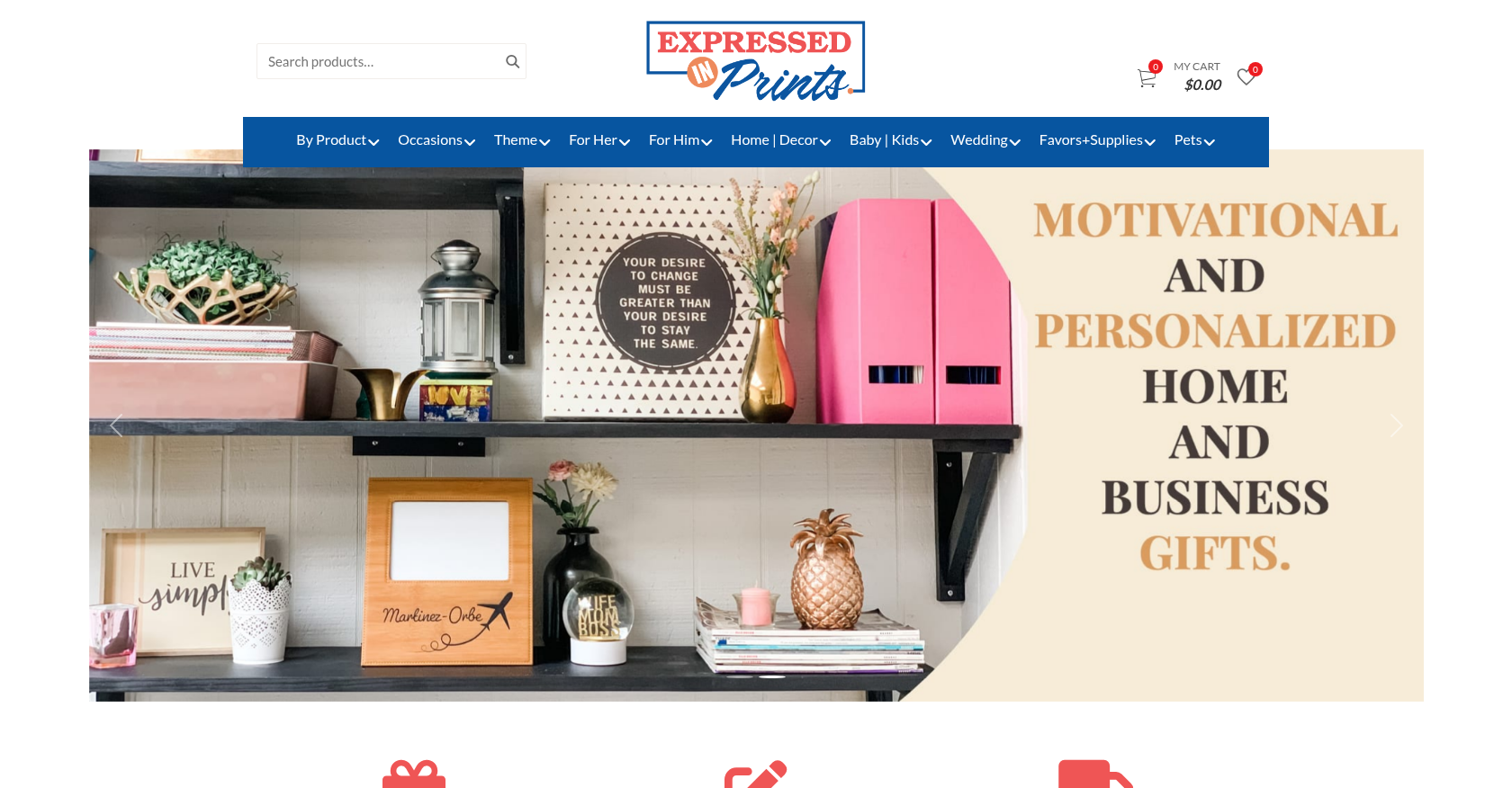 Web-to-Print · expressedinprints.comTransformative eCommerce Solution for Enhanced Online Printing ServicesDelivered, live store
 Web-to-Print · rynoprinting.comTransforming Web-to-Print Experience for Customized Printing ServicesDelivered, live store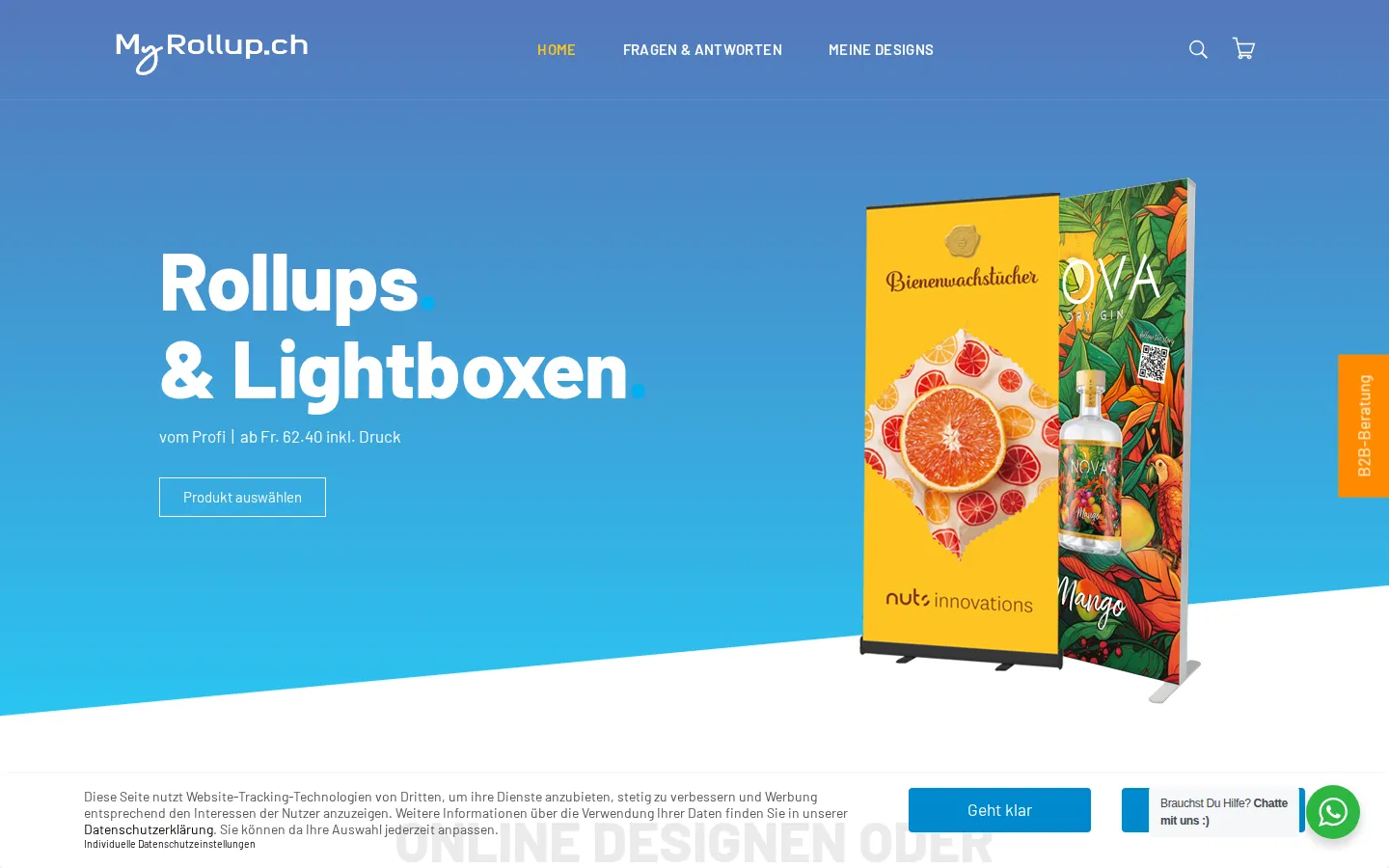
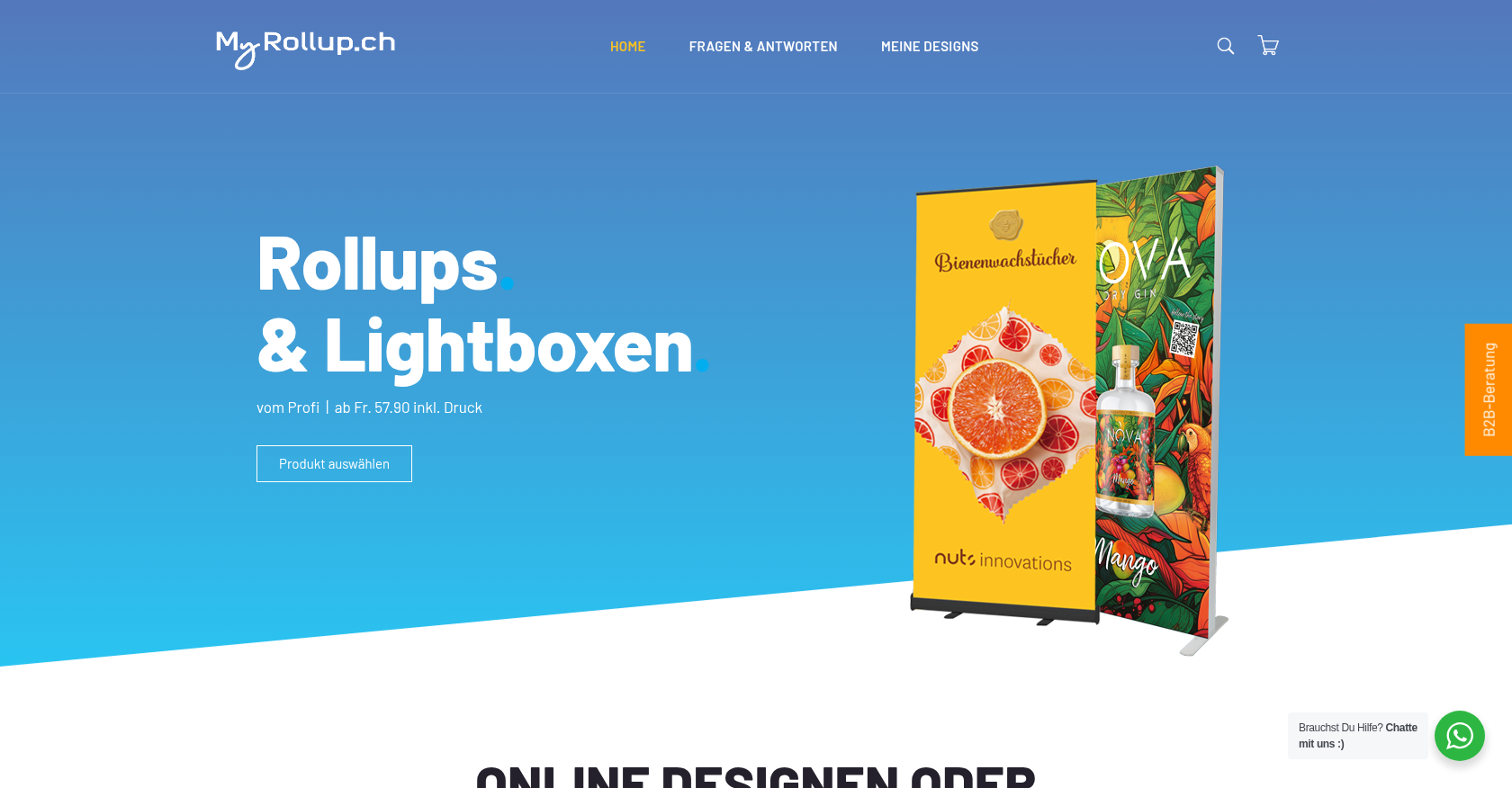 Web-to-Print · myrollup.chEnhanced Web-to-Print Catalog for Custom Printing SolutionsDelivered, live store
Project records from our portfolio. They show the wider work of the team, not this exact service.
Stores on Cmsmart Ecommerce



Cmsmart Ecommerce provides custom ecommerce and WooCommerce development services for web-to-print, product personalization, plugin support and API integration.




Web-to-print, WooCommerce, B2B and AI specialists who plan, build and support stores together.
Meet the team →
Top