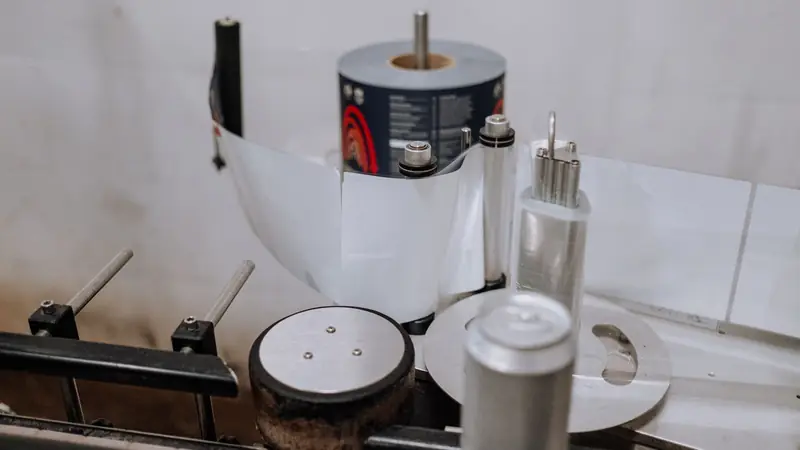
Print production workflow automation for your web-to-print store
Cmsmart builds the layer between your store and production. A paid order becomes a job ticket carrying its print-ready file, routing rules your planner approves choose the queue, and an order that matches no rule is parked in an exception inbox owned by a named person. Status returns to the buyer. It is custom development, scoped after a free assessment.
In short
How can web orders reach production without anyone retyping them?
A paid web order becomes a job ticket in the right queue without retyping, and anything the rules cannot place reaches a named person.
| Scope | Order-to-job automation: job ticket, routing rules, exceptions, status back to the store, and scheduled reporting |
|---|---|
| What you get | No retyping of web orders, and orders that fit no rule go to a named person instead of a default queue |
| Typical inputs | Your production routes and queue names, example orders, and how your MIS or scheduler accepts jobs: API, file drop or import |
| Deliverables | A routing rules table, the automation on staging, tests with real and broken orders, a run book and the agreed reports |
| How pricing works | Free assessment, then a quote per project. It sits next to your MIS and does not replace it. |
How it works
From a paid order to a job in the right queue
The problem
Where do retyping and silent misrouting come from?
- Web orders keyed in again by hand in the production system
- Rush orders noticed late
- Jobs routed by habit rather than by a written rule
- A duplicated order event creating two jobs
- Nobody owning the orders that fit no rule
Fit
Is this the right service?
| A good fit | Another route fits better |
|---|---|
| Orders are retyped or exported by hand into production | You want to replace the MIS or the production scheduler: that is a different project |
| Routing depends on quantity, stock, finishing or the ship-by date | You need press-side hardware or device-driver integration: out of scope |
| Management wants margin, reprint and on-time figures from real data | You want industry benchmarks: we neither publish nor supply them |
What we do
What is in scope?
| Part | Input | Deliverable |
|---|---|---|
| Order intake | The paid-order event from WooCommerce | One job per order line, created once even if the event repeats |
| Job ticket | Options, quantity, stock, finishing and the print-ready file | A ticket in the form your system accepts: API, JDF where it is supported, import or file drop |
| Routing rules | Queues, run limits, finishing partners and your rush window | A rules table that your planner approves |
| Exception inbox | Orders that fit no rule or fit two | A named owner and a reason for each |
| Status | The statuses your production system holds | Status shown to the buyer in the order and in My Account |
| Reporting | Storefront, quote and production data | Scheduled reports built on written metric definitions, read-only |
The Cmsmart angle
What the plugin hands over, and what is built around it
The plugin produces the print file and shows its status on the order. Turning that into a job in your production system is custom development.
Core Ships in the plugin
- Print-Ready Files. A print-ready PDF per order item, checked before it is marked ready, attachable to the new-order email, with Ready, Rendering, Failed or Not rendered status on the order.
- Artwork Approval. Accept or decline each design on the order before it is released.
- Order data. Chosen options and fees are written to the cart item and the order line, and come back on reorder.
Custom Built as custom development
- Job tickets and production barcodes
- Delivery of files to a RIP hot folder, MIS or cloud storage
- The routing rules table, exception inbox and status mapping
- Scheduled reports with written definitions
Routing
What a routing rules table looks like
We write the table with your planner, in plain words, before any code. These are the kinds of rule it holds. Yours will differ, and so will the order they are tried in.
-
Preflight failed
The order is held and goes to the artwork owner. A failed file is never guessed to pass.
-
Quantity inside your digital run limit
The job goes to the digital short-run queue. The limit is yours to set.
-
Finishing you do not run in-house
The job goes to an outsourced finishing queue with a ticket for your partner.
-
Ship-by date inside your rush window
The job keeps its queue but is flagged as a rush.
-
No rule matches, or two conflict
The job waits in the exception inbox under the planner's name instead of dropping into a default queue.
Trust
Why a repeated order event must not make a second job
WooCommerce can send a notification each time an order is added or edited, and our own retries can send one again, so the same order can arrive more than once. The automation treats submission as idempotent: it keys each job on the order and the line, and a repeat returns the job that already exists. HTTP defines an idempotent method as one where repeating a request has the same intended effect as sending it once.
Source: IETF RFC 9110, HTTP semantics (idempotent methods), WooCommerce: webhooks (read 10 October 2026).
Reporting
Reporting with written definitions
Before a report is built, each metric is defined in writing with its numerator, its denominator, its source fields and what it excludes. Reports read from your systems and never write back, and any figure can be traced to the orders and jobs behind it. We publish no benchmarks; each business is measured against its own past.
-
Margin per product
Net sales less the actual job cost, over net sales, by product family. Until actual costs are captured it is labelled as estimated.
-
Quote-to-order rate
Quotes that turned into paid orders inside an agreed time window, divided by all quotes sent in the period.
-
Reprint rate
Jobs that needed a reprint over the jobs completed, split by the reason.
-
On-time dispatch
Jobs sent on or before the promised date over the jobs sent in the period.
Scope
Included, not included, and extra
Clear lines before you start. The final scope is written into your proposal.
Included
- A routing rules table and an exception inbox with named owners
- Job-ticket mapping for the system you use
- Duplicate-safe order intake
- Status mapped back to the store and the buyer
- Scheduled, read-only reports on the metrics you define
- A run book and a daily reconciliation of orders against jobs
Not included
- Replacing your MIS or production scheduler
- Automatic decisions about prices, credit or payment reversals
- Drivers or direct integration with press hardware
- Interfaces that the system vendor does not support
- Licences, hosting and third-party fees (plugins, fonts, images, services, provider accounts)
- Anything that is not written in the approved scope
Extra, quoted separately
- Print MIS or ERP integration beyond job tickets
- Artwork approval workflow
- Print-ready PDF and preflight automation
What we need from you
- Your production routes, queues and the rules planners use today
- How your MIS or scheduler takes jobs, and credentials for a test system
- Real orders, including ones that went wrong
- A planner who can approve the routing table
- A staging copy of your store, or approval to create one
- Someone on your side who can make decisions when a question comes up
Process
How the work runs
Each phase is a milestone, approved and invoiced one at a time. The timeline is set in the assessment because it depends on your store, your products and your systems.
- Free assessment. We read your brief, your store and your constraints, and tell you whether the service fits and what it would involve.
- Written scope and quote. Included, not included, extra and what we need from you, set out before any work starts.
- Build on a staging copy, in milestones you approve one at a time in your dashboard.
- Acceptance with your own products, files and orders, including the awkward ones.
- Handover with a run book, then support through tickets in your dashboard.
This service in three phases
What happens, and what you receive
| Phase | What happens | What you receive |
|---|---|---|
| 1. Specify | We write the routing table, the status map and the metric definitions with your planner and production lead. | A signed specification |
| 2. Build | We build the intake, the ticket, the routing, the inbox and the reports on staging. | The automation passing a test batch that includes deliberately broken orders |
| 3. Accept and hand over | We follow real orders from your catalogue all the way through, and we also trigger failures on purpose: repeated events, absent files and products with no mapping. | An acceptance record and a run book |

Free assessment
Start with a free assessment
Describe your store and what you need. We reply with whether the service fits, what it would involve and a quote, with no obligation.
FAQ
Frequently asked questions
Will this make the planner unnecessary?
No. It takes away the retyping and the routine routing. The planner keeps the exception inbox and signs off any change to the rules table.
Do we need an MIS that speaks JDF?
No. JDF and JMF, the formats published by CIP4, are used where your system understands them. If it does not, we use whichever interface the vendor supports: an API, an import format or a drop folder.
What happens if the store sends the same order twice?
The repeat is recognised and answered with the job that already exists for that order line. No second job appears, and the duplicate is written to the log.
How is the automation accepted?
By following real orders from your catalogue through every step, and by deliberately triggering repeated events, missing files and unmapped products.
Will you benchmark our figures against other printers?
No. We neither publish nor supply benchmarks. Reports measure you against your own past, using one agreed definition per metric.
Can you work with a client in my country?
Yes. Every Cmsmart service, from custom development, migration and integration to full store builds, is delivered remotely. Clients in any country and any industry can work with the team; Netbase has worked with clients in 80+ countries. Projects run online, through a written proposal, email or WhatsApp, and tickets in the Cmsmart dashboard.
Do you work in my industry?
Yes. Clients in any country and any industry can work with the team; Netbase has worked with clients in 80+ countries. Published Cmsmart projects include stores for web-to-print, merchandise and apparel, signage, packaging and labels, and gifts and promotional products. See the client work at cmsmart.net/projects.
How do I pay securely?
Contracts and payments go to the company, Netbase JSC: plans are paid through PayPal; services are invoiced by Netbase JSC under a written proposal and paid by bank transfer to Netbase JSC's company account or by PayPal Business. Cmsmart (Cmsmart Ecommerce) is the ecommerce brand of Netbase JSC, a company based in Hanoi, Vietnam.
Who do I talk to?
Talk to the CEO, Huy Nguyen (David): message him on WhatsApp at +84 937 869 689 or email project@cmsmart.net. The contact page at cmsmart.net/contact lists every channel, and Request a quote (cmsmart.net/project-proposal) sends your project brief to the team. Tell us the scope and we reply with a plan and a quote.
Related services
Next steps and neighbouring services
Learn more
Related tutorials from the community
- GuideCmsmart Product Designer Settings Guide: Complete WP AdminThe Cmsmart Product Designer settings guide: every WP Admin screen mapped, key defaults explained, and how to configure yours for...
- GuideNBDesigner Free Trial: Download, Install & ActivateDownload the NBDesigner free trial, install it on WooCommerce, activate your license, and test real orders before you upgrade.
- GuideWooCommerce Printing Options Price Matrix Setup GuideComplete the WooCommerce printing options price matrix setup in Cmsmart Product Designer: field types, quantity breaks and default...
Who you work with
The team behind Cmsmart and its published work
- 2012Netbase since 2012Cmsmart Ecommerce is a Netbase JSC company
- 6,300+client projectssince 2012
- 80+countriesclients worldwide
- 17,133proposals writtenin our project system, live count
Client projects and countries: Netbase portfolio library and WorkSuite project records, as of Sep 2026. Proposals: records in our Cloodo WorkSuite project system, all-time, refreshed every 6 hours.

Talk to an ecommerce expert
Huy Nguyen (David)
Founder & CEO, Cmsmart · Netbase JSC
Every request is read by the team before you get a written scope and estimate.
Published Cmsmart projects

 Product Designer & Customization · skelderwikensbrygghus.seBusiness Transformation for Enhanced Online Ordering and Product CustomizationDelivered, live store
 Product Designer & Customization · alfabet.euEnhanced Online Experience for Personalized Product OrderingDelivered, live store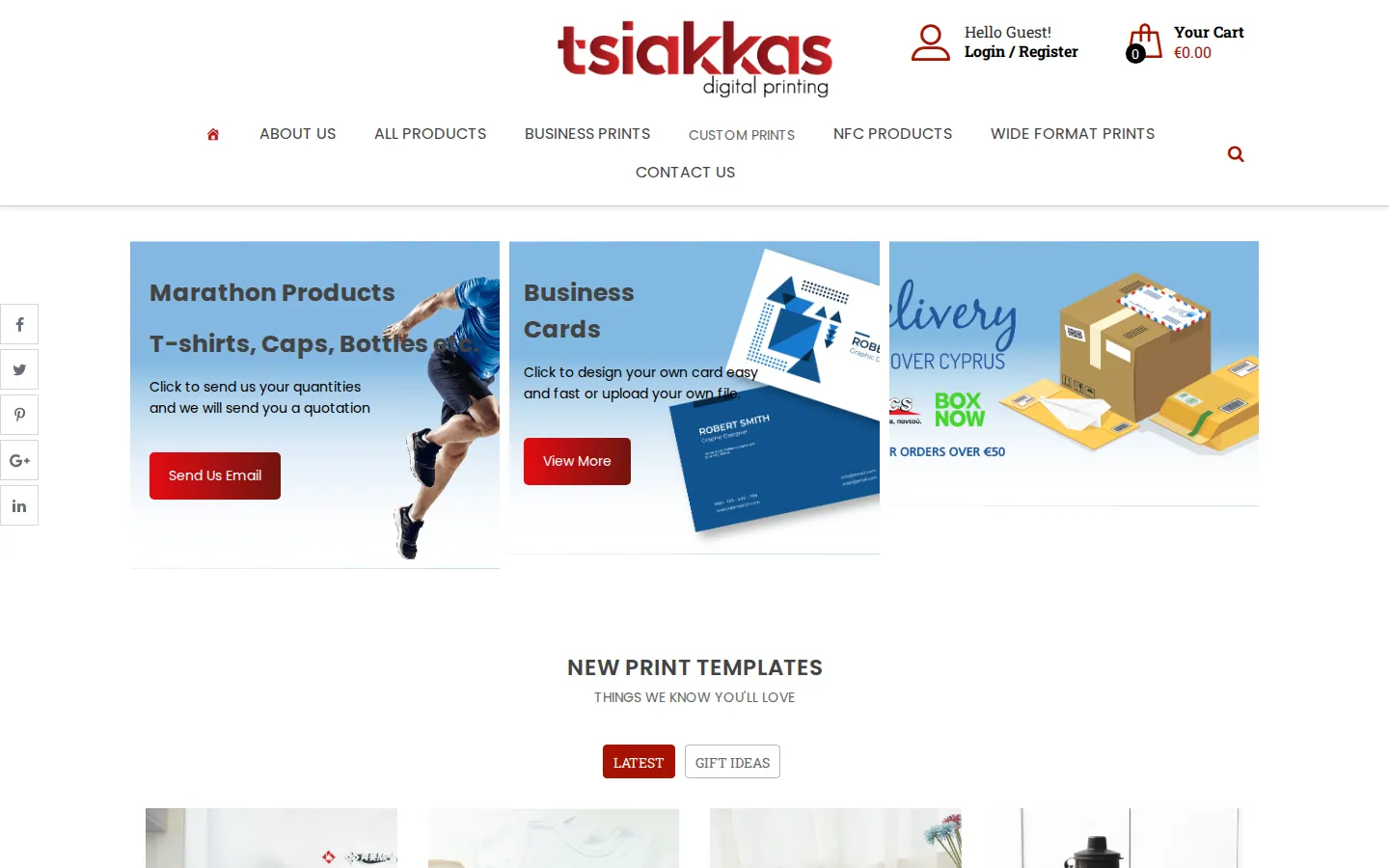
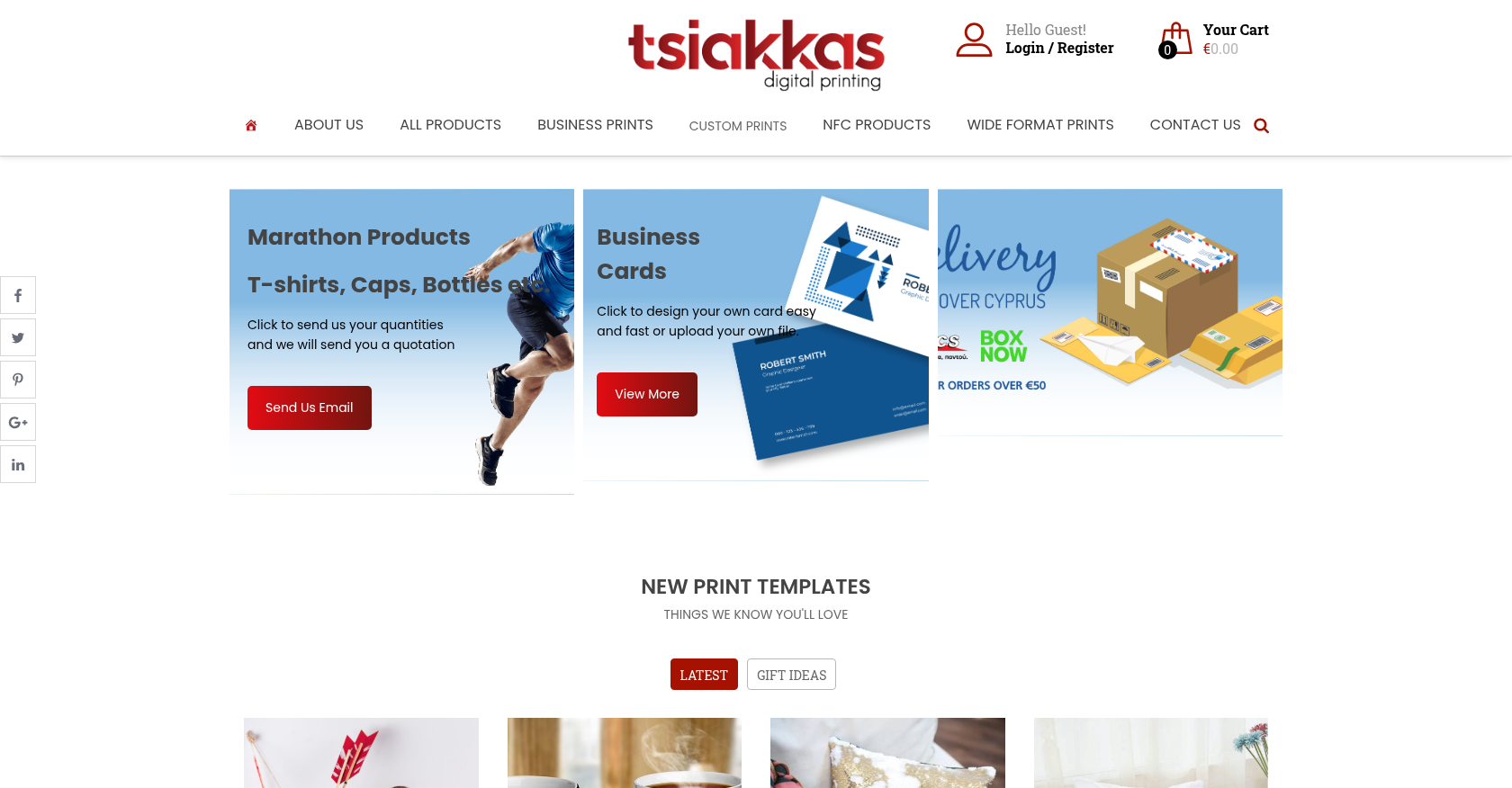 Product Designer & Customization · tsiakkascopycenter.comEnhanced Online Ordering for Print and Design ServicesDelivered, live store
Project records from our portfolio. They show the wider work of the team, not this exact service.
Stores on Cmsmart Ecommerce





Cmsmart Ecommerce provides custom ecommerce and WooCommerce development services for web-to-print, product personalization, plugin support and API integration.




Web-to-print, WooCommerce, B2B and AI specialists who plan, build and support stores together.
Meet the team →
Top