
Print product configurator for Cmsmart Ecommerce and WooCommerce
Cmsmart builds the configurator on Cmsmart Ecommerce for WooCommerce. We write the product rules down first, then build them as option sets with conditional logic, an online designer and upload checks, with every choice saved to the order line. Rules the plugin cannot express, such as blocking incompatible part combinations, are built as custom development.

In short
How do I set up a print product configurator so that customers can only pick what I can make?
Option rules, design or upload, and a print file per order line, set up so that only products your shop can make reach the cart.
| Scope | Option rules, conditional fields, custom sizes, multi-part products, online design and file upload for print products in a WooCommerce store |
|---|---|
| What you get | Buyers choose only valid combinations, and the choices and the print file travel with each order line |
| Typical inputs | The product list with options, dependencies and exclusions, sample artwork, templates and the print specification |
| Deliverables | A written rule schema, configured products on staging, tests of valid and blocked combinations and an administrator guide |
| How pricing works | Free assessment, then a quote per project. What a valid combination costs is set in Pricing Options or a pricing engine. |
How it works
From product rules to a print file
The problem
Why do print products break ordinary product variants?
- More option combinations than a variant list can sensibly hold
- Combinations the shop cannot produce still reaching the cart
- Customer files that prepress repairs by hand
- A saved design that reopens differently on reorder
- Staff who need a developer every time a product is added
Fit
Is a configurator project what you need?
| A good fit | Another route fits better |
|---|---|
| Products with conditional options, custom sizes or several parts that your current setup cannot express | A short list of fixed products that ordinary product options already handle |
| Prepress repairs files that the storefront accepted | Only the prices are wrong: scope the pricing engine instead |
| You want templates that shoppers personalise without breaking the layout | You cannot yet write the product rules down: start with a technical audit or a scoping call |
What we do
What is in scope?
| Part | Input | Deliverable |
|---|---|---|
| Product rule model | Every option, what it depends on, what it rules out, and the unwritten exceptions your estimators apply | A written rule schema: allowed ranges, limits and the combinations that are blocked |
| Option interface | Product pages and option groups, in the layout that suits the product | Option selection with live validation and a running summary |
| Online design | Templates, fonts, print areas, bleed and safe zone | A browser editor with locked template layers |
| Artwork upload | Accepted file types, counts, sizes and the minimum resolution | Upload rules per product, checked before checkout |
| Multi-part products | Components, text and image fields | A product builder with a summary of every choice |
| Output and tests | The print specification your prepress accepts | A print file per order line, and tests for valid and blocked combinations |
The Cmsmart angle
What ships in the plugin, and what is built for you
Most of the configurator is already in Cmsmart Product Designer for WooCommerce. The custom part is what your products need beyond it.
Core Ships in the plugin
- Pricing Options. Option sets per product or category, conditional logic, and layouts such as price matrix, groups, step by step and bulk variation.
- Product Builder. Component, text and image fields, a Customize step and a live summary with the price of every part.
- Online Designer. Print areas per side, bleed, safe zone and templates with locked layers.
- Order Upload. File types, number of files, size and a minimum DPI for JPG, per product.
Custom Built as custom development
- Rules that block incompatible part combinations beyond conditional logic
- 3D or layered configurators for complex products
- A bill-of-materials export to your ERP
- Dealer or B2B pricing per part
- Product-specific editors
Where the line is
Where the configurator ends and the pricing engine begins
Two jobs get confused here. One is deciding which combinations may be ordered, and the other is working out what an allowed combination costs. Keeping them apart lets you change prices without touching the rules.
-
In a Cmsmart store today
Pricing Options holds both: conditional logic for validity, and fixed, percentage, formula, matrix, quantity-break and area pricing for cost.
-
When prices come from elsewhere
Customer-group prices, pricing read from an ERP or a supplier file, and sheet-yield calculators are custom development. See the pricing engine service.
Design choice
Why print options are not stored as product variants
A variation is a stored product record for one combination. Print products multiply sizes, stocks, finishes, sides and quantities, so the number of records grows faster than anyone can maintain. Option sets keep the choices as data with rules, which is why the Cmsmart plugin builds print products that way.
Scope
Included, not included, and extra
Clear lines before you start. The final scope is written into your proposal.
Included
- A written product rule schema
- Option sets, conditional logic and the layout for each product family
- Online design, upload or both, per product
- A print file for each order line
- Tests of valid and blocked combinations
- An administrator guide for adding products
Not included
- Artwork creation. We build the tool, not your customers' artwork or your templates.
- Font or image licences for the editor
- 3D rendering, unless it is scoped as custom development
- Silent correction of customer files: problems are reported, not changed without notice
- Licences, hosting and third-party fees (plugins, fonts, images, services, provider accounts)
- Anything that is not written in the approved scope
Extra, quoted separately
- Template design for your range
- A pricing engine or price import
- Integration with your MIS or ERP
What we need from you
- The product catalogue with every option, dependency and exclusion
- Your print specification and a few accepted and rejected sample files
- Templates, fonts and images that you may legally use on a website
- Someone who can answer questions about how products are really made
- A staging copy of your store, or approval to create one
- Someone on your side who can make decisions when a question comes up
Process
How the work runs
Each phase is a milestone, approved and invoiced one at a time. The timeline is set in the assessment because it depends on your store, your products and your systems.
- Free assessment. We read your brief, your store and your constraints, and tell you whether the service fits and what it would involve.
- Written scope and quote. Included, not included, extra and what we need from you, set out before any work starts.
- Build on a staging copy, in milestones you approve one at a time in your dashboard.
- Acceptance with your own products, files and orders, including the awkward ones.
- Handover with a run book, then support through tickets in your dashboard.
This service in three phases
What happens, and what you receive
| Phase | What happens | What you receive |
|---|---|---|
| 1. Rule capture | We put every product rule on paper, including the exceptions your staff handle from experience. | A rule schema approved by whoever owns the catalogue |
| 2. Build | We configure the products, the editor, the upload checks and the output on staging. | A staging store with your real products and templates |
| 3. Acceptance | We run the combination tests and the file checks on representative designs, including awkward ones. | Results signed off per product family, and a guide for your administrators |

Free assessment
Start with a free assessment
Describe your store and what you need. We reply with whether the service fits, what it would involve and a quote, with no obligation.
FAQ
Frequently asked questions
Can this be added to the store we already have?
In most cases, if the store runs on WooCommerce. Options and the editor appear on the product page and the selection is stored with the cart line. A store on another platform has to be moved first, which is a migration service.
Can shoppers upload finished artwork instead of designing in the browser?
Yes. For each product you choose the online designer, artwork upload or both, and either way the result lands on the same order line.
How are new products added once the store is live?
Option sets and templates are maintained in wp-admin, so someone trained on it can add a product. A rule that needs more than the plugin's conditional logic calls for a developer.
What if a shopper uploads a low-resolution image?
The upload step checks a minimum DPI for JPG images, set per product. Whether a low-resolution file blocks the order or only warns is a rule we agree with you in scoping.
Can the configurator show a 3D preview?
A 3D preview of the product can be switched on per product on desktop. A 3D configurator of parts is custom development.
Can you work with a client in my country?
Yes. Every Cmsmart service, from custom development, migration and integration to full store builds, is delivered remotely. Clients in any country and any industry can work with the team; Netbase has worked with clients in 80+ countries. Projects run online, through a written proposal, email or WhatsApp, and tickets in the Cmsmart dashboard.
Do you work in my industry?
Yes. Clients in any country and any industry can work with the team; Netbase has worked with clients in 80+ countries. Published Cmsmart projects include stores for web-to-print, merchandise and apparel, signage, packaging and labels, and gifts and promotional products. See the client work at cmsmart.net/projects.
How do I pay securely?
Contracts and payments go to the company, Netbase JSC: plans are paid through PayPal; services are invoiced by Netbase JSC under a written proposal and paid by bank transfer to Netbase JSC's company account or by PayPal Business. Cmsmart (Cmsmart Ecommerce) is the ecommerce brand of Netbase JSC, a company based in Hanoi, Vietnam.
Who do I talk to?
Talk to the CEO, Huy Nguyen (David): message him on WhatsApp at +84 937 869 689 or email project@cmsmart.net. The contact page at cmsmart.net/contact lists every channel, and Request a quote (cmsmart.net/project-proposal) sends your project brief to the team. Tell us the scope and we reply with a plan and a quote.
Related services
Next steps and neighbouring services
Learn more
Related tutorials from the community
- GuideCmsmart Product Designer Settings Guide: Complete WP AdminThe Cmsmart Product Designer settings guide: every WP Admin screen mapped, key defaults explained, and how to configure yours for...
- GuideNBDesigner Free Trial: Download, Install & ActivateDownload the NBDesigner free trial, install it on WooCommerce, activate your license, and test real orders before you upgrade.
- GuideWooCommerce Printing Options Price Matrix Setup GuideComplete the WooCommerce printing options price matrix setup in Cmsmart Product Designer: field types, quantity breaks and default...
Who you work with
The team behind Cmsmart and its published work
- 2012Netbase since 2012Cmsmart Ecommerce is a Netbase JSC company
- 6,300+client projectssince 2012
- 80+countriesclients worldwide
- 17,133proposals writtenin our project system, live count
Client projects and countries: Netbase portfolio library and WorkSuite project records, as of Sep 2026. Proposals: records in our Cloodo WorkSuite project system, all-time, refreshed every 6 hours.

Talk to an ecommerce expert
Huy Nguyen (David)
Founder & CEO, Cmsmart · Netbase JSC
Every request is read by the team before you get a written scope and estimate.
Published Cmsmart projects
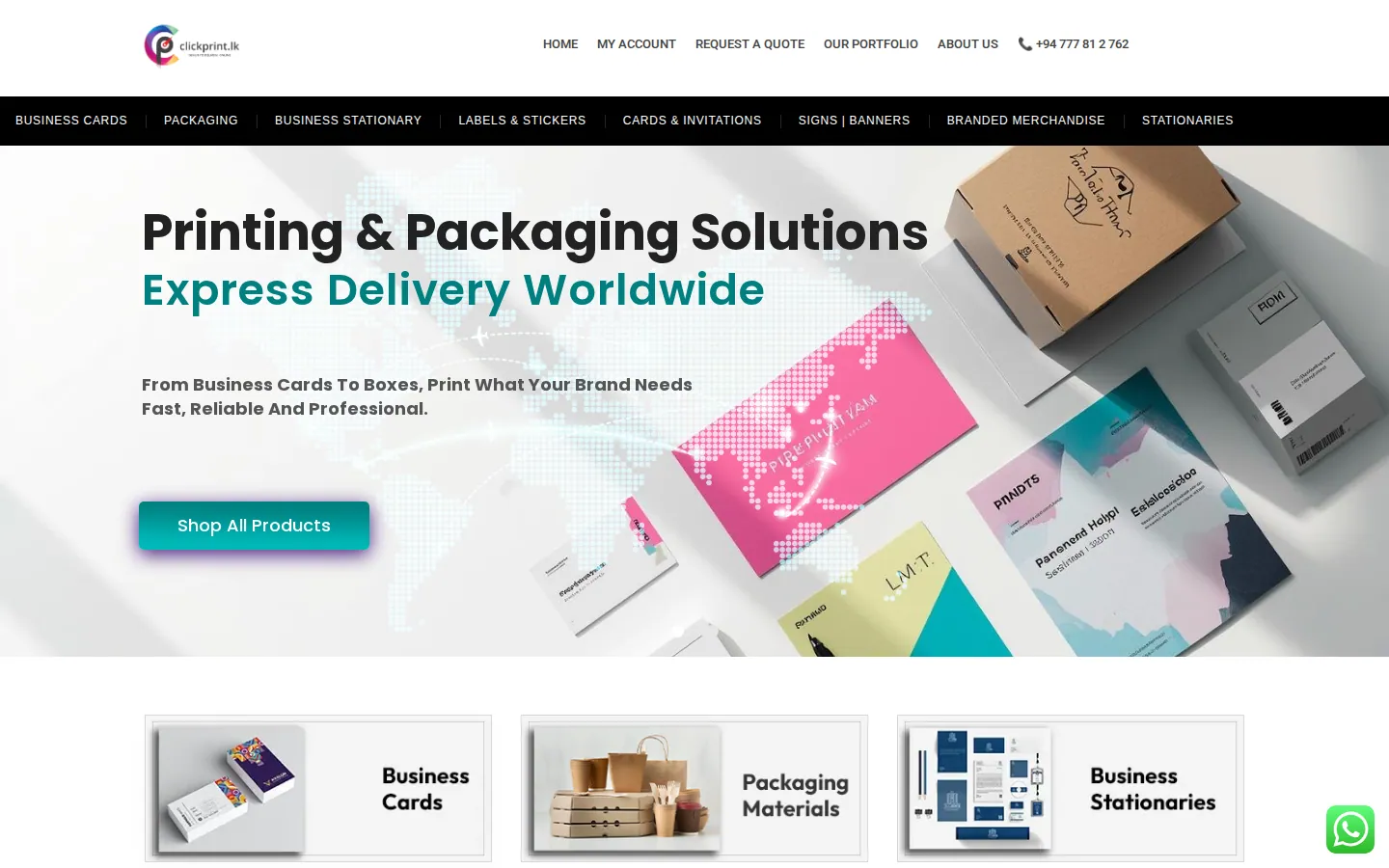
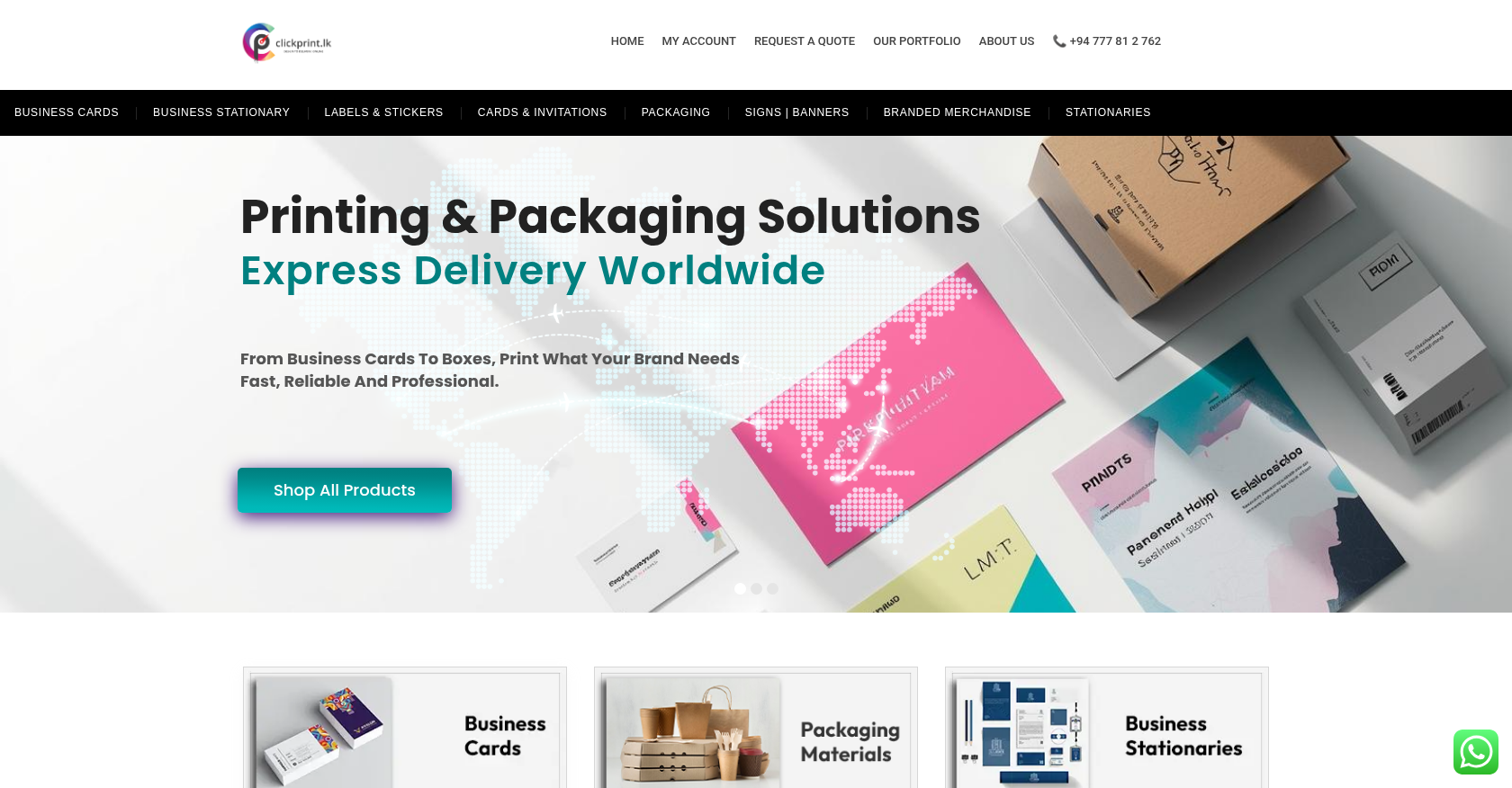 Product Designer & Customization · clickprint.lkStreamlined Online Ordering Solution for Customized Print ProductsDelivered, live store
 Product Designer & Customization · alfabet.euEnhanced Online Experience for Personalized Product OrderingDelivered, live store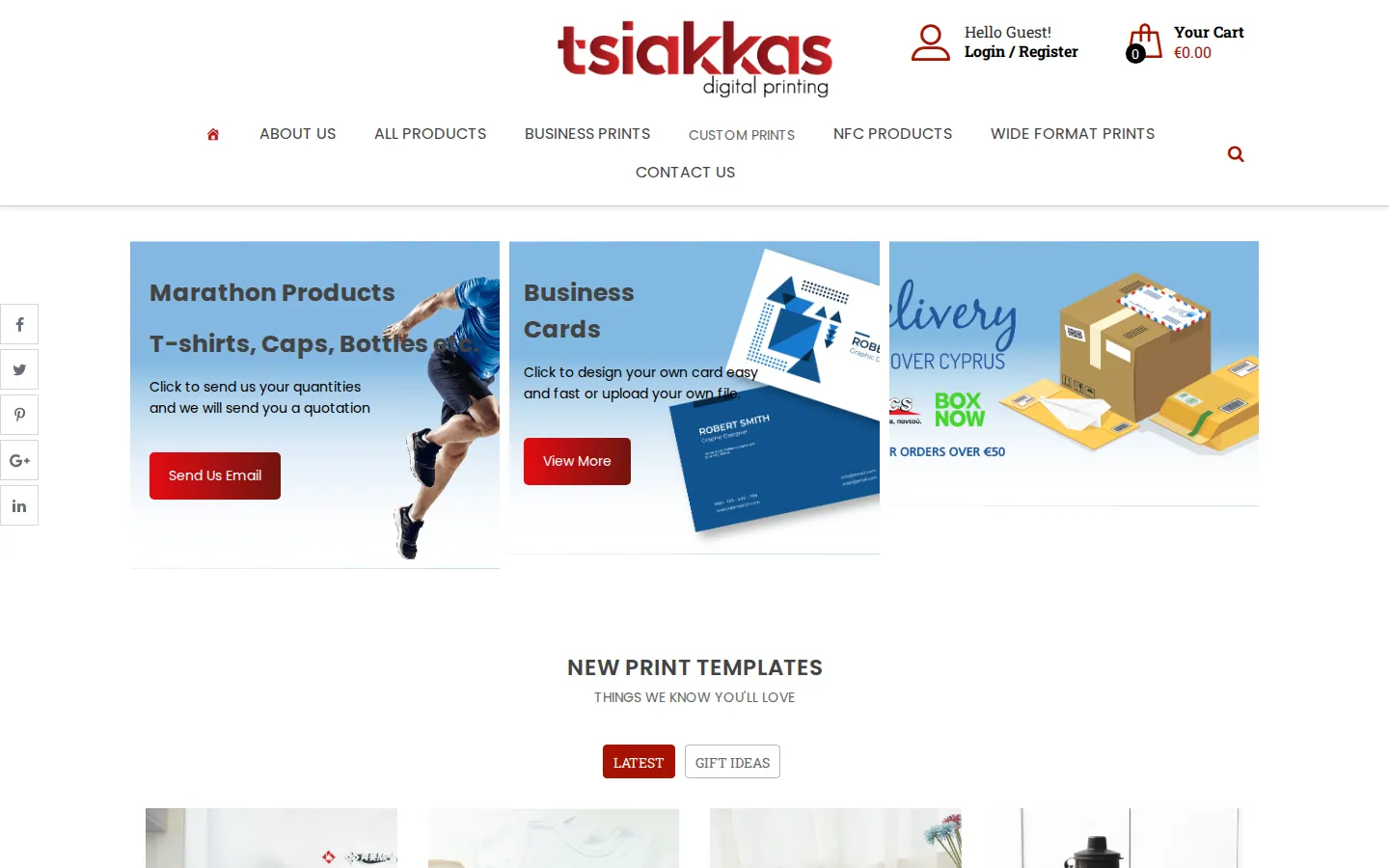
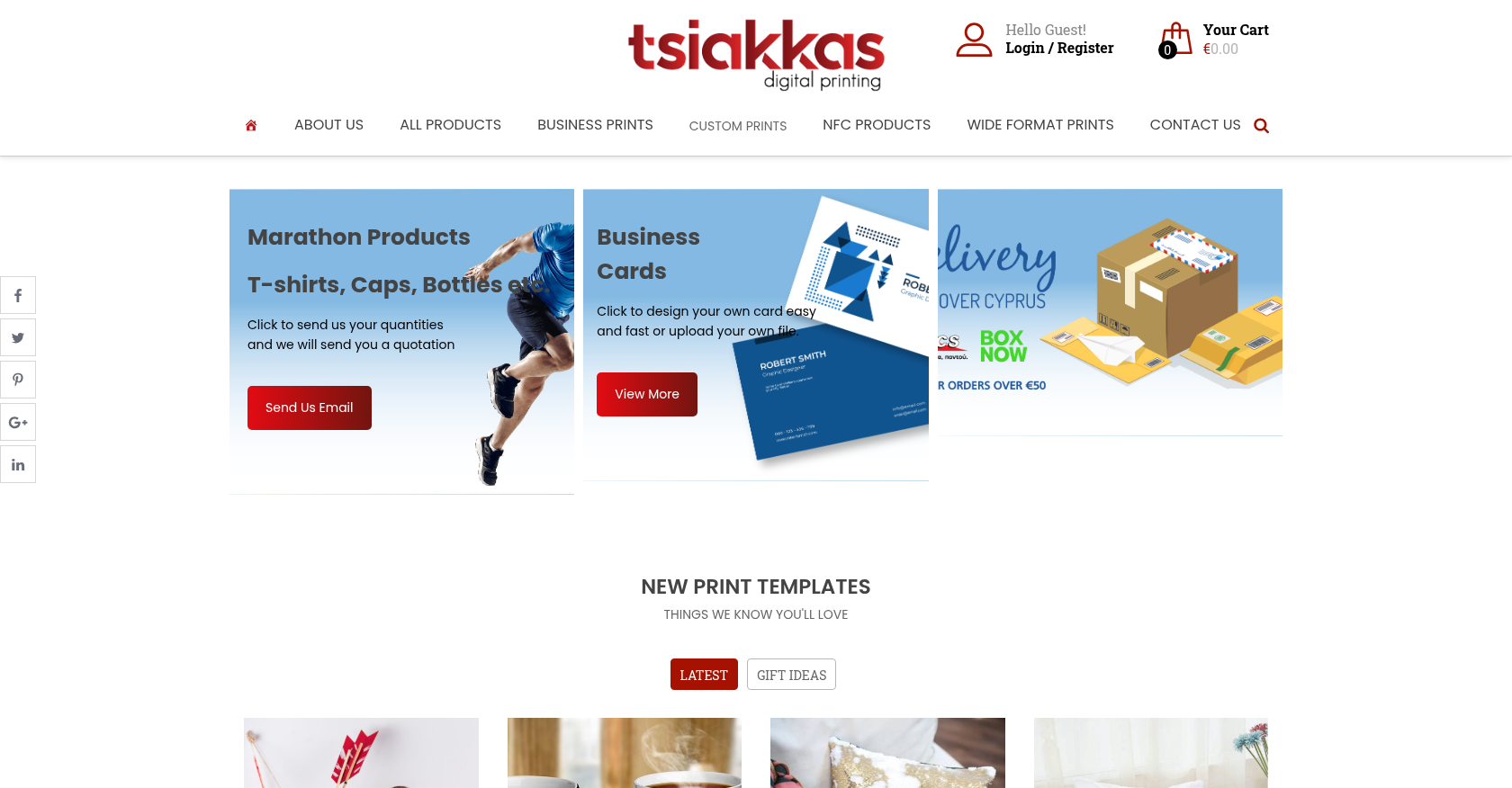 Product Designer & Customization · tsiakkascopycenter.comEnhanced Online Ordering for Print and Design ServicesDelivered, live store
Project records from our portfolio. They show the wider work of the team, not this exact service.
Stores on Cmsmart Ecommerce

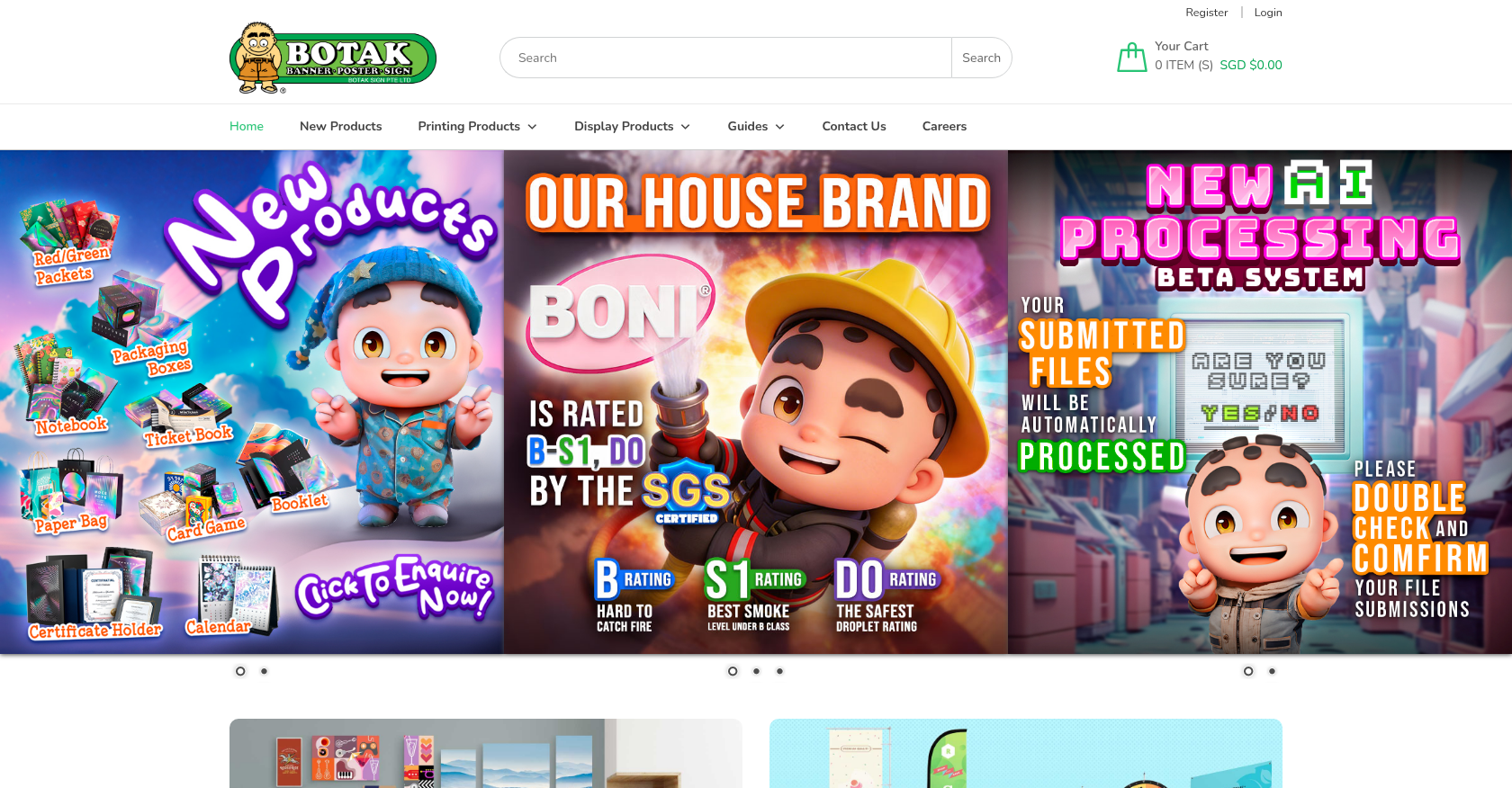
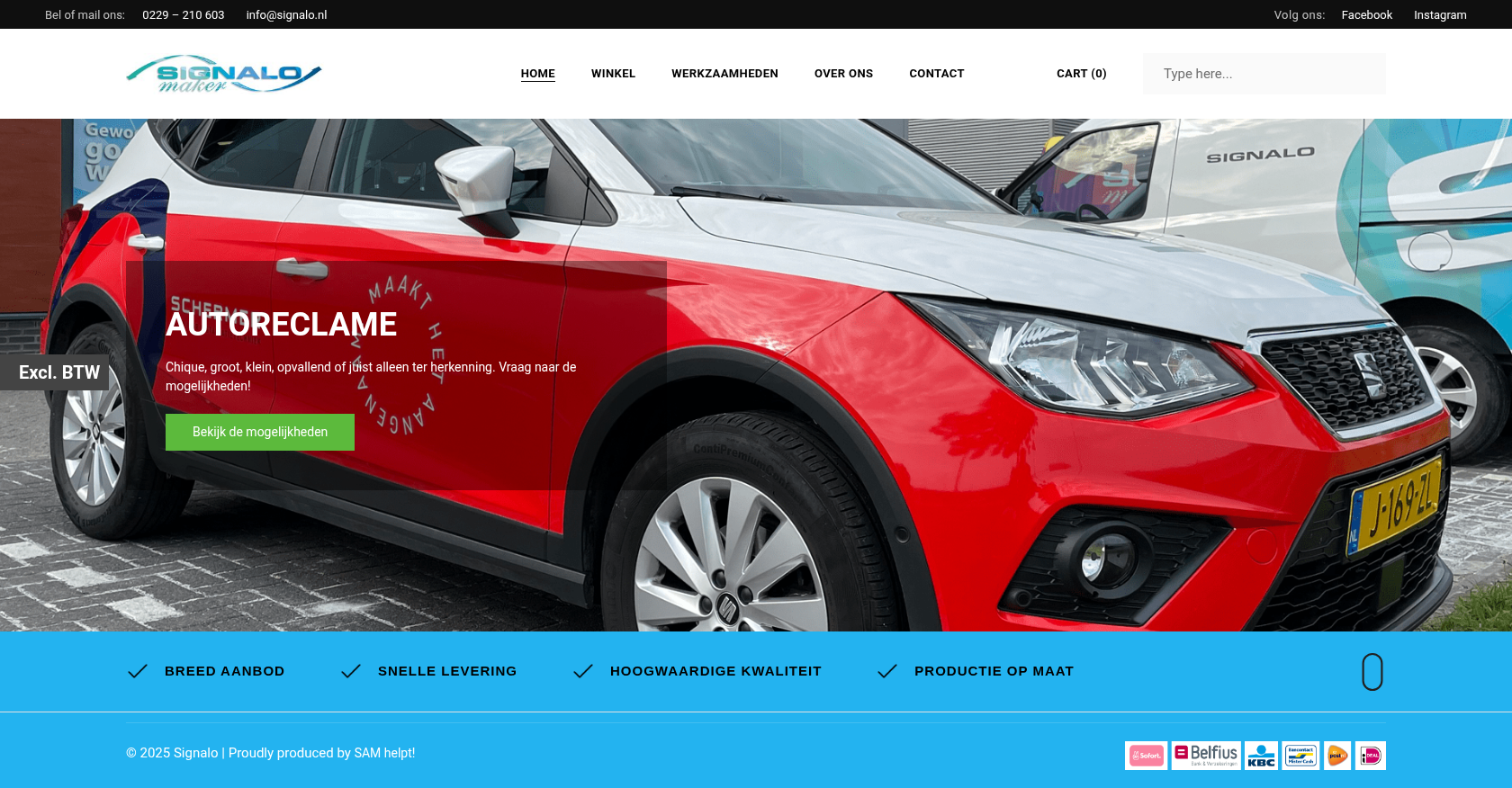
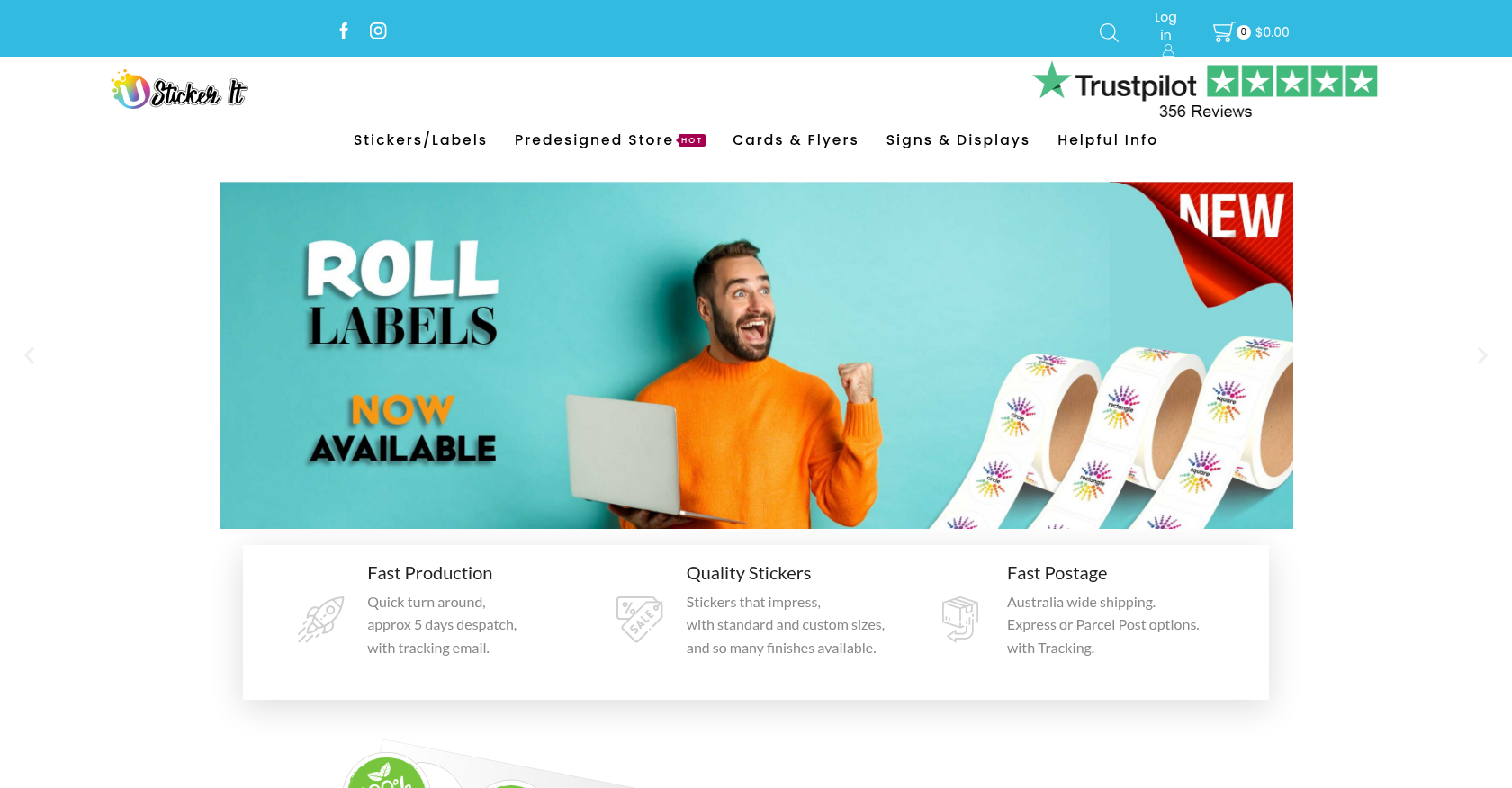
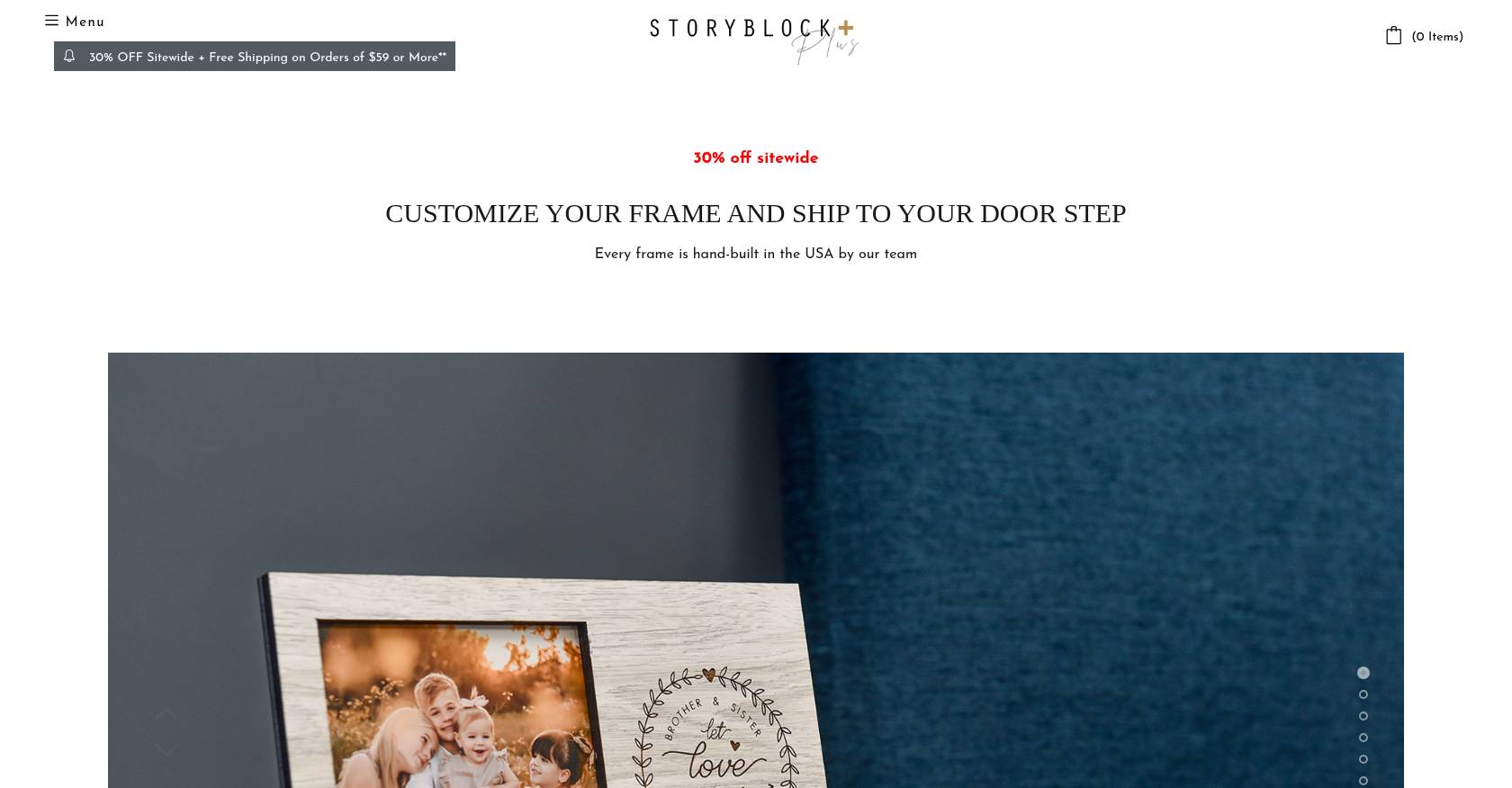
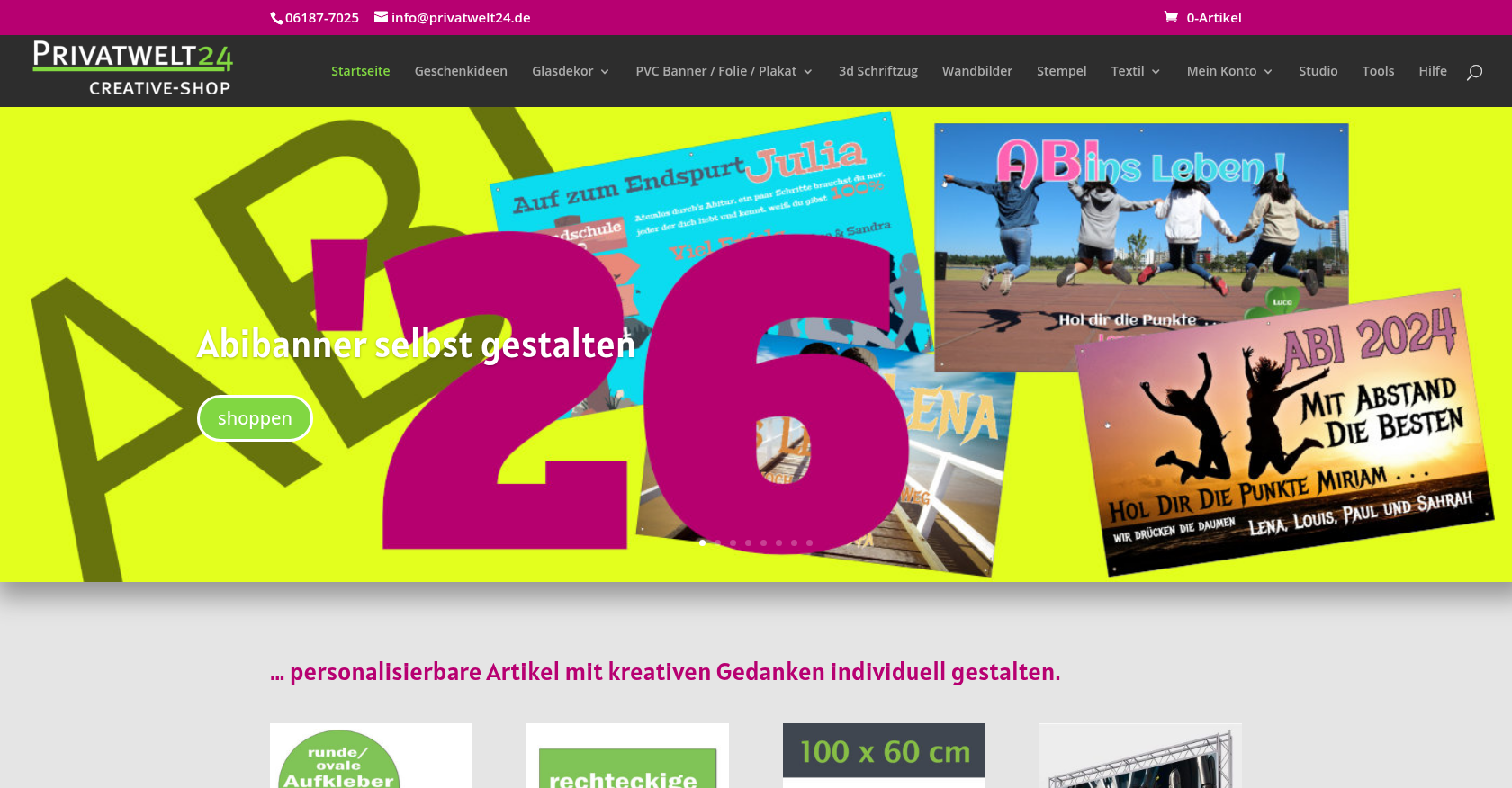
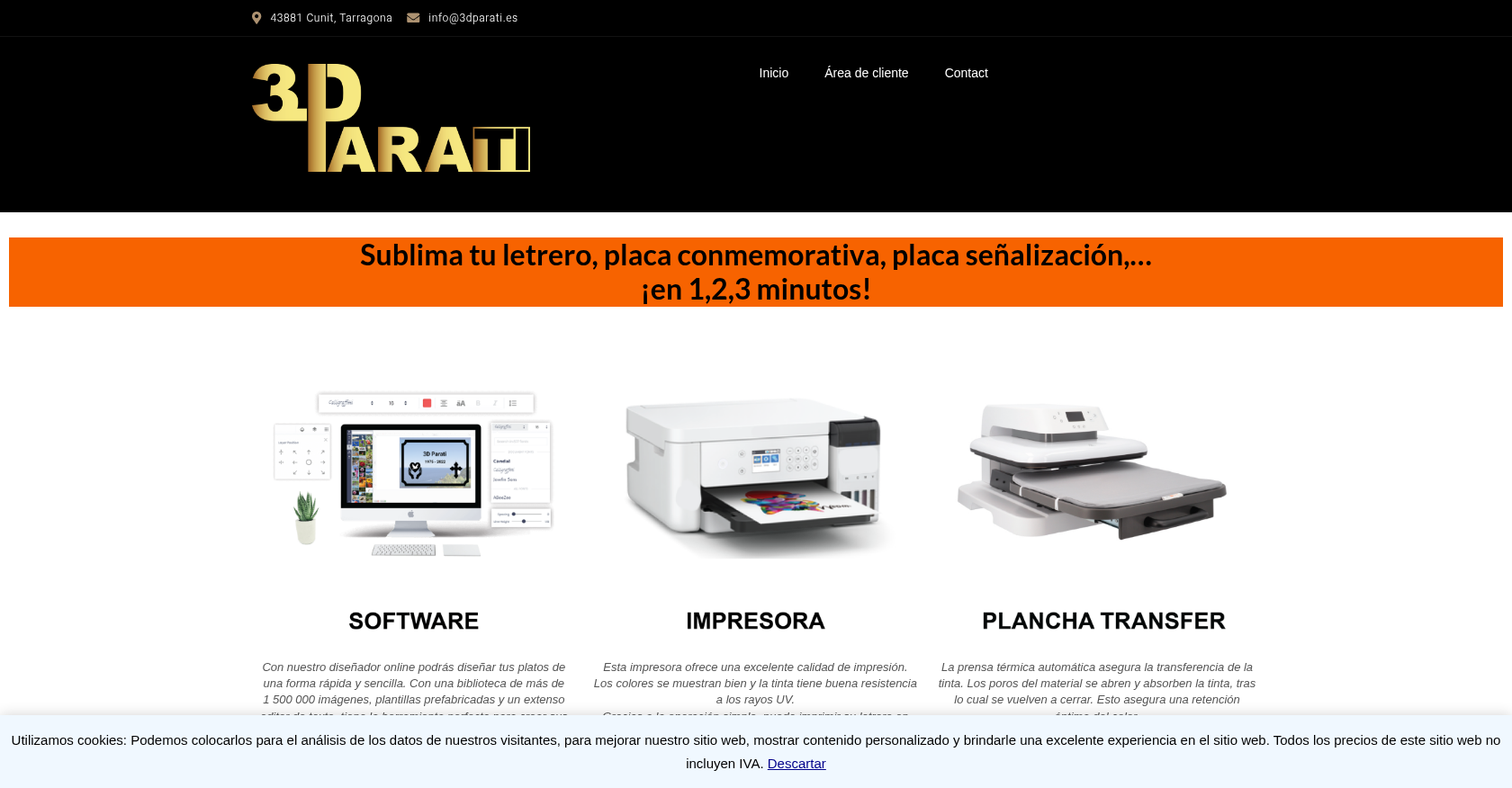

Cmsmart Ecommerce provides custom ecommerce and WooCommerce development services for web-to-print, product personalization, plugin support and API integration.




Web-to-print, WooCommerce, B2B and AI specialists who plan, build and support stores together.
Meet the team →
Top