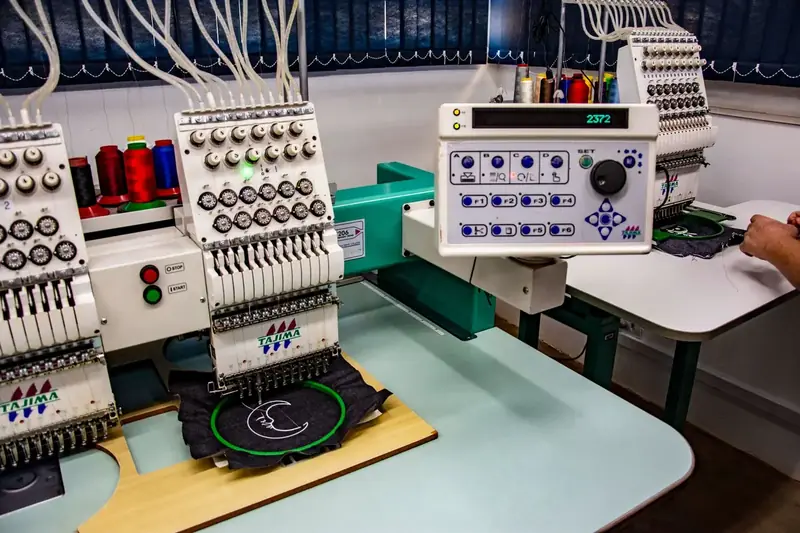
Design template, clipart and font library setup for Cmsmart Product Designer
Shoppers start from a ready design, brand layers stay locked, and every asset in the library is one you are licensed to use.

In short
How do I prepare templates, cliparts and fonts so that shoppers personalise products without wrecking the design?
Cmsmart prepares your templates, cliparts and fonts in Cmsmart Product Designer: templates per product with locked layers and template fields, categorised clipart you are licensed to use, and fonts added to the designer. Assets are assigned to the right products and tested in the editor. You supply licensed assets and brand rules, and we do the setup.
| Scope | Templates, cliparts, fonts and backgrounds set up and assigned to products in Cmsmart Product Designer for WooCommerce |
|---|---|
| What you get | Shoppers start from a ready design, and the brand layers they must not change are locked |
| Typical inputs | Licensed files (SVG, PNG, vector, font files), a brand guide, the product list with print specifications, and a confirmation that web use is licensed |
| Deliverables | A library structure, uploaded assets, templates with locked and editable areas, assignment tested on staging and a handover note |
| How pricing works | Free assessment, then a quote per project. Designing templates from scratch is quoted as its own item. |
How it works
From your assets to a tested library
The problem
What does an unprepared library cost you?
- Shoppers facing a blank canvas with no starting point
- Unsorted cliparts that overwhelm the person choosing
- Fonts or artwork whose web-use licence nobody has confirmed
- Brand layers that shoppers can delete or move
- Templates that exist only as PSD or AI files and cannot be edited in the browser
Fit
Is this the right service?
| A good fit | Another route fits better |
|---|---|
| You sell personalised products, own artwork, fonts or icons worth offering, and have nothing organised to publish | You only need the plugin installed and configured: that is plugin setup and onboarding |
| You want templates with locked and editable areas in your brand style | You need a whole new product range designed: that is design work, quoted as its own item |
| You hold licences that allow web use | You are not sure what you are licensed to use: settle that first, because we cannot give legal advice |
What we do
What is in scope?
| Part | Input | Deliverable |
|---|---|---|
| Asset review | Your files and the licence details | A list of what can be used, and what must wait for a licence |
| Clipart | SVG, PNG or vector files | Cleaned, sized and categorised cliparts with tags |
| Fonts | Font files licensed for web use | Fonts added to the designer |
| Templates | Your brand guide and print specifications | Templates with locked layers, editable areas and template fields |
| Assignment | Your product list | Libraries and templates attached to the right products |
| Test | The editor on staging | Each product tried as a shopper would, with the results listed |
The Cmsmart angle
What the plugin provides, and what is built for you
Templates Library is part of Cmsmart Product Designer for WooCommerce. The setup is the work of filling it well.
Core Ships in the plugin
- Templates per product. Ready designs added to each product, or picked from the global template store.
- Template fields. Fields such as name, title and phone put the buyer's details into the design, and photo placeholders fill with the buyer's photo.
- Locked layers. Template layers can be protected from deletion, and extra layers can be blocked, so brand artwork stays intact.
- Shared clipart library. A global library of 25,918 cliparts in 69 categories, loaded from Cmsmart's remote library.
Custom Built as custom development
- Bulk template creation from your existing artwork
- Brand template portals per company account
- Variable data printing from a CSV
- Template approval before publishing
Licences
Who is responsible for licences
You are. Fonts, cliparts and images must be licensed for use in a web editor and for printing on products you sell. We do not supply fonts or artwork, we do not buy licences for you and we cannot give legal advice. The shared clipart library that ships with the plugin is loaded from Cmsmart's remote library, and everything you add is yours to license.
Scope
Included, not included, and extra
Clear lines before you start. The final scope is written into your proposal.
Included
- A review of your assets and their licence details
- Cliparts cleaned, sized, categorised and tagged
- Fonts loaded into the designer
- Templates with locked and editable areas and template fields
- Libraries and templates assigned to the right products
- A handover note
Not included
- Creating new artwork or illustration beyond the agreed brief
- Buying fonts, images or licences
- A legal review of licences
- Bulk conversion of existing artwork into templates, which is custom development
- Licences, hosting and third-party fees (plugins, fonts, images, services, provider accounts)
- Anything that is not written in the approved scope
Extra, quoted separately
- Template packs designed from your brand guide
- Bulk template creation from your PSD, AI or PDF artwork
- A private brand template library per company account
What we need from you
- Your source files: vector or PNG artwork for cliparts, and the font files
- Confirmation that your licences allow web use and printing
- A brand guide or examples, and the preferred category names
- The product list with sizes and print specifications
- A staging copy of your store, or approval to create one
- Someone on your side who can make decisions when a question comes up
Process
How the work runs
Each phase is a milestone, approved and invoiced one at a time. The timeline is set in the assessment because it depends on your store, your products and your systems.
- Free assessment. We read your brief, your store and your constraints, and tell you whether the service fits and what it would involve.
- Written scope and quote. Included, not included, extra and what we need from you, set out before any work starts.
- Build on a staging copy, in milestones you approve one at a time in your dashboard.
- Acceptance with your own products, files and orders, including the awkward ones.
- Handover with a run book, then support through tickets in your dashboard.
This service in three phases
What happens, and what you receive
| Phase | What happens | What you receive |
|---|---|---|
| 1. Review | You share the files and the licence details. We list what is usable and what is not. | An asset and licence list |
| 2. Prepare and upload | We clean and categorise the files, build the templates and upload everything to the libraries. | A structured library on staging |
| 3. Assign and test | We attach libraries and templates to products and try each one in the editor. | Test results and a written handover note |
Free assessment
Start with a free assessment
Describe your store and what you need. We reply with whether the service fits, what it would involve and a quote, with no obligation.
FAQ
Frequently asked questions
Do you provide the fonts and artwork?
The plugin includes a shared clipart library, loaded from Cmsmart's remote library. Fonts and artwork beyond that come from you, with a licence that allows web use and printing.
Can shoppers be stopped from deleting the brand logo?
Yes. Template layers can be locked so they cannot be deleted, and adding more layers can be blocked.
Can you convert our PSD or AI files into templates?
Bulk template creation from existing artwork is custom development. The assessment checks how your files are layered before it is quoted.
Can a template fill in the buyer's name?
Yes. Template fields such as name, title and phone put the buyer's details into the design.
Is this different from plugin setup?
Plugin setup installs and configures the plugin. This service fills the library: it prepares your own assets and templates and assigns them to products.
Related services
Next steps and neighbouring services
Learn more
Related tutorials from the community
- GuideCmsmart Product Designer Settings Guide: Complete WP AdminThe Cmsmart Product Designer settings guide: every WP Admin screen mapped, key defaults explained, and how to configure yours for...
- GuideNBDesigner Free Trial: Download, Install & ActivateDownload the NBDesigner free trial, install it on WooCommerce, activate your license, and test real orders before you upgrade.
- GuideWooCommerce Printing Options Price Matrix Setup GuideComplete the WooCommerce printing options price matrix setup in Cmsmart Product Designer: field types, quantity breaks and default...
Who you work with
The team behind Cmsmart and its published work
- 2012Netbase since 2012Cmsmart Ecommerce is a Netbase JSC company
- 6,300+client projectssince 2012
- 80+countriesclients worldwide
- 17,133proposals writtenin our project system, live count
Client projects and countries: Netbase portfolio library and WorkSuite project records, as of Sep 2026. Proposals: records in our Cloodo WorkSuite project system, all-time, refreshed every 6 hours.

Talk to an ecommerce expert
Huy Nguyen (David)
Founder & CEO, Cmsmart · Netbase JSC
Every request is read by the team before you get a written scope and estimate.
Published Cmsmart projects
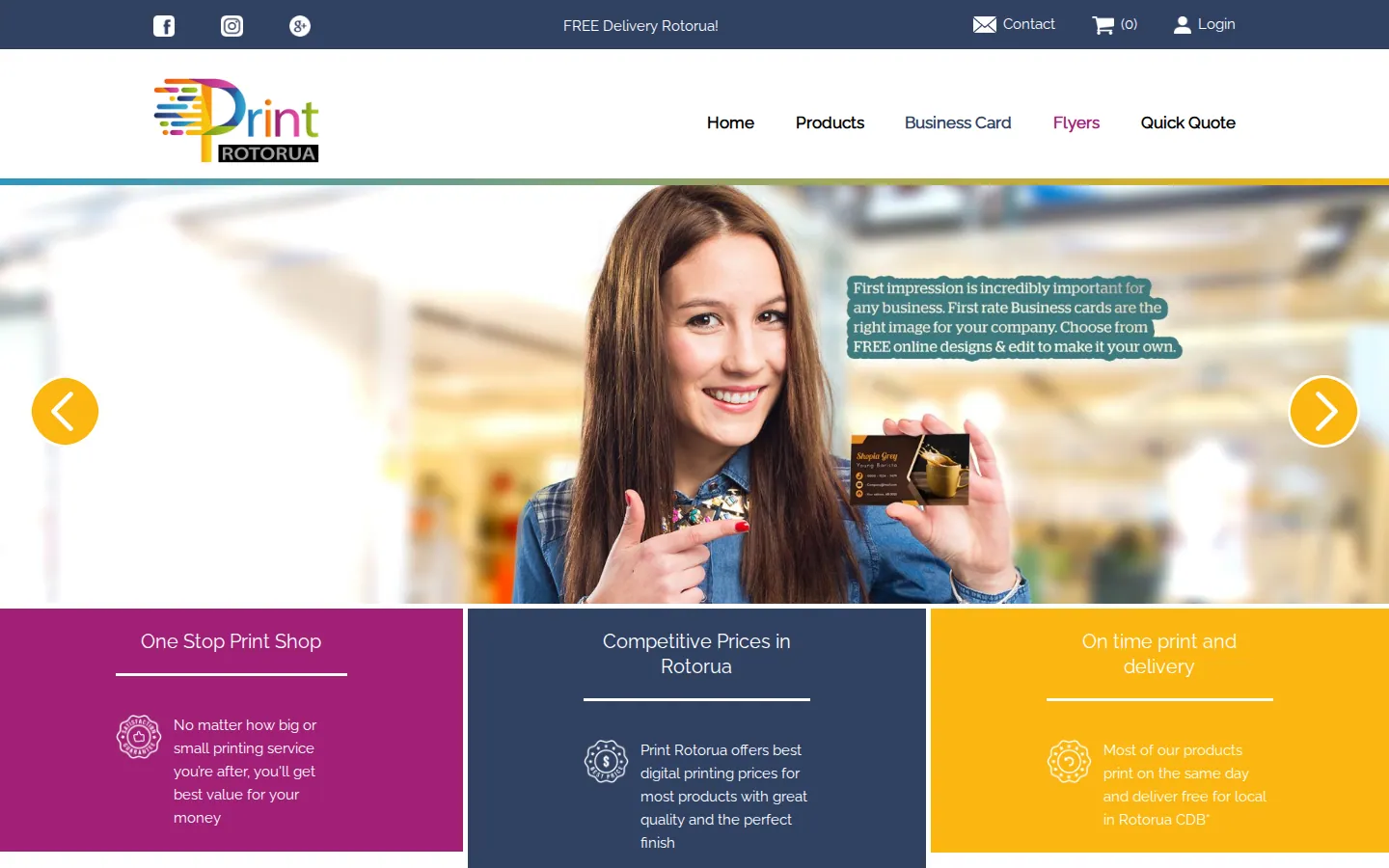
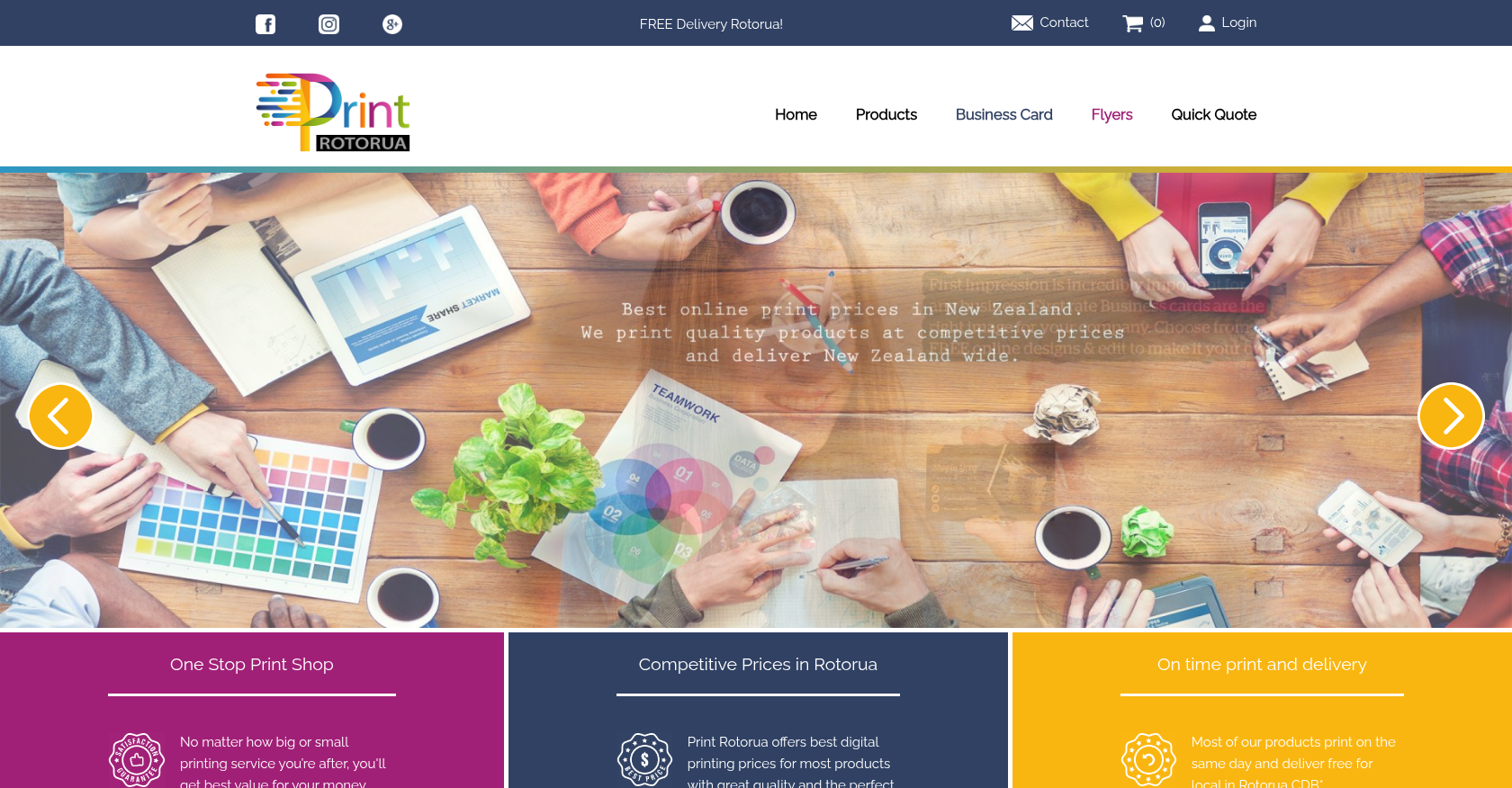 Product Designer & Customization · printrotorua.nzBusiness Transformation for Streamlined Online Printing and Design ServicesDelivered, live store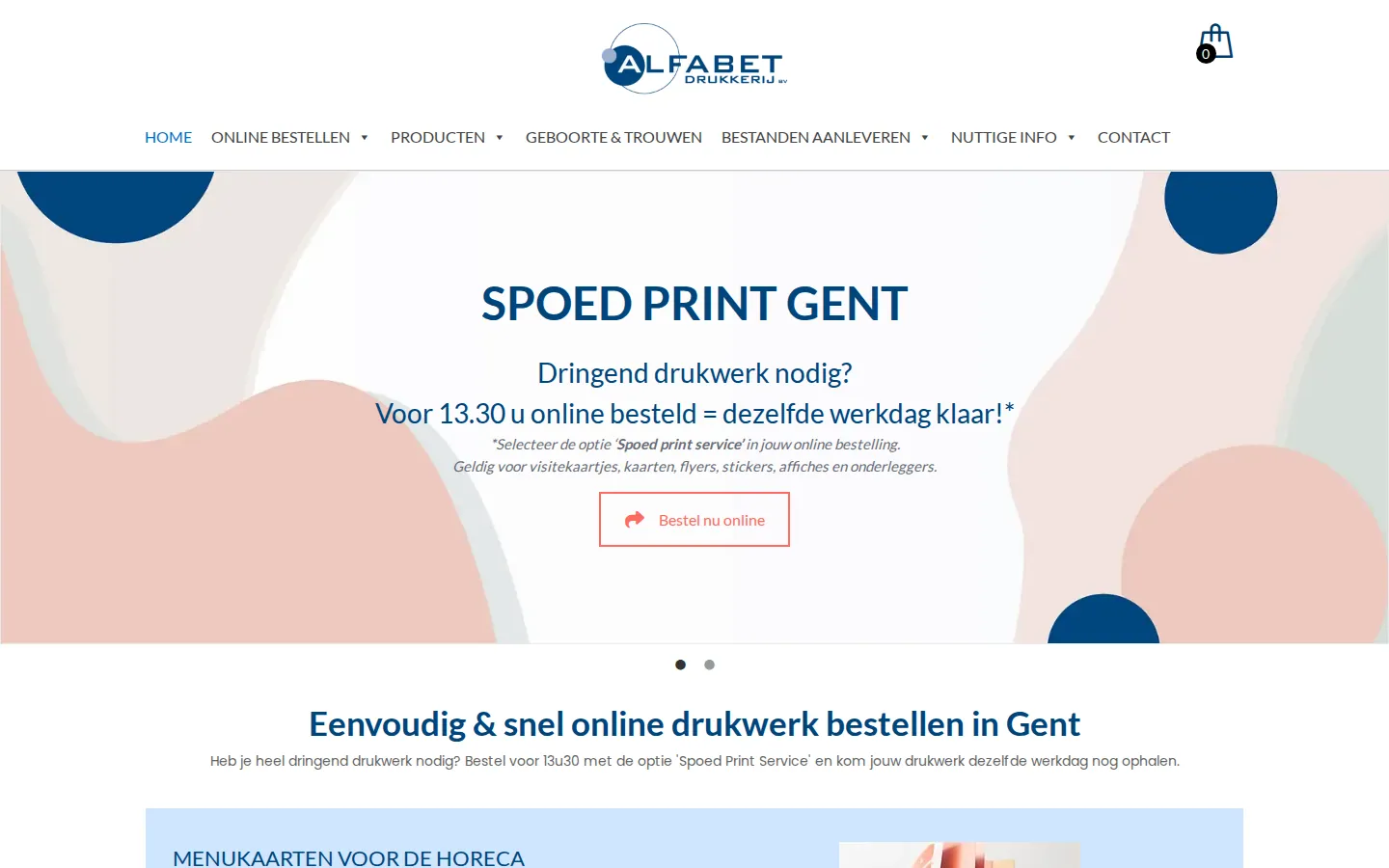
 Product Designer & Customization · alfabet.euEnhanced Online Experience for Personalized Product OrderingDelivered, live store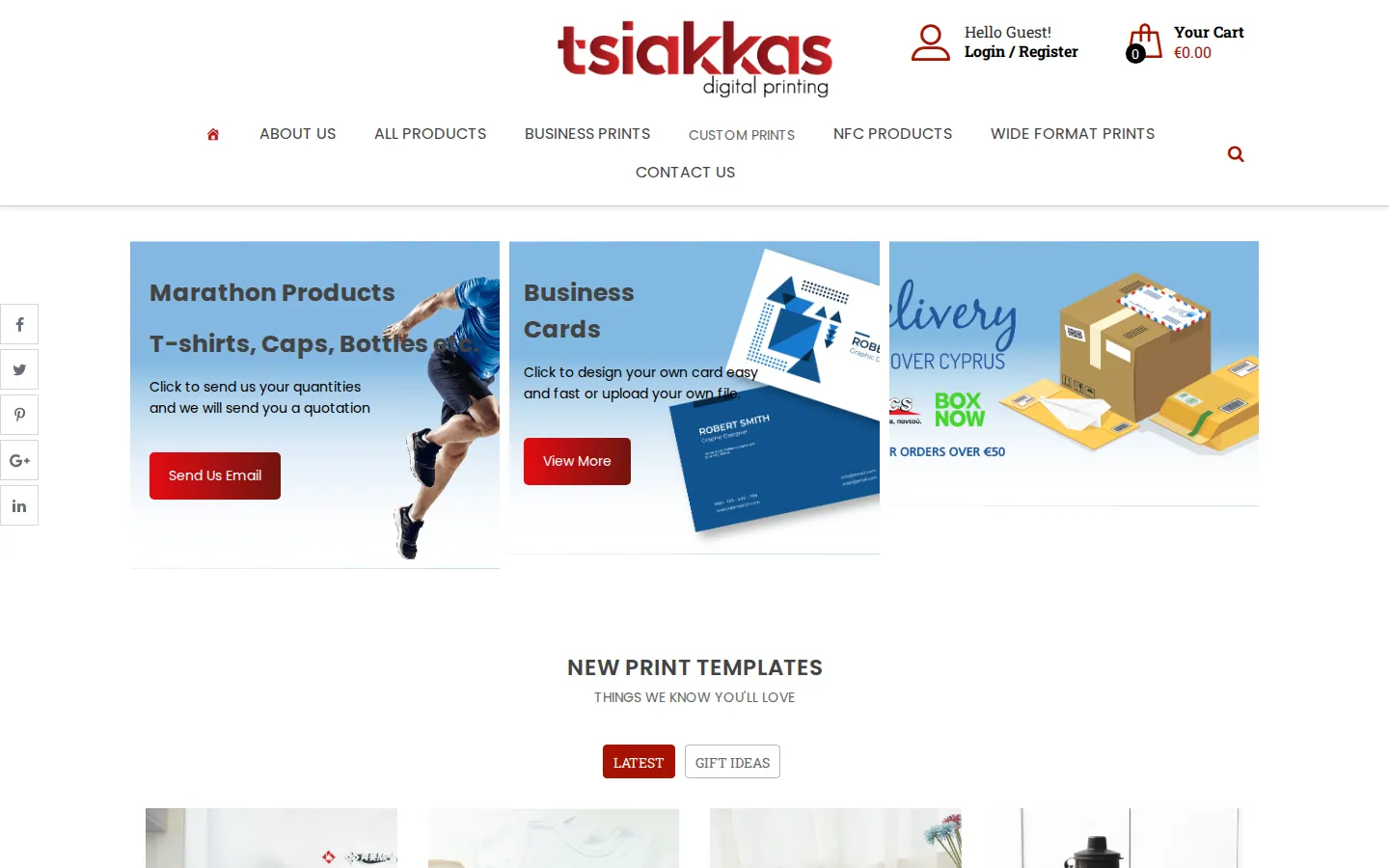
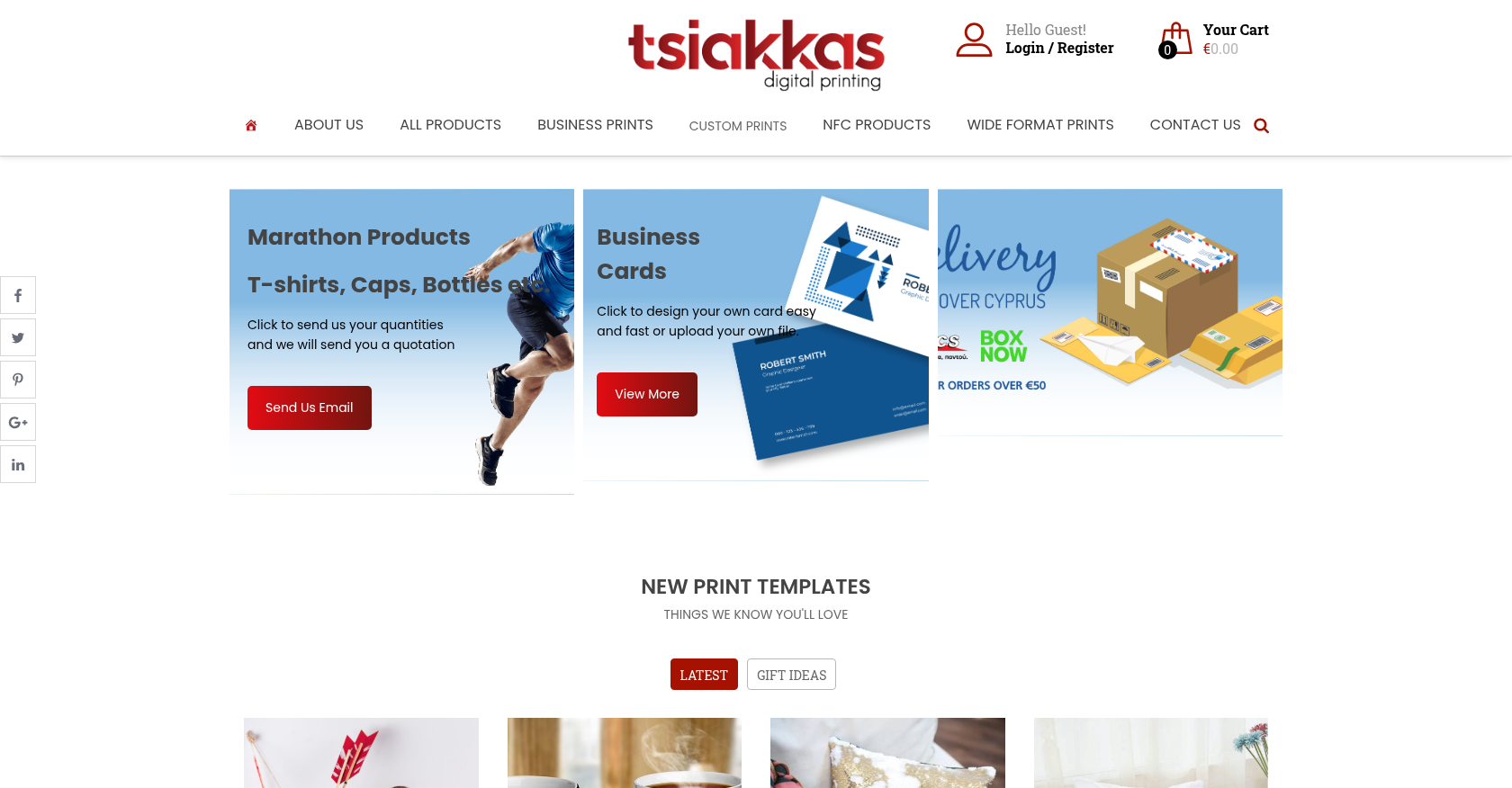 Product Designer & Customization · tsiakkascopycenter.comEnhanced Online Ordering for Print and Design ServicesDelivered, live store
Project records from our portfolio. They show the wider work of the team, not this exact service.
Stores on Cmsmart Ecommerce

Cmsmart Ecommerce provides custom ecommerce and WooCommerce development services for web-to-print, product personalization, plugin support and API integration.




Web-to-print, WooCommerce, B2B and AI specialists who plan, build and support stores together.
Meet the team →
Top