

Aloha, I have set up the color palette in "Settings/Colors". Can individual palettes be assigned to different products? Example.. I have wall art vinyl with various colors and t-shirt vinyl with different colors. I want to separate the color options for the different product. Mahalo, Johnny
Aloha, Can the designer be used for a variable product with different color backgrounds and have the customer see the various colors as they design? I attempted to use the designer on a product with a blue or green shirt option. The background image assigned to the designer is green. When the customer selects blue and attempts to design, the green background image shows and does not change to blue. Is this designer more...


Hello After renewing password and when I click on the link I received, I do not know how to access and I have this message that pops up. Unknown Provider. An idea Mz
I'm using the test version of the plugin on my site, I am using License key: baf8a5ad99b188ee599512346d9dea19 It's loaded and activated but I'm getting this error when I go to the Products tab: Warning: Invalid argument supplied for foreach() in /home/normansp/public_html/wp-content/plugins/web-to-print-online-designer/views/manager-product.php on line 14 I looked up that line, here it is: foreach($pro as $key => $val): Do you have any tips on how to get this working? Thanks kindly!
6 Months ago i purchased the Premium online product designer extension for Magento, and it is still not working! It does not remember the fonts that i choose when i create a primary template, so my when my clients view the product it shows all the wrong fonts and so destroys the design. I have been trying to get someone through the ticket system support to fix this and its been 6 months and...
I'm using the test version of the plugin on my site, I am using License key: baf8a5ad99b188ee599512346d9dea19 It's loaded and activated but I'm getting this error when I go to the Products tab: Warning: Invalid argument supplied for foreach() in /home/normansp/public_html/wp-content/plugins/web-to-print-online-designer/views/manager-product.php on line 14 I looked up that line, here it is: foreach($pro as $key => $val): Do you have any tips on how to get this working? Thanks kindly!
Hello! We have few questions before purchase: 1. Is it possible to upload PDF files? 2. is it possible to receive output PDF file?Is it in vectors? Best regards, Raitis
Hi, My client is in need of this plugin and need to be able to test it before purchasing it. Is there a way I can test it first? Also which theme do you recommend that will work best with this plugin?
Navigation:Sales>Orders 1.At order Level Go to Archive control is missing as mentioned in the Document. 2.In Action Control LOV, Move to Archive Value is missing. If we don't archive the orders, It is difficult for us to get the data of closed and completed orders for future reference. KIndly Check the screenshots for reference. i have watched in the document given Magento_Community_Edition_2.0_User_Guide .pdf. check in chapter 4 ,start from page no- 601 but in...

Hello, We're interested in purchasing this template but I do have two questions for you: 1. Is this template compatible with Magento version 1.9.3.0? 2. We want this template to be shown only when on a mobile device / tablet to make use of the responsiveness, but on desktop we would still like to use the standard look of magento. Is this possible? Thank you!
Most read this month
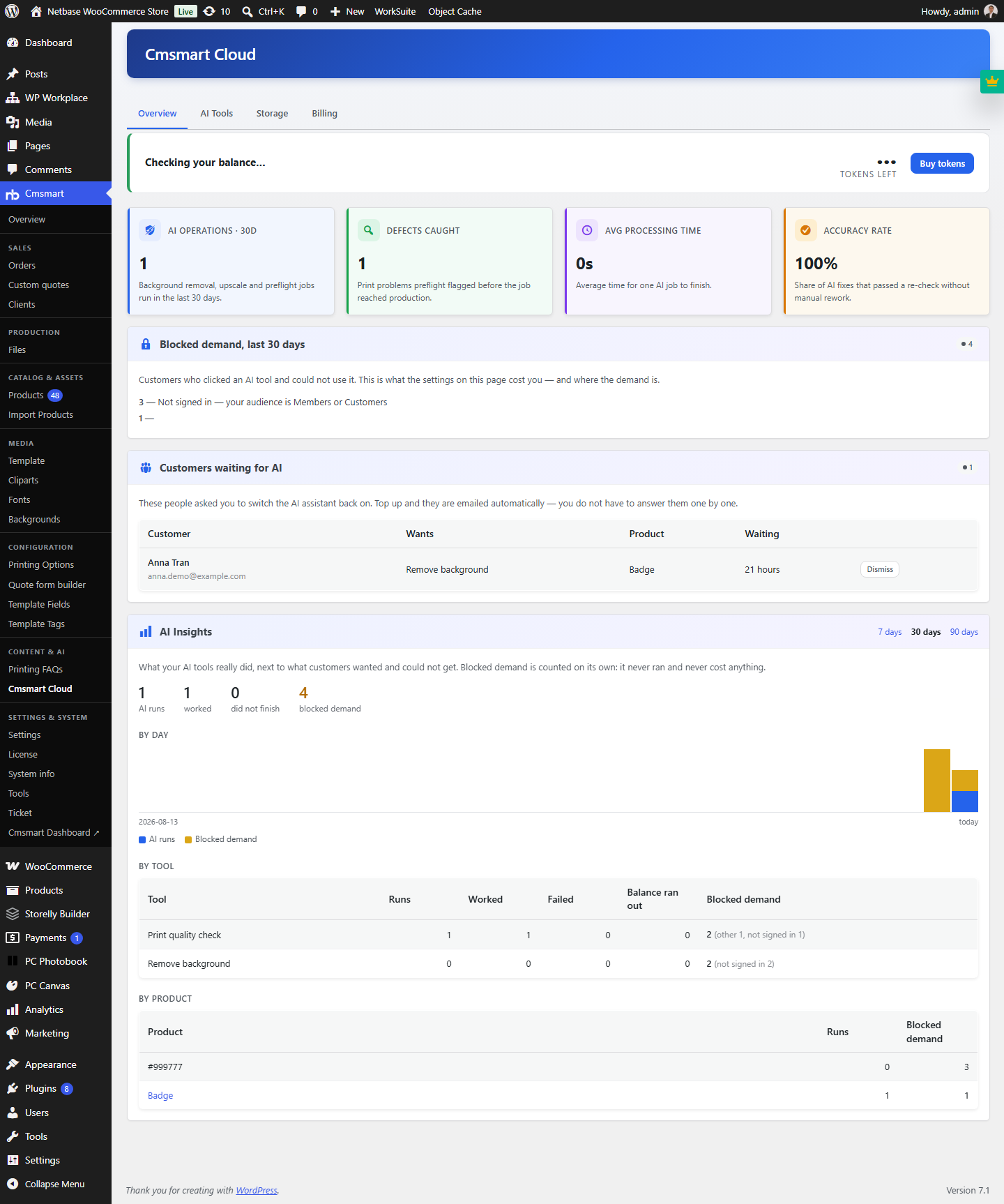 Cmsmart Product Designer 2.15: a critical security fix, a steadier dashboard, and AI you control and profit from
 Teespring Business Model: How It Works for Sellers
 NBDesigner Free Trial: Download, Install & Activate
 Cmsmart Product Designer 2.10.0 – Built-in Customer CRM, AI Print-QA and a Redesigned Dashboard
 Ecommerce Web Design Companies: 6 to Compare
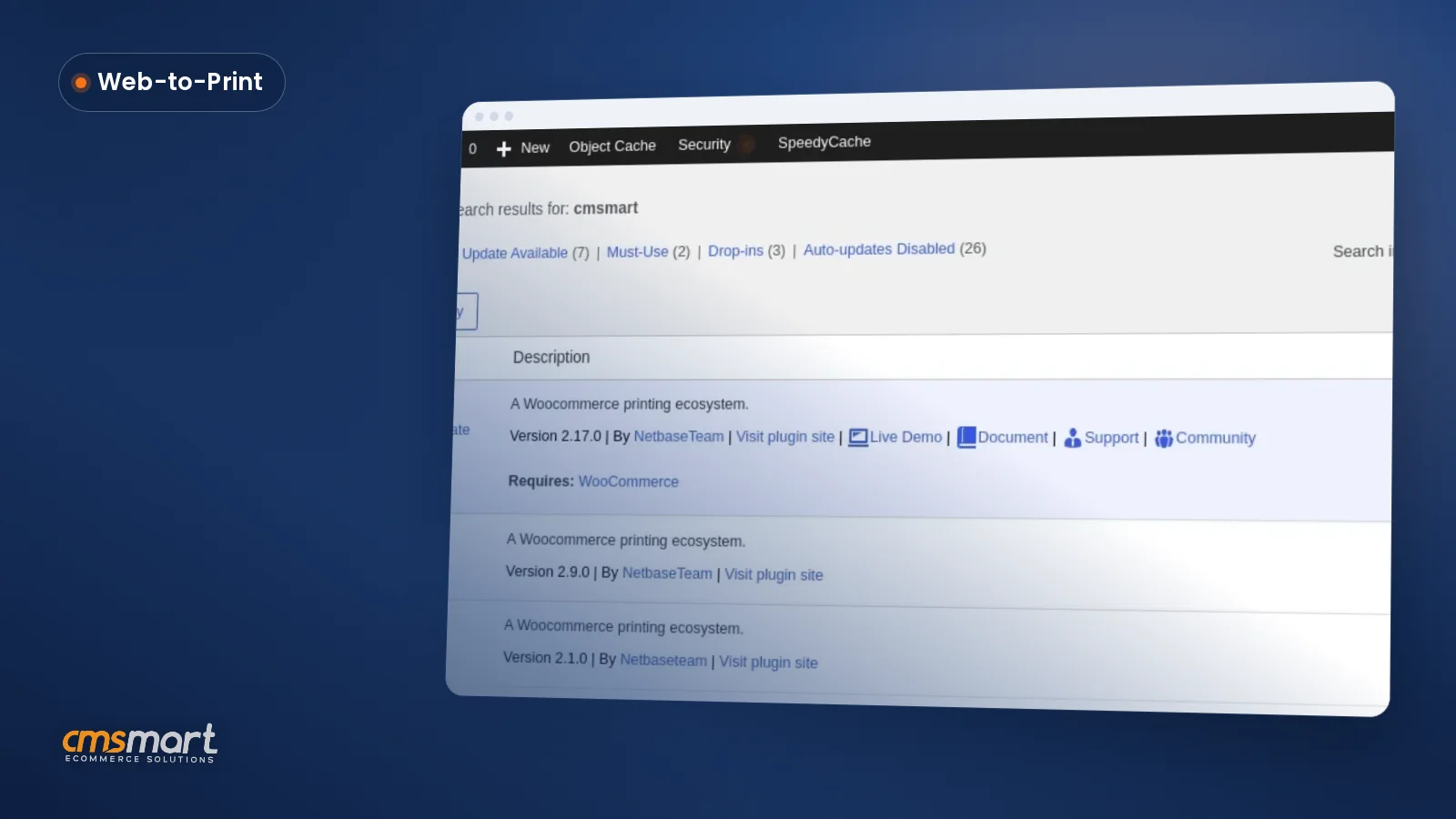 Cmsmart Product Designer Settings Guide: Complete WP Admin
 Ecommerce Product Catalog and Listings: A Guide
 Keywords for T-Shirts: SEO Tips for Your Brand
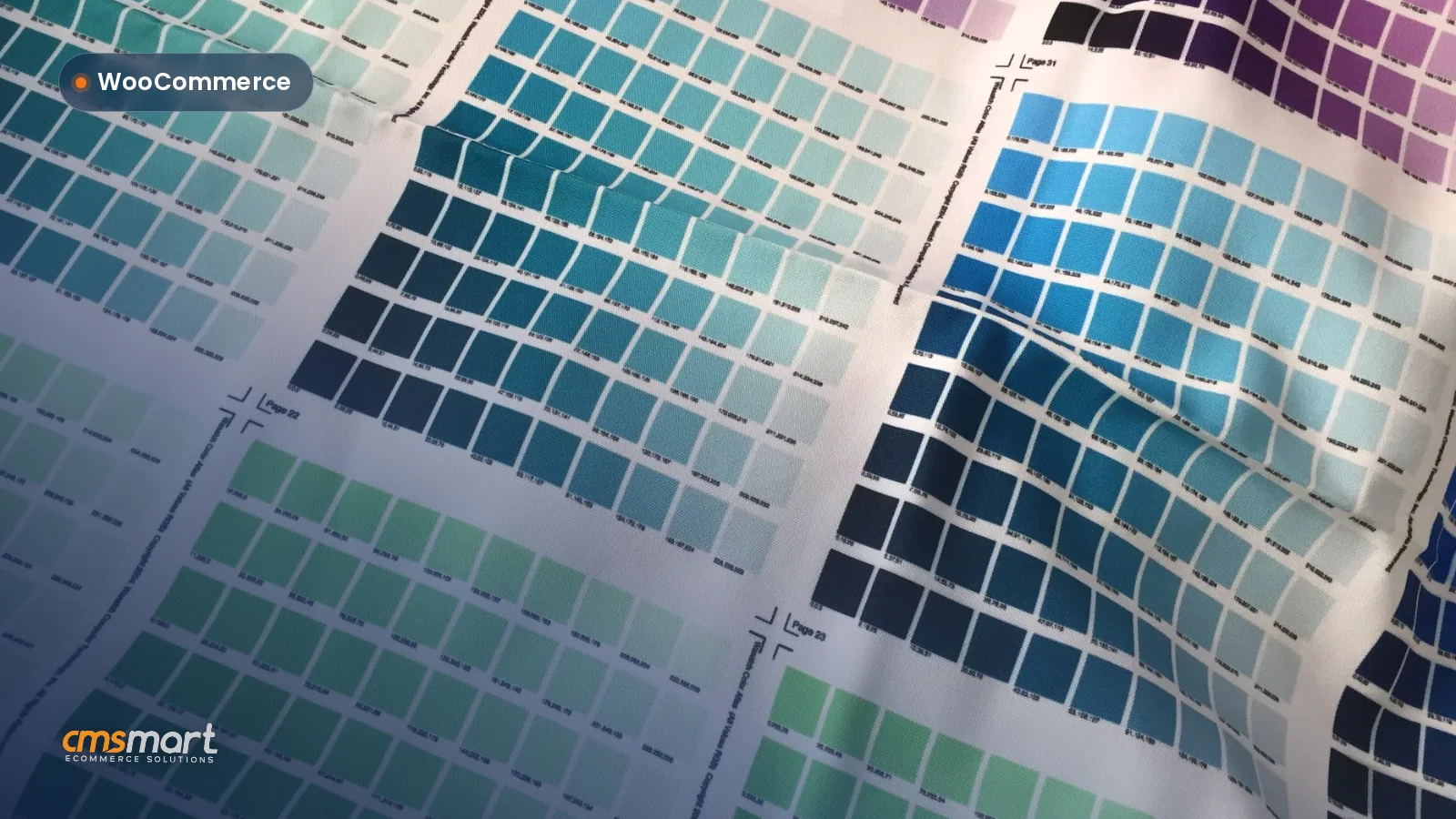 WooCommerce Product Designer 2.17+: Update & Setup Guide
 Cmsmart Product Designer 2.12 — AI on Your Own Licence, a Real Quotes Area, and Print Files You Can Trust

Cmsmart Ecommerce provides custom ecommerce and WooCommerce development services for web-to-print, product personalization, plugin support and API integration.




Web-to-print, WooCommerce, B2B and AI specialists who plan, build and support stores together.
Meet the team →
Top