Latest in Ecommerce platforms


Dear, our beloved customers, In the previous article, Cmsmart shared How to insert photo in Woocommerce product designer plugin? and today will discuss How to insert icon in Woocommerce product designer plugin? WooCommerce Online design Tool provides an available library for templates, elements, images. There are 25,000+ icons which your customers can express their feeling in the best way. It allows your customers to incorporate eye-catching icons into all their designs. Our collection of...

Dear, our beloved customers, After downloading the WooCommerce Online Designer Plugin of CMSmart , many customers have problems on change the colors in the shapes when designing. Changing the color in the shape is a special web design tool. As you know, color affects people's emotions a lot, if you see an object you love but it doesn't have the color you like, then I am sure you will lower your liking. Because color...

Dear, our beloved customers, To make your website stand out and help your customers create impressive designs why don’t you try Cmsmart WordPress Online Design Plugin ? This is one of the best-selling products at CMSmart.net . We provide a large collection of free shapes, ready to add to customers' designs. With our shapes, customers can add directly to their designs and customize the size the way they want. Shapes help customers highlight their...
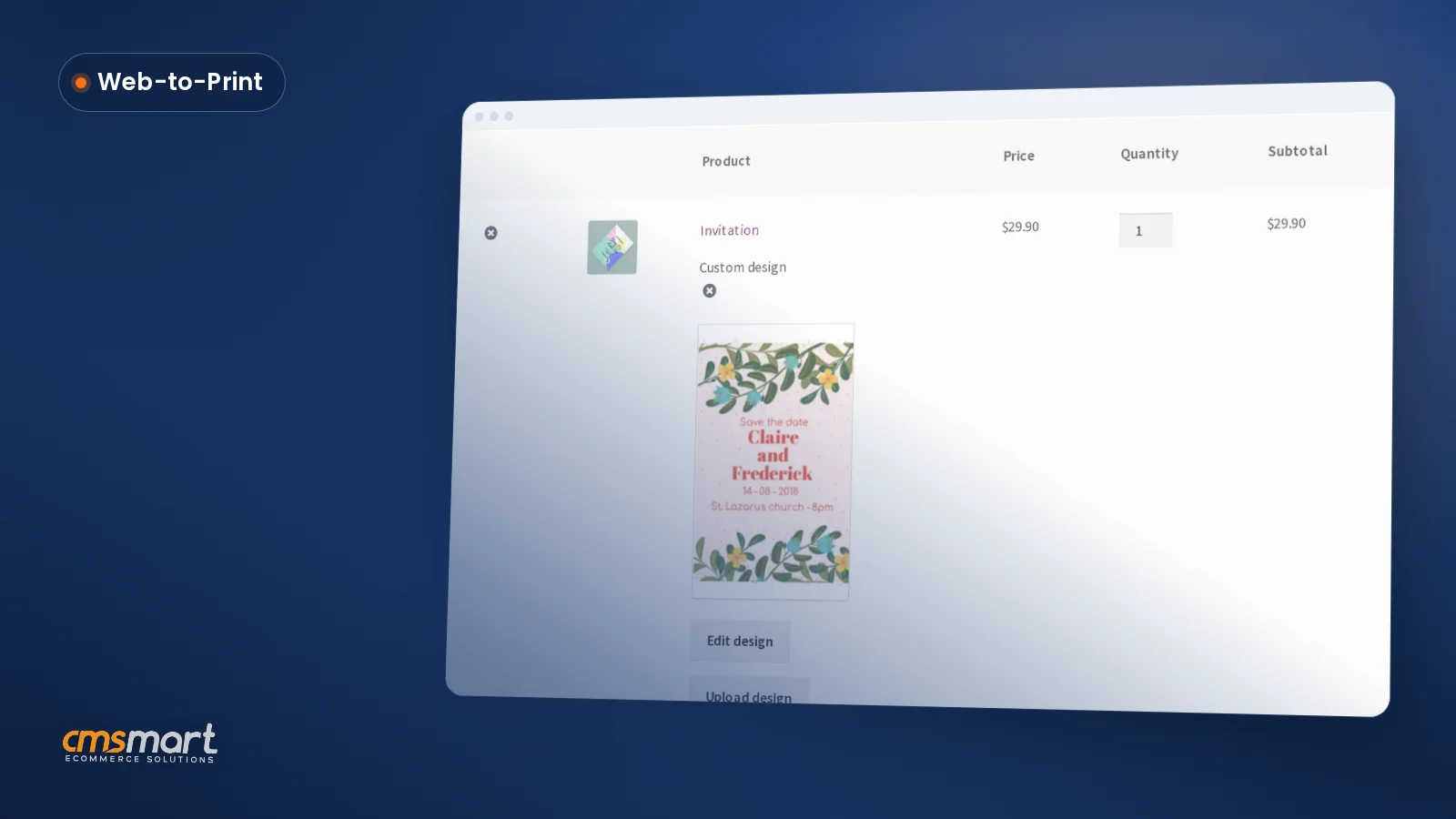
Cmsmart's online product designer already lets WooCommerce buyers drop in shapes QR codes and drawing tools next to their text and templates, no separate app or designer required. That turns a blank product page into a finished order without a single email back and forth. What does it cost your shop when a buyer has no artwork to upload? Cmsmart Product Designer removes the "no artwork" dead end by giving buyers shapes, icons, a...

Dear, our beloved customers, Thanks to the e-commerce revolution, online printing companies are growing strongly. Online printing companies are mushrooming and to succeed, your company needs to offer more compelling services. You need to provide your customers with a design tool that they can use without hassle. A complex design tool used by professionals cannot be provided to them. WooCommerce product designer of Cmsmart is exactly the solution you are looking for. This tool...

Dear, our beloved customers, Even if you do not have the design skills, you only need to use WordPress PrintStore to draw your ideas in the fastest way. This is the powerful tool of Web to Print stores that is developed by Cmsmart. Texts and pictures are in the right place will make your design more professional and unique. This plugin provides beautiful and professional fonts and typefaces. Customers just need to find the...

Dear our beloved customers, Nowadays, the business model of custom-designed products has grown and popularized. It is predicted that the global web-to-print (W2P) market would grow by 8% between 2019 and 2023. Therefore, we thoroughly understand and effort to make a difference for your business as well as create a niche market for yourself. It is undeniable that the best choice for you is Woocommerce Product Designer Plugin . Which is the powerful tool...
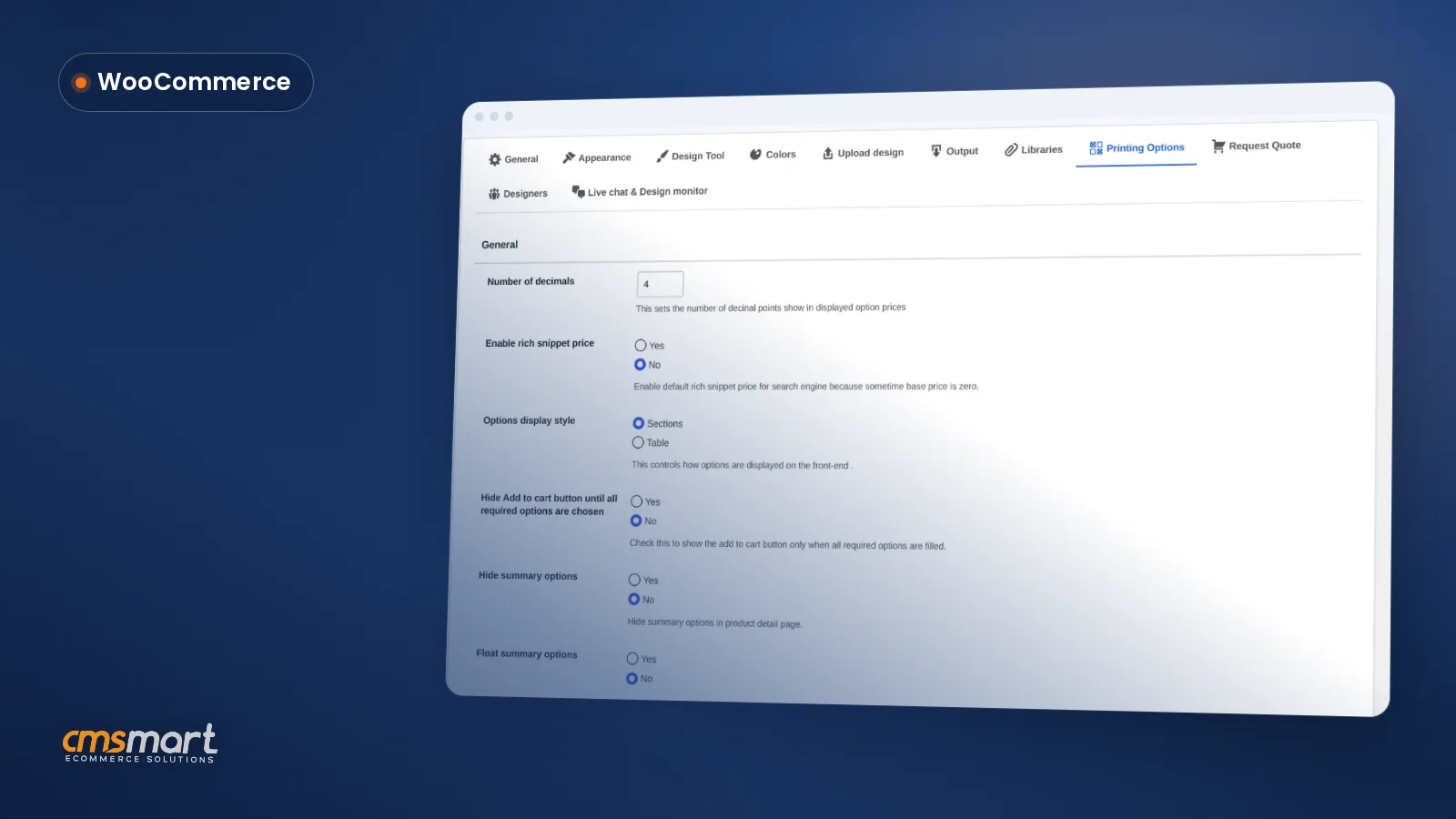
A WooCommerce printing options price matrix setup is the one job where every quantity break, material upcharge and per-product base price gets defined once, so the product page, the cart and the order screen all show the identical number — and your team stops re-quoting a custom print order by hand. This chapter assumes the Cmsmart Product Designer plugin (formerly NBDesigner) is already installed and a product has the online designer turned on —...

A WooCommerce product designer looks the same in every demo: a clean editor, a few templates, an instant preview. What decides whether it actually helps your business is what happens in the back end — the Cmsmart settings tabs, the per-product options, and the order screens your team opens every day. This guide walks through the WooCommerce product designer settings in Cmsmart Product Designer (NBDesigner) 2.17.0, tab by tab, with the real admin screens...
This Cmsmart Product Designer settings guide maps every screen the plugin adds to WP Admin, from activation to the Output tab that produces your print-ready PDF, so your team configures it once instead of guessing at defaults order by order. Cmsmart Product Designer (formerly NBDesigner) adds more than a dozen screens to WordPress admin, and most are never opened after install. This hub covers installing and activating the plugin, the settings that change storefront...
Most read this month
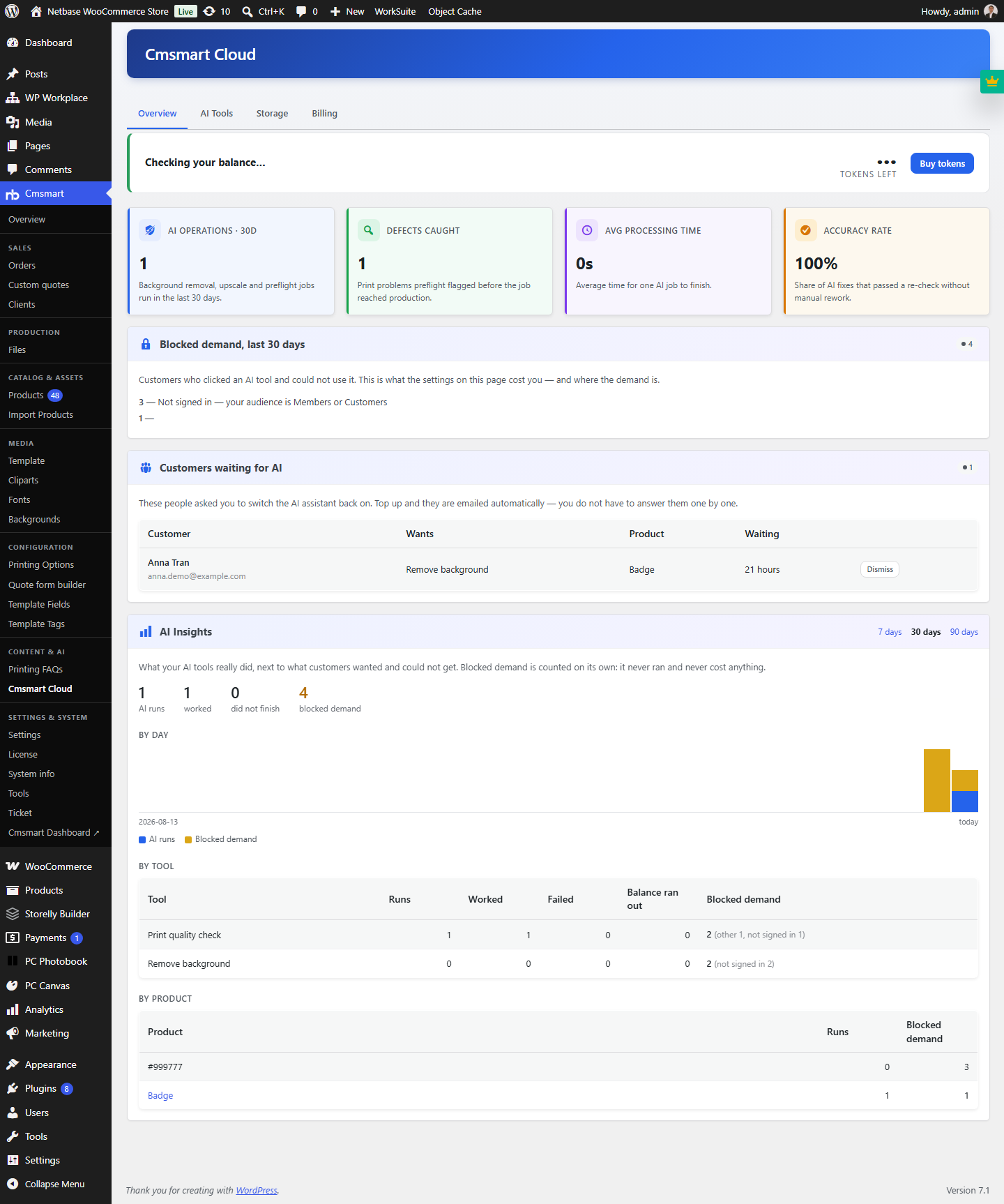 Cmsmart Product Designer 2.15: a critical security fix, a steadier dashboard, and AI you control and profit from
 Teespring Business Model: How It Works for Sellers
 NBDesigner Free Trial: Download, Install & Activate
 Cmsmart Product Designer 2.10.0 – Built-in Customer CRM, AI Print-QA and a Redesigned Dashboard
 Ecommerce Web Design Companies: 6 to Compare
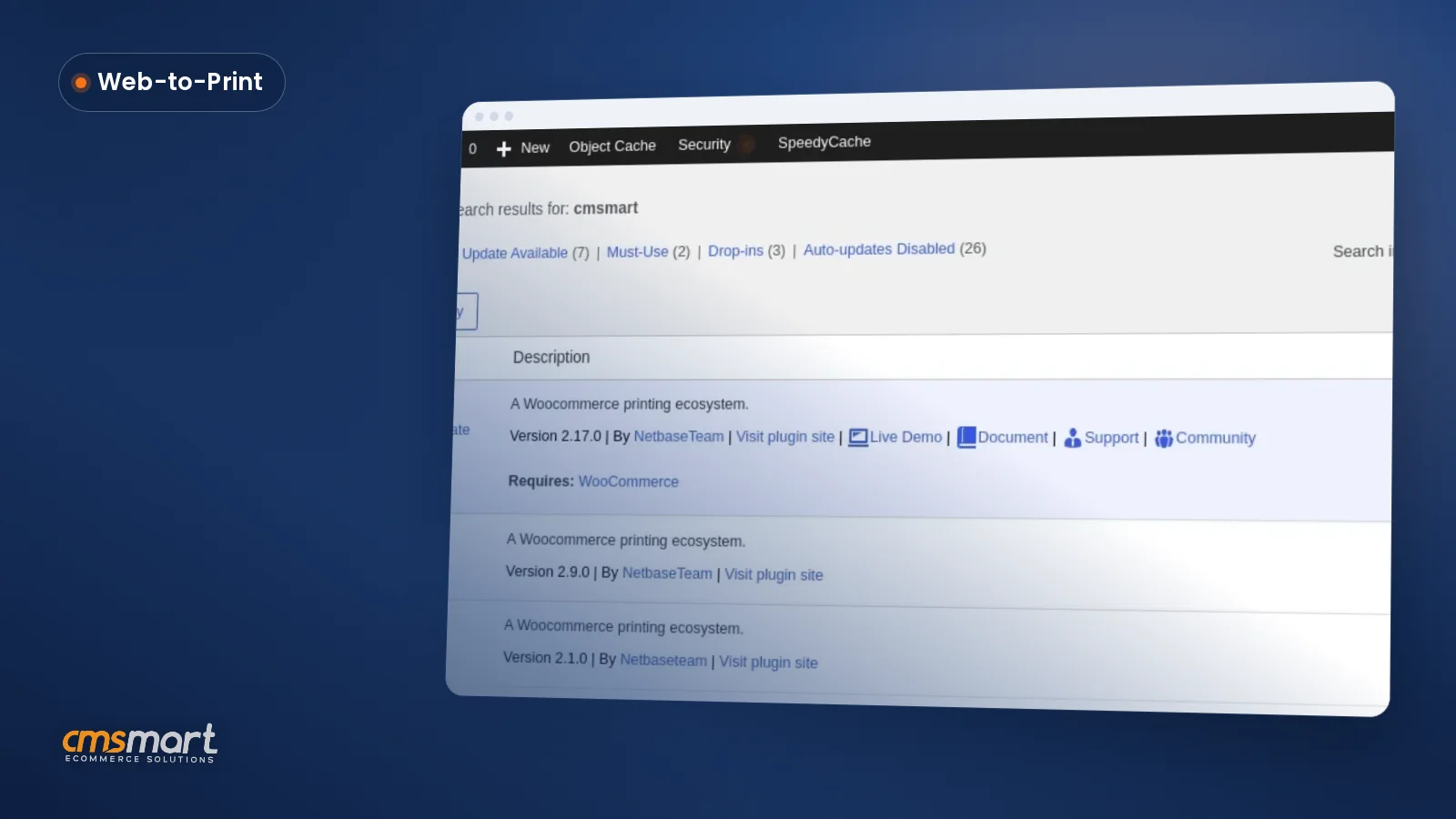 Cmsmart Product Designer Settings Guide: Complete WP Admin
 Ecommerce Product Catalog and Listings: A Guide
 Keywords for T-Shirts: SEO Tips for Your Brand
 WooCommerce Product Designer 2.17+: Update & Setup Guide
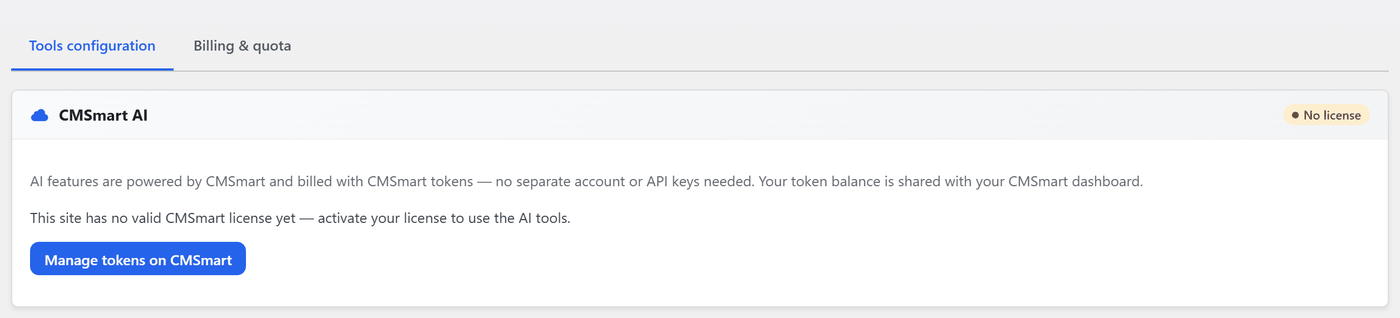 Cmsmart Product Designer 2.12 — AI on Your Own Licence, a Real Quotes Area, and Print Files You Can Trust

Cmsmart Ecommerce provides custom ecommerce and WooCommerce development services for web-to-print, product personalization, plugin support and API integration.

Cmsmart WooCommerce Development Lead
Leads custom WooCommerce builds: architecture, checkout, performance and integrations.
Meet the team →
Top